🔎 Reverse Image Search
Image search techniques made simple: upload a photo or paste a URL and search 6 engines at once. 100% free, nothing stored.
🔒 Your image is never stored on our servers longer than 24 hours and is never shared.
Direct answer: Yes, you can remove your photo from people-search sites, and it costs nothing. Search for yourself on each broker, submit the free removal request for your listing. Each site takes 24 hours to 3 days to clear a listing, but you must repeat the sweep site by site, because no single request covers every broker. If a broker ignores its opt-out, the next step is a formal erasure letter: our UK GDPR photo erasure template gives you the photo-specific Article 17 letter to send.
People-search sites such as BeenVerified, Spokeo, Whitepages, TruePeopleSearch and PeopleFinders build public profile pages from public records and other sources, then sell the details to anyone who pays. Your name, address, phone number, age and relatives can appear on a page you never created, and sometimes a photo is attached, pulled from a public social-media profile or another source. This guide walks you through the multi-site sweep in a sensible order, with every opt-out link and step checked on 11 November 2026.
What is a people-search site? A people-search site is a type of data broker: a business that gathers personal information from public records, other brokers and public social-media profiles, compiles it into a report, and sells that report to anyone willing to pay, as the US Federal Trade Commission (FTC) explains in its guidance on people-search sites.
Why is my photo on a people-search site?
You did not put it there. People-search sites do not ask your permission. They buy and scrape data, property records, voter rolls, court filings, marketing lists and public social-media profiles, and assemble it into a profile page under your name. Arrest records are part of that mix too: if the photo is a mugshot, our guide to removing your mugshot from the internet covers the free routes for the booking-photo sites. If a photo appears, it usually came from a public profile picture or a photo attached to a public record, not from a camera roll you shared with the broker.
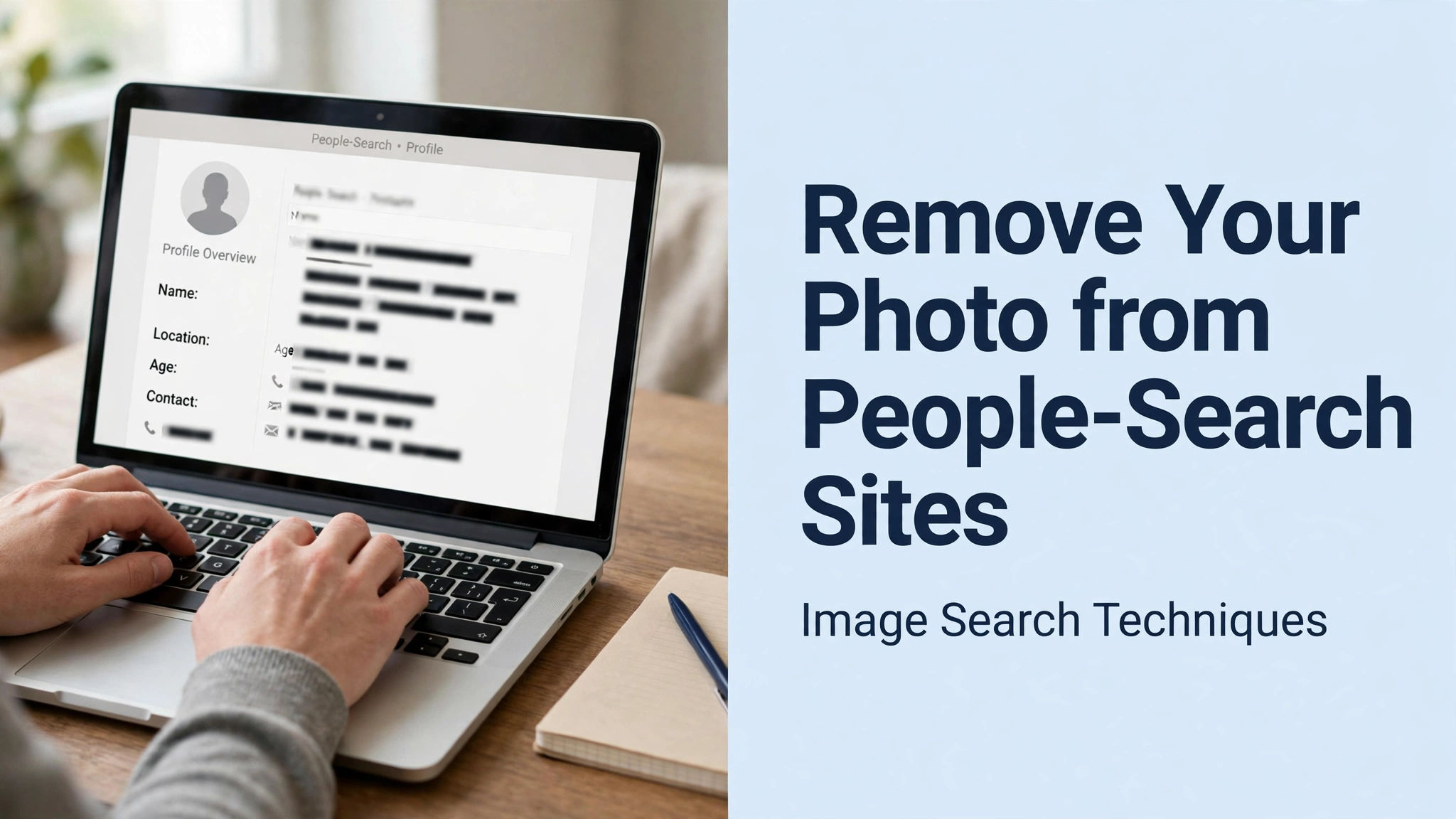
That matters because it changes the fix. You cannot ask a broker to delete just the photo and leave the rest. You remove the whole listing, and the photo goes with it. The one exception is worth knowing before you start: some listings carry no photo at all. When we checked a Spokeo profile for the actor Tom Hanks on 11 November 2026, the page showed only a generic silhouette avatar, no real photo, alongside his age, masked phone and email details, ten addresses and four family members. Whether your listing carries a photo or a silhouette, the removal route below is the same.
One more honest point before you begin: this is a sweep, not a one-off job. The FTC warns that if the information in your public records changes, your information could reappear for sale on people-search sites. Plan to repeat the checks every three months.
What does an opt-out actually remove?
An opt-out removes or suppresses your listing on that one site. It does not delete the underlying public records, so someone could still find those records on a government website, as the FTC states. It also does not touch other brokers: a request to Spokeo does nothing to BeenVerified, and a request to BeenVerified does nothing to its sister sites PeopleLooker, NeighborWho or Ownerly, which each need their own opt-out.
Your details can also keep showing up in the reports of your relatives, neighbours or associates, even after your own listing is gone, another point the FTC makes plainly. So check the listings under your own name first, then glance at the family members named on your profile, because your address often appears there too.
Finally, know the difference between the three words brokers use. “Opt out” usually means stop selling or sharing your information. “Suppress” means hide the public listing. “Delete” means erase the personal information the broker holds, subject to legal exceptions. On people-search sites the practical outcome is the same for you: your public profile disappears from the site. Use the site’s own words on its form rather than arguing over the label.
How do I find my listings before I start?
Do the finding first, then the filing. You need the exact listing URL for several of the forms below, and hunting for it mid-form is how requests go wrong. Work through these steps in order:
- Search your name in quotes on Google, with your city: for example, “Jane Smith” “Bristol”. Add the broker names one at a time, “Jane Smith” Spokeo, “Jane Smith” BeenVerified, and open every result that looks like you.
- Search your phone number in quotes the same way. A single phone number can surface listings your name search missed, because the FTC notes that with just one piece of information, like your name or phone number, someone could buy a report about you.
- Open each listing and check it is really you, same name is not enough. Match the city, age or a past address before you file anything. Filing against a stranger’s listing wastes your time and theirs.
- Copy every listing URL into a note, with the site name beside it. You will paste these URLs into the forms below, and you will need them again when you re-check.
- Take a dated screenshot of each listing before you submit anything. It is your evidence if a listing returns and you need to chase it.
- Use an email address you can open immediately. Almost every broker below sends a verification link, and some links expire within 24 hours.
Never pay for this. Every opt-out below is free, and no broker needs an account from you. If a page asks for payment, a subscription or a Social Security number, you are not on the official form, close it and start again from the link in the table below.
Which sites should I clear first?
Start with the biggest brokers, in this order, because they are the ones most likely to appear in a Google search for your name. The table below is the ranking asset for this guide: every opt-out URL, what proof each site asks for, the processing time each site states, and the date we checked it. All five links were opened and checked on 11 November 2026, with one honest exception explained under the table.
| Site | Opt-out page | ID or proof required | Stated processing time | Checked |
|---|---|---|---|---|
| BeenVerified | beenverified.com/svc/optout/search/optouts | None, name, state and an email you can open | “In most cases, this will take 24 hours to take effect” | November 2026 |
| Spokeo | spokeo.com/optout | None, listing URL and an email you can open | 24–48 hours | November 2026 |
| Whitepages | whitepages.com/suppression-requests | None on step 1, listing URL; a phone verification call follows | Not stated on step 1; Whitepages says it aims to make changes within 72 hours | November 2026 |
| TruePeopleSearch | truepeoplesearch.com/removal | Not verified live, see note below | About 72 hours, according to recent guides | November 2026, page not verified live |
| PeopleFinders | peoplefinders.com/opt-out | None, name, address and an email you can open; phone and date of birth are optional fields | Within 3 days | November 2026 |
TruePeopleSearch, honest note: on 11 November 2026 the removal page would not open in our browser. The header and footer loaded, but the main content stayed blank behind a Cloudflare “Verify you are human” check that would not complete after seven attempts. The URL above is the address every recent guide lists, and the steps below are those guides’ description of it, but we could not see the form ourselves that day. If the page loads for you, follow the steps on the page itself; if it does not, try again from another browser or network before assuming the route has changed.
How do I opt out of BeenVerified?
BeenVerified’s opt-out page is at beenverified.com/svc/optout/search/optouts. If that address ever changes, the same form is linked from the footer of every BeenVerified page under “Do Not Sell or Share My Personal Information”. We opened the page live on 11 November 2026; it loads behind a human-verification check, so allow a few extra seconds.
- Enter your first name and last name, pick your state from the dropdown (or leave it on “All”), and click Search.
- Select the record that is you from the results.
- Enter an email address you can open, then click the verification link BeenVerified sends you. Until you click it, nothing has been submitted.
- Wait for the confirmation email. BeenVerified says that in most cases the removal will take 24 hours to take effect after you verify.
Three limits to know. First, the online form removes only one record, if you find a second listing under your name, email privacy@beenverified.com and ask for that one too. Second, the form covers BeenVerified only; sister sites PeopleLooker, NeighborWho and Ownerly each have their own opt-out pages. Third, the page states plainly that you never have to pay and do not need a membership to opt out. If you are asked for either, you are on the wrong page.
How do I remove my picture from Spokeo?
Spokeo’s opt-out page is at spokeo.com/optout, under the heading “Opt Out Your Listing from Spokeo”. We opened it live on 11 November 2026 and it loaded with no human-verification check. Spokeo asks for the least of any broker in this guide: just a listing URL and an email address.
- Search for yourself on spokeo.com and open your listing. Copy its full web address from your browser’s address bar.
- Go to spokeo.com/optout and paste that URL into the URL box.
- Enter an email address you can open, pass the “I’m not a robot” check, and click OPT OUT.
- Open the confirmation email Spokeo sends and click the link inside. That click is the submission, until then, nothing has been filed.
Spokeo says requests should be processed in 24–48 hours. Each listing has its own URL and must be opted out individually, so if you have two listings, a common result if you have moved, repeat the whole process for the second one. Spokeo’s own page warns that opting out will not remove your data from its original source and that your information may reappear as new records arrive, so add Spokeo to your three-month re-check list. Its sister site ThatsThem needs a separate opt-out at thatsthem.com/optout.
How do I opt out of Whitepages?
Whitepages runs its opt-out as a five-step tool at whitepages.com/suppression-requests. We opened it live on 11 November 2026 and verified step 1; the later steps need a real profile URL, which we did not enter, so they are described here from Whitepages’ own help article, “Edit or Remove a personal listing”, as reported in November 2026 guides.
- Find your listing on whitepages.com and copy its full URL from the address bar.
- Open whitepages.com/suppression-requests, paste the URL into the box marked “Copy and paste the URL of your profile”, and click Next.
- Confirm the listing is yours and pick a reason for the request.
- Enter a phone number. Whitepages shows a four-digit code on screen and calls that number; you key the code in during the call to prove the number is yours. The number is used only to complete the opt-out request.
- Submit and wait. Whitepages gives no time on step 1, but its terms say it aims to make changes within 72 hours of receiving a request.
Two things make Whitepages worth doing early. First, Whitepages says that once your listing is removed, all known connected listings are removed too, one request can clear the duplicates it knows about. Second, if you would rather not give a broker a callable number, there are two other free routes: Whitepages’ online privacy request form, or an email to privacyrequest@whitepages.com with the profile URL, the name and city on the listing, and a plain statement that you are requesting removal. Whitepages says to allow up to two business days for a reply to those routes.
How do I opt out of TruePeopleSearch?
TruePeopleSearch’s removal page is at truepeoplesearch.com/removal. As explained above, we could not open it on 11 November 2026, the page stayed behind a human-verification check that would not complete, so treat the steps below as the process described in recent guides, and follow the live page if it differs.
- Go to truepeoplesearch.com/removal and enter an email address you can open.
- Open the email TruePeopleSearch sends and click the link inside. Guides report the link stays valid for 24 hours, so click it the same day.
- Pick your record from the form the link opens and confirm the removal.
- Wait. TruePeopleSearch states that records are removed within about 72 hours of a confirmed request.
Submit a separate request for each listing you find; one removal does not clear them all. And mind the lookalike: TruePeopleSearch.com is the site this guide covers, while TruePeopleSearch.net is a separate site with its own removal route, check the address bar before you type anything. If the .com page still will not load for you, email support@truepeoplesearch.com with the record URL and the date you confirmed, and keep the reply as your paper trail.
How do I opt out of PeopleFinders?
PeopleFinders’ opt-out page is at peoplefinders.com/opt-out. We opened it live on 11 November 2026 and it loaded in full, including the Record Suppression Form and the page’s own statement that both options are completely free, with no trials or payment required.
- Go to peoplefinders.com/opt-out and click Next under “Right to Opt-out”. Decline the free identity-monitoring offer if one appears, you do not need it to opt out.
- PeopleFinders emails you a link that opens the Record Suppression Form. Click it within about 24 hours or it expires and you start again.
- Fill in the form: first name, last name, street address, city and state are required. Middle name, email, phone and date of birth are optional fields, leave the phone and date of birth blank if you would rather not share them.
- Tick the certification box confirming you are the person the information is about, pass the human check, and click Submit.
- Wait. PeopleFinders says it will locate your record and remove it from its system within 3 days, sometimes sooner.
PeopleFinders’ help centre says it does not process privacy requests received by email, so the web form is the route, do not waste time writing to them instead. Its sister site PrivateEye runs on PeopleFinders data and needs a separate opt-out. If a listing is still showing after a week, call PeopleFinders customer care on (800) 718-8997 and ask them to process the removal.
What did our live check actually find?
We opened all five opt-out pages in a browser on 11 November 2026, submitted nothing, entered no personal details, created no account and paid nothing. Four pages loaded and their forms were inspected field by field; the results are in the table above. TruePeopleSearch was the exception: its page never got past a human-verification check in seven attempts, and the form behind it was never seen.
We also ran the worked listing check on Spokeo. Searching “Tom Hanks” returned 278 matches; the profile for Tom J Hanks of Beverly Hills, California, showed his age as 70, ten addresses going back to 1986, four family members, and 14 court records in Los Angeles County, but no real photo, only a generic silhouette avatar, with family members shown as initial avatars. Full phone numbers, email addresses and house numbers were masked on the page. The profile also carried an “UNLOCK PROFILE” button and a note that some records require an additional purchase.
That check is the honest shape of this problem. A people-search listing is mostly data, not a photo album, and the data is the risk. A stranger with your name can buy your current and past addresses, your relatives’ names and your phone number. Removing the listing removes the photo with it, but the win is the data going dark, not just the picture.
What if my listing comes back?
Assume it will, eventually. Brokers rebuild their databases from public records, and when those records refresh, a new listing can appear under your name even after a clean opt-out. The FTC says the same thing in plain terms: if the information in your public records changes, your information could reappear for sale on people-search sites.
Build the habit instead of trusting the one-off fix:
- Set a three-month reminder and repeat the name and phone-number searches from the finding steps above.
- Re-file for any listing that returns, using the same form. Returning listings are normal, not a sign you did something wrong.
- Check relatives’ profiles too. Your address can sit in a parent’s or partner’s listing long after yours is gone.
- Clear the Google results separately. Removing a listing does not remove the Google result that pointed to it. Our guide to removing your photos from Google covers the search-result side, including Google’s free “Results about you” tool.
- California residents have a bulk route. The state’s free Delete Request and Opt-out Platform, DROP, sends one request to more than 600 registered data brokers. It launched on 1 January 2026 and brokers began processing requests on 1 August 2026; the state says brokers must access DROP at least every 45 days and it can take up to 90 days to see your status update. Start at the California DROP page.
What should I never send a broker?
Three things, no exceptions. Never send a Social Security number, never upload a copy of your ID, and never pay. No normal people-search opt-out needs any of them, every form in this guide asks at most for your name, an address to match the record, and an email you can open. Whitepages’ phone verification call is the closest any of them comes to asking for more, and even that is a four-digit code on a call you answer, not a document.
Be just as careful about what you click. Only submit a request through the broker’s own official page, reached by typing the address from the table above or from the “Do Not Sell or Share My Personal Information” link in the site’s own footer. Paid removal services and lookalike sites will happily take your money for a form you can file free in ten minutes. And if a listing is being used to threaten or harass you, skip the forms and report it: the FTC’s guidance on people-search sites is the starting point, and our guide to protecting your photos online covers the wider photo-privacy steps, from finding copies of your photos to locking down your social profiles.
One boundary to keep straight: this guide covers the big multi-site brokers. If your photo is on Social Catfish specifically, that site has its own removal route, covered in our companion guide to removing your photos from Social Catfish, use that one instead of the sweep above. And if the problem is a photo of you being used by someone you know, rather than a broker listing, our face search and photo privacy guide is the right place to start.
FAQs
Can I remove my photo from people-search sites for free?
Yes. Every major people-search site offers a free opt-out, BeenVerified, Spokeo, Whitepages, TruePeopleSearch and PeopleFinders all let you remove your listing without an account or a payment. If a page asks you to pay, you are not on the official form. The cost is your time, not money.
How long does it take to remove my photo from a people-search site?
BeenVerified says about 24 hours after you confirm by email, Spokeo says 24 to 48 hours, PeopleFinders says within 3 days, and TruePeopleSearch says about 72 hours. Whitepages gives no time on its first step but aims to make changes within 72 hours. Re-check each listing after the stated time has passed.
Will my listing stay gone after I opt out?
Not necessarily. Opting out removes your current listing, but brokers rebuild their databases from public records, so a new listing can appear when those records refresh. The FTC warns your information could reappear if your public records change. Re-check your name every three months and re-file for any listing that returns.
Do I need to send ID to opt out of a people-search site?
No. None of the five brokers in this guide asks for an ID document. They ask for your name and an email address you can open, so they can verify the request and match the record. Whitepages adds a phone verification call with a four-digit code. Never send a Social Security number or an ID copy to a people-search site.