🔎 Reverse Image Search
Image search techniques made simple: upload a photo or paste a URL and search 6 engines at once. 100% free, nothing stored.
🔒 Your image is never stored on our servers longer than 24 hours and is never shared.
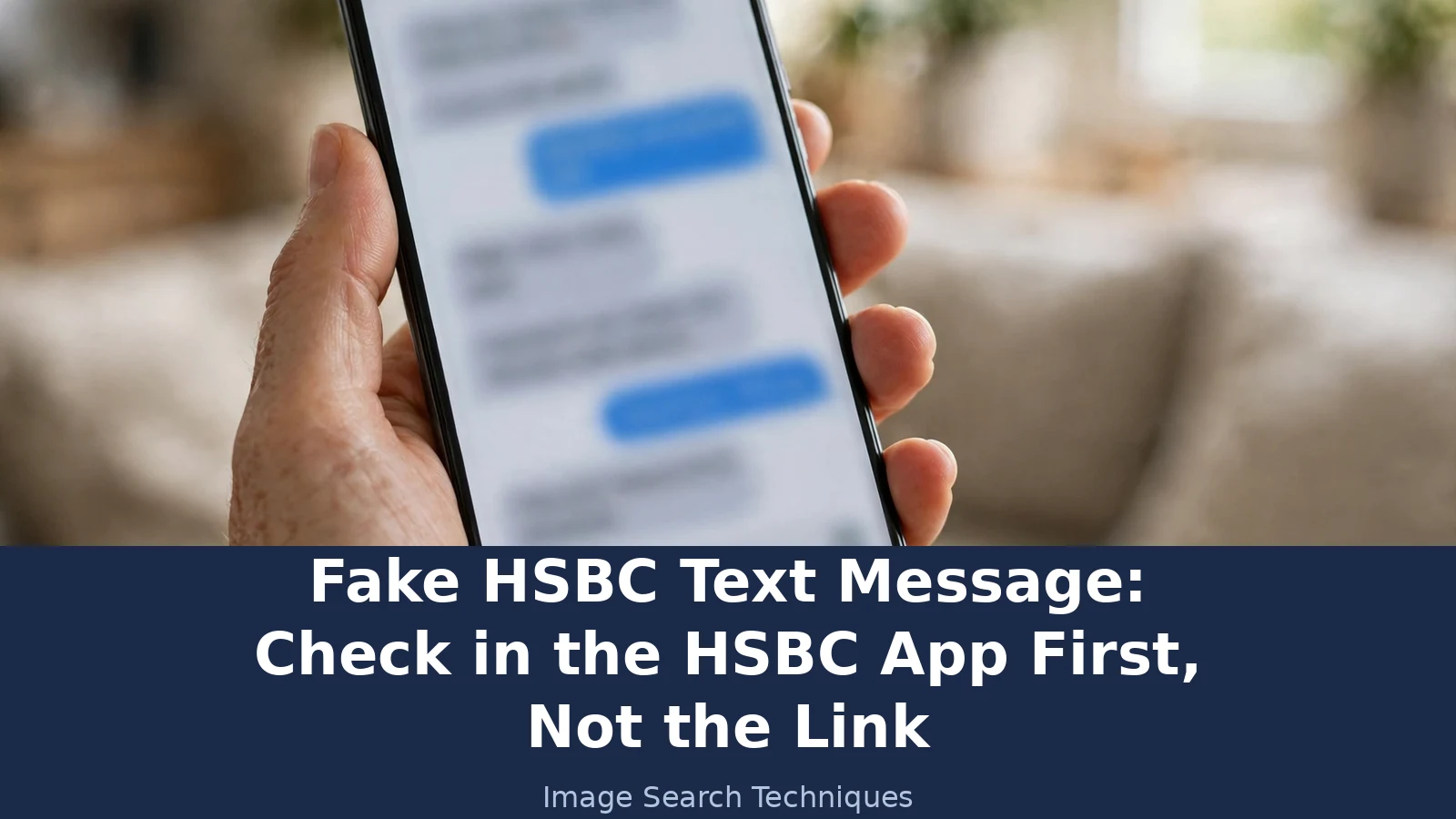
Your phone buzzes. A text from HSBC says a direct debit of £299.99 has been set up on your account, and if you do not recognise it, reply STOP. You did not set up any direct debit. Your stomach drops, and your thumb hovers over the reply button. That pause is the whole game. The text is designed to make you act before you think, and the only safe move is to check the claim somewhere the scammer cannot reach: inside the HSBC app you open yourself.
This guide reads one real fake HSBC text line by line, shows you the genuine HSBC text it copies, and gives you a 60 second check that settles the question every time. It covers the direct debit version, the unusual login version, the reply STOP trap, and what to do if you already tapped the link.
Direct answer: A fake HSBC text message claims a direct debit, an unusual login, or a new payee, then tells you to tap a link, call a number, or reply STOP. HSBC never texts you a link to log in, and it never asks for your password, PIN, or full card number by text. Do not tap, call, or reply. Open the HSBC app yourself, or type hsbc.co.uk into your browser, and check your account there. If nothing is wrong in the app, the text was fake.
The 60 second check: open the HSBC app, not the link
Close the message thread. Do not tap anything in it, and do not reply. Open the HSBC app from your home screen, the same way you always do, and sign in with your usual method. Look at your recent transactions and your direct debits. If the text said a direct debit was set up, it will be listed there. If the text said there was an unusual login, check your recent activity and your messages inside the app. If the app shows nothing wrong, nothing is wrong.
The app check works because the scammer controls only the text. They cannot put a fake direct debit inside your real HSBC app, and they cannot fake the balance you see after you sign in through the app yourself. A link in a text takes you to a page the scammer built. The app takes you to HSBC. That difference is the whole check.
If you do not have the app, type hsbc.co.uk into your browser yourself and sign in there. Never use a link from a text to reach your bank, even if the address on the link looks right. Scammers register lookalike addresses that add an extra word to the bank name, and in November 2026 several such HSBC lookalike pages were flagged within days of being registered. The address bar on a page you reached from a text is not evidence. The address you typed yourself is.
Still unsure after the app check? Call HSBC on the number printed on the back of your debit or credit card. That number is yours, printed before the scam existed, and it reaches HSBC. Never call a number printed inside a suspicious text. The person who answers that number is the scammer, or someone working with them.
Worked example: the £299.99 direct debit text, read line by line
The worked example for this guide is a real fake HSBC text published by ScamAdviser on 10 January 2025 and updated on 9 June 2026. The screenshot reads: “HSBC: A direct debit has been set up for 299.99 GBP to [payee blanked out] at 18:00 on 27/12. If you do not recognise this reply “STOP””. The payee name is blanked out in the published image, so it cannot be read. Everything else is legible, and every line fails a check.
First, the sender. The text arrives showing “HSBC” as the sender name. That proves nothing. Scammers spoof sender names, which is how a fake text can display the bank name exactly as a genuine one does. HSBC itself warns that fake messages may show up in the same thread as genuine messages you received from the bank. The sender label is the easiest part of a text to fake, so it is the weakest evidence in the whole message.
Second, the amount and the time. “299.99 GBP” and “18:00 on 27/12” look precise, and precision is meant to feel official. A real direct debit confirmation from your bank would name the company taking the payment, and it would match a direct debit you can see in your app. This text names no company at all, because the payee is blanked out in the published image and because a scammer has no real payment to describe. A specific amount with no payee is a red flag, not a detail that makes the text genuine.
Third, the instruction. “If you do not recognise this reply STOP” is the trap, and it is the whole point of the text. Replying STOP does not cancel anything, because there is no direct debit to cancel. It tells the scammer that your number is live, that you read their texts, and that you follow instructions in them. The next message is usually worse: a link to a fake HSBC login page, or a call from someone pretending to be HSBC security. ScamAdviser puts it plainly in the same article. If you reply STOP, you are opening the door for them to target you further.
Fourth, what the text does not contain. There is no reference number, no last four digits of an account, and no instruction to check the app. A genuine HSBC Payment Fraud Alert, published on HSBC’s own “Received a text?” page, carries a reference, an amount, a date, and a named beneficiary, and it tells you to call the Payment Fraud team and not to reply by text. The fake text carries none of that structure. It carries urgency instead.
I reverse searched the screenshot itself to see how far this exact text has travelled. Google Lens found 9 exact matches: eight Facebook posts dated between February 2019 and January 2025, all warning about HSBC scam texts, plus the Japanese version of the ScamAdviser article. The English ScamAdviser page did not appear in the results. Lens also showed 51 visual matches in the loaded grid, mostly similar scam warning pages. TinEye found 0 matches across the 86.9 billion images it searches. The honest reading is that this is a long running template, not a one off. The same wording has been photographed, cropped, and reposted for years, which is why it looks familiar even the first time you receive it.
The read table: fake HSBC text vs genuine HSBC text
Read your text against this table before you tap anything. One row failing does not prove a text is fake on its own, but two or three failing together should settle it.
| What to check | Fake HSBC text | Genuine HSBC text |
|---|---|---|
| Sender | Shows “HSBC”, sometimes with a full stop after it | Also shows HSBC, so the sender alone proves nothing |
| The ask | Tap a link, call a number in the text, or reply STOP | Asks you to call the number on the back of your card, or check the app |
| Login | Links to a page that asks you to sign in | Never texts a link to the online banking log on page |
| Details | An amount with no payee, or a vague warning | Reference, amount, date, and named beneficiary in a fraud alert |
| Urgency | Act now, account suspended, payment blocked today | No pressure to hurry a transfer or hand over details |
| Personal data | Asks for password, PIN, full card number, or one time code | Never asks for these by text or phone |
| The settler | The link or number inside the text | The HSBC app, hsbc.co.uk typed yourself, or the number on your card |
Notice the first row. A genuine HSBC text and a fake one can both show “HSBC” as the sender. That is why the sender name is the first thing people check and the last thing they should trust. The settler is never the sender. The settler is always where you check: the app, the website you typed yourself, or the number on your card.
The second version: the “unusual login” text from “HSBC.”
The direct debit text is not the only version. LoveMoney reported a second fake HSBC text that claims the bank has “detected unusual login attempts on your account” and asks you to click a link to “verify account to avoid suspension”. The link leads to a fake page that looks like HSBC and is built to steal banking logins.
This version has two tells worth knowing. The first is the sender name. It arrives from “HSBC.” with a full stop after the name. A tiny difference like that is easy to miss at a glance, and it is exactly the kind of difference that matters. A genuine HSBC sender name does not carry a stray full stop. The second tell is the writing. LoveMoney notes there are no spelling mistakes in the message, but there are clear grammatical errors. Spelling and grammar mistakes are on the NCSC list of phishing warning signs, and they are worth looking for, but clean writing proves nothing. Scammers copy real bank wording, and some of their texts read perfectly. Grammar is a supporting check, never the settler.
The unusual login version also shows how the scam works at scale. LoveMoney reports the messages are sent out randomly, not targeted at HSBC customers specifically. The scammers send the same text to thousands of numbers and rely on the law of averages: some of the people who receive it will bank with HSBC, and some of those will have text alerts switched on, so the message will feel expected. You do not need to be an HSBC customer to receive a fake HSBC text. You only need a phone number.
The same version is still running in new forms. In November 2026, lookalike pages using the HSBC name with extra words were flagged by phishing trackers within days of being registered. The wording changes, the domains change, and the pattern does not: a warning, a link, and a fake login page. When you see a new version, run the same 60 second check. The check does not depend on knowing the latest variant.
Why replying STOP is the trap
Replying STOP feels safe. It feels like opting out, like the word you text to stop marketing messages. In a scam text it means the opposite. A reply tells the sender that a real person reads this number, that the person is worried enough to respond, and that the person follows instructions in texts. Your number moves from a list of random numbers to a list of live targets, and the follow up is usually a phone call from a fake fraud team or a second text with a link.
The follow up call is where the money goes. The caller already knows you bank with HSBC, or at least that you think you might, because you replied to an HSBC text. They will sound calm and professional, they will quote the fake direct debit back to you, and they will ask you to move your money to a “safe account” or read out a code to “verify” yourself. There is no safe account. A real bank never asks you to move money to keep it safe, and HSBC never asks for your full security details by phone or text.
There is one safe reply to a suspicious text, and it is not STOP. Forward the text free of charge to 7726, which reports it to your mobile network, and email a screenshot to phishing@hsbc.com so HSBC can act on it. Then delete the message. Forwarding to 7726 is reporting, not replying. The scammer never sees it.
The thread trap: a fake text can sit inside the genuine thread
The hardest version of this scam to spot is the one that arrives inside a thread of real HSBC messages. Your phone groups texts by sender name, so a spoofed message showing “HSBC” lands directly underneath genuine ones you received months ago. The thread looks like one long conversation with your bank, and the fake message inherits the trust of every real message above it.
This is not a theory. HSBC warns on its own pages that fake messages may show up in the same thread as genuine messages, and the AI Overview for this exact question lists thread spoofing as the first common tactic. The same trick appears across the other bank texts in this series: a fake Lloyds text landing in a genuine Lloyds thread, and a fake Revolut text arriving in the same thread as genuine Revolut texts after the September 2026 breach linked smishing wave. It works because people check the thread, not the message.
The defence is to stop reading the thread as evidence. Open the app and check the claim there. If the app shows no direct debit, no unusual login, and no new payee, the thread is lying to you, however genuine the messages above it look. A thread proves that someone can spoof a sender name. It proves nothing else.
What HSBC never does by text
HSBC publishes its own rules on its “Received a text?” page, and they are short enough to memorise. HSBC will never text you a link that takes you directly to its online banking log on page. It will never ask for your online banking password, your PIN, your complete card number, or a one time passcode by phone or text. It will never push you to hurry an urgent transfer or hand over sensitive details. And it will never ask you to call a number in a text to sort out a fraud alert: it asks you to call the number on the back of your card.
What HSBC does send by text is narrower. It sends one time codes, payment alerts, and fraud alerts that ask you to call the Payment Fraud team on a number HSBC publishes, or to check the app. A genuine Payment Fraud Alert follows a fixed shape: “HSBC Payment Fraud Alert. Possible unauthorised payment: Reference:, Amount: £, Date: DD/MM/YYYY, To Beneficiary:. Please call our Payment Fraud team on 0345 266 9337 or Overseas +44 01470 697107. Please respond by 8pm today or your Payment will not be made. DO NOT reply by SMS.” If the text you received does not look like that, and it asks you to tap a link instead, it is not from HSBC.
One more rule from HSBC’s own page: if you have given anyone your personal or security details, call HSBC immediately using the number on the back of your card. Do not wait to see whether money leaves the account. The bank can freeze things faster than you can watch them move.
What to do if you already clicked or replied
First, do not panic, and do not click anything else. Close the page or the message thread. If you entered your online banking password on a page you reached from a text, change that password now, from the HSBC app or from hsbc.co.uk typed by you, not from any link. If you used the same password anywhere else, change it there too, starting with your email, because your email controls your password resets.
Second, check your account in the app. Look at recent payments, new payees, and new direct debits. If anything looks wrong, call HSBC on the number on the back of your card and say you may have given details to a scam. The bank can check for new payees and block payments. Under the Payment Systems Regulator’s mandatory reimbursement rules, banks must reimburse most victims of authorised push payment fraud, known as APP fraud, up to £85,000, for UK bank transfers made on or after 7 October 2024. Report it in the app at once and ask HSBC about a reimbursement claim.
Third, if you gave card details, ask HSBC to block and replace the card. If you gave a one time code, tell the bank at once, because a code is often the last step a scammer needs to move money. If money has already left, report it to the bank and to Report Fraud, the UK national fraud reporting centre, at reportfraud.police.uk. Do not report it to Action Fraud, which stopped taking fraud reports in the UK. Keep screenshots of the text and any page it led to, because the bank and the police may ask for them.
Fourth, watch for the follow up. People who reply to one scam text often receive more, including calls from fake fraud teams. Tell anyone who shares the account what happened, so a second message does not catch them off guard. The embarrassment is real and the scammers count on it. Reporting quickly is worth far more than staying quiet.
How to report a fake HSBC text
Reporting takes two minutes and it helps the next person. Forward the suspicious text free of charge to 7726. Your mobile network uses these reports to block the sender and to warn other customers. Then email a screenshot of the text to phishing@hsbc.com. HSBC sends an automatic reply to confirm it received your email, and its security team uses the report to take down fake pages and warn other customers. Then delete the message from your phone.
If money has moved, or you shared security details, report it to Report Fraud at reportfraud.police.uk as well. Report Fraud is the UK reporting centre for fraud and cybercrime, and it passes reports to the police. You will get a crime reference number, which your bank may ask for. If the text also pretended to be from another company, report it to that company too, using the address on its own official website, never an address inside the message.
You can also check the same scam family on this site. The photo scams complete guide is the hub for every scam text check we publish, including the fake bank card blocked text check and the fake EE account text check. The same 60 second rule runs through all of them: check the claim in the app, never through the link. The fake Lloyds text check and the fake Barclays text check cover the two other bank texts most often reported alongside HSBC. HSBC’s own guidance is on its Received a text page, and fraud reports in the UK go to Report Fraud.
This guide is general information, not legal advice. If you have lost money, speak to HSBC and to Report Fraud, and take advice from a qualified professional if you need it.
Is this HSBC text real?
Check it in the HSBC app, not through the text. Open the app yourself and look for the direct debit, payment, or login the text mentions. If the app shows nothing wrong, the text was fake. HSBC never texts a link to log in, so any text that asks you to tap a link is fake on that fact alone.
Should I reply STOP to an HSBC text?
No. Replying STOP tells the scammer your number is live and that you follow instructions in texts, and it cancels nothing because there is no real direct debit. Forward the text free of charge to 7726 instead, email a screenshot to phishing@hsbc.com, then delete the message from your phone.
Does HSBC ever send a link by text?
HSBC never texts a link that takes you to its online banking log on page. It may text one time codes and payment alerts, but a genuine fraud alert asks you to call the Payment Fraud team or check the app. A text with a login link, a verification link, or a cancel payment link is not from HSBC.
What does a genuine HSBC Payment Fraud Alert look like?
It follows a fixed shape: a reference, an amount, a date, and a named beneficiary, then an instruction to call the Payment Fraud team on 0345 266 9337 and a note saying do not reply by SMS. It names the beneficiary and carries a reference. A fake text gives an amount with no payee and no reference.
I clicked the link in a fake HSBC text. What now?
Close the page at once. Change your online banking password from the HSBC app or from hsbc.co.uk typed by you, and change the same password anywhere else you used it, starting with email. Check the app for new payees or payments, then call HSBC on the number on the back of your card.
How do I report a fake HSBC text?
Forward the text free of charge to 7726, which reports it to your mobile network, and email a screenshot to phishing@hsbc.com so HSBC can act on it. If money moved or you shared security details, also report it to Report Fraud at reportfraud.police.uk and keep the crime reference number for your bank.