


🔎 Reverse Image Search
Image search techniques made simple: upload a photo or paste a URL and search 6 engines at once. 100% free, nothing stored.
🔒 Your image is never stored on our servers longer than 24 hours and is never shared.
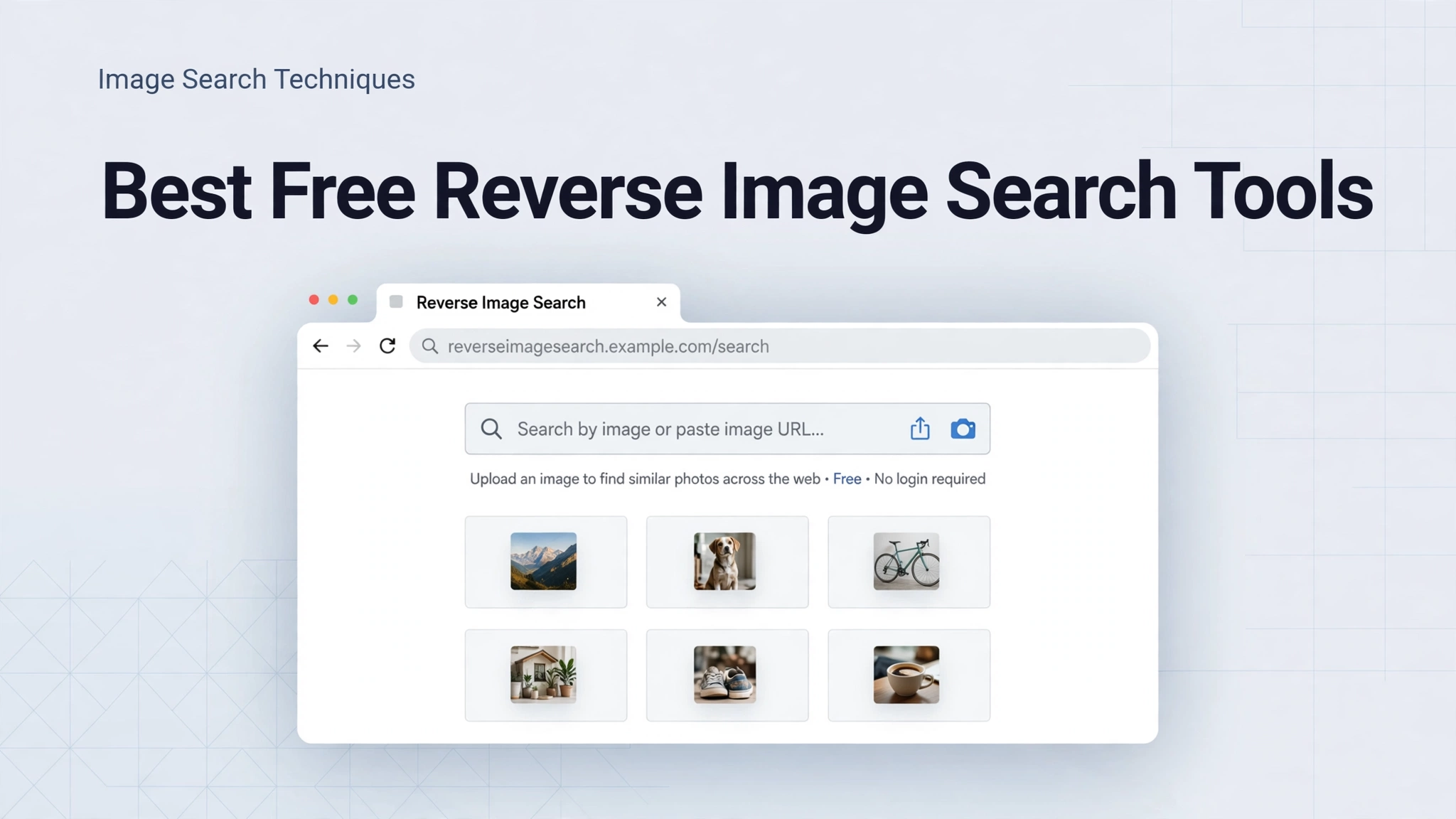
How to search by image in 2026
Most free web tools offer the same three routes: upload a file, paste an image URL, or search from your browser. Choose the route that fits the image you already have. For a full introduction, read the main image search techniques guide.- Upload a photo: Open the tool in your browser, choose Upload, and select the image from your device. Wait for the results page to load before judging the matches.
- Paste an image URL: Copy the direct link to an image, paste it into the tool’s URL field, and submit. This works well when the image is already online and you do not want to download it first.
- Search from your browser: On a desktop browser, right-click an image and choose Search image with Google Lens or a similar option. On mobile, long-press an image and look for the image-search option in the menu.
- Crop before you search: Crop out banners, borders, text, and unrelated people or objects so the tool can focus on the main subject.
- Compare two engines: Run the same cropped image through a second tool, because one engine may find an exact match while another finds better similar images.
- Open the best match, not just the first: Check the source page, date, and context before you trust a result, especially for news, products, or artwork.
Best free reverse image search tools compared
Google Lens: best all-round free tool
Google Lens is the best starting point for most people. It is fast, widely available on the web and in browsers, and strong for exact matches, similar images, text in images, landmarks, plants, and products. You can upload an image, paste a URL, or search from an image on a web page. Sign-in is often not required for a basic web search, although some features work better when you are signed in. Its main limits are that results can favour popular pages, and it is not the best choice for tracing older or less-indexed images. For a wider choice, see the Google Lens alternatives guide.TinEye: best for exact matches and source tracking
TinEye is built for finding where an image has appeared online. It is especially useful when you want exact matches, cropped versions, or older copies of the same image. The free web search is simple and focused, which makes results easier to review than a general search page. See TinEye help for current features and limits. Its main limit is that it is less useful for broad similar-image discovery than Google Lens or Yandex Images, and some advanced features require an account or a paid plan. Use TinEye first when the question is: has this exact image been published before?Yandex Images: best for similar images
Yandex Images is often strong for similar images, faces in the broad visual sense, and images that other engines miss. It can return a large set of visually similar results, which helps when an exact match is not available. You can upload an image or paste a URL without installing an app. Its interface and result language can vary by region, and relevance can be uneven, so check the source pages rather than trusting thumbnails alone. Try Yandex second when Google Lens returns only generic similar images.Bing Visual Search: best for shopping and products
Bing Visual Search is a strong free choice for shopping, products, and visually similar items. It can identify products in a photo and suggest similar products, which is helpful when you want to buy the same item or find a close alternative. It also handles general similar-image searches well. Its limits are similar to other general engines: results depend on the indexed catalogue, and exact source tracking is weaker than TinEye. Use it when the goal is to find or compare a product.SauceNAO: best for art and anime sources
SauceNAO is a specialist tool for artwork, illustrations, manga, and anime. It searches art databases and can identify the source of an illustration that general engines miss. This makes it the best choice in this guide for art, provided the work is in the databases it covers. It is not a general-purpose tool for news photos, products, or everyday photos, and results can be empty for new or obscure art. Use SauceNAO only where it fits: to find the artist or original post for an illustration.Comparison table: which tool should you use?
| Tool | Best for | Sign-in | Main limit |
|---|---|---|---|
| Google Lens | Everyday matches | Usually not needed | Favours popular pages |
| TinEye | Exact matches | Not needed for basic search | Weaker similar discovery |
| Yandex Images | Similar images | Not needed for basic search | Uneven relevance |
| Bing Visual Search | Shopping, products | Not needed for basic search | Weaker source tracking |
| SauceNAO | Art, anime | Not needed for basic search | Art databases only |
Which tool is best for each job?
Exact matches
For exact matches, start with TinEye, then try Google Lens. TinEye is designed to find the same image, including cropped or resized copies. Google Lens adds context, such as pages that use the same image with a caption or description.Similar images
For similar images, start with Google Lens or Yandex Images. Lens is usually cleaner and faster, while Yandex can surface a wider visual set. Crop tightly to the subject, then compare the top results from both engines.Faces: use with care
Face matches are not proof of identity. Two different people can look similar, photos can be old or edited, and a match does not prove who someone is, where they live, or what they have done. Use face-related searches only with your own photos or photos you have permission to use, and never use a result to contact, accuse, or expose another person. If you need to verify identity for safety or legal reasons, use an official channel instead of a public image search.Shopping and products
For shopping, Bing Visual Search and Google Lens are the strongest free options in this guide. Crop to the product, remove packaging text where possible, and search again with a clearer photo if the first result shows only similar items. Always check the seller, price, and product details on the source page before buying.Art and anime
For art and anime, SauceNAO is the best specialist choice. Upload the cleanest version you have, avoid heavy cropping that cuts off the main character or signature style, and follow the result to the artist’s original post where possible. Credit the artist and respect their reuse terms.Tips for better results
Good results start with a good input image. Use the clearest version you can find, crop out distractions, and straighten a tilted photo if you can. If the image is small or blurry, search for a larger version first, or try a different crop that isolates one subject. Try more than one engine, because indexing differs, and try both an upload and a URL search when one route returns poor results. Finally, use the tool’s filters or similar-image options to narrow results by subject, rather than scrolling through unrelated matches. The Source Finder guide explains how to trace an image back to its earliest or most reliable source.Troubleshooting: when reverse image search does not work
No results found: Crop tighter, use a clearer or larger image, and try a second engine. The image may be new, private, or not indexed yet. Only unrelated similar images: The subject may be too small in the frame. Crop to one main subject and remove background objects, text, and borders. Upload fails or the page stalls: Check the file size and format, try a JPG or PNG version, reload the tool, and try a different browser. Very large files can fail on slower connections. URL search returns an error: Make sure the link points directly to an image file or a public image page, not to a login page or a private album. Download the image and upload it instead, if you have permission to use it. Results look right but the source is unclear: Open the source page, check the date and author, and look for the same image on a second site. Do not rely on a thumbnail alone.Privacy and safety
When you upload a photo, you share it with the search service, so think before you upload. Avoid uploading private photos, photos of other people without permission, photos of children, identity documents, screenshots with personal details, or photos taken inside a private home. Remove location data and personal details where possible, and prefer a cropped version that shows only what you need to identify. Read the tool’s privacy policy before uploading sensitive images, and do not use reverse image search to track, harass, or identify private individuals. For everyday public images, such as a product photo or a published illustration, the risk is lower, but the same rule applies: upload only what you need, and only images you have the right to share.Frequently asked questions
What is the best free reverse image search tool in 2026?
Google Lens is the best all-round free choice for most people, because it is fast, easy to use on the web, and strong for exact and similar matches. TinEye is better for exact-match tracking, Yandex Images is better for broad similar results, and Bing Visual Search is better for shopping.Do I need to sign in or install an app?
No. All five tools in this guide can be used on the web without installing an app, and a basic search usually does not require sign-in. Some extra features may ask for an account, but they are not needed for a standard reverse image search.Can I search by image from a URL?
Yes. Google Lens, TinEye, Yandex Images, and Bing Visual Search all support pasting an image URL, and you can also upload a file. SauceNAO supports uploads and URLs for artwork, depending on the source.Why does one tool find a match and another does not?
Each engine indexes different images and ranks them differently. A match may exist in one index but not another, especially for new, regional, or art-database images. That is why trying a second engine is one of the most reliable tips in this guide.Is reverse image search reliable for identifying a person?
No. A visual match is not proof of identity. Use only your own photos or photos you have permission to use, treat any face match as a lead to check, and use official channels for any serious identity question.Which tool is best for finding the source of anime art?
SauceNAO is the best choice for anime and illustration sources, because it searches art databases that general engines often miss. If SauceNAO returns no result, try Google Lens as a backup and follow any result back to the artist’s original post.Related guides
- Image search techniques: the main guide to searching by image
- Google Lens alternatives for reverse image search
- Source Finder: trace an image to its original source
