


🔎 Reverse Image Search
Image search techniques made simple: upload a photo or paste a URL and search 6 engines at once. 100% free, nothing stored.
🔒 Your image is never stored on our servers longer than 24 hours and is never shared.
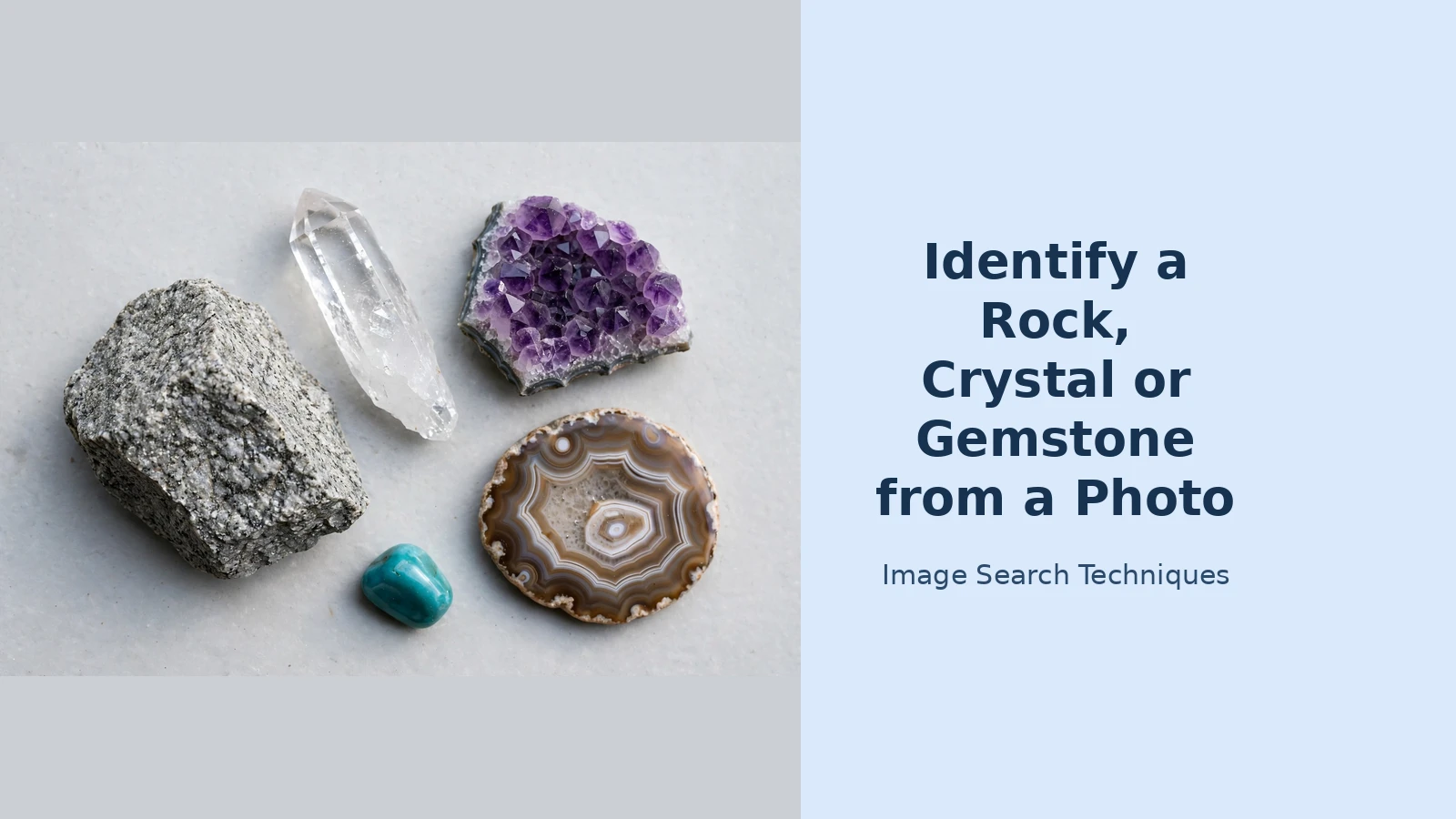
Yes, you can identify a rock from a photo. Upload a clear, well-lit picture to Google Lens, crop tightly around the stone, and Lens will suggest matching names with photos to compare. Then check the suggestion against the stone’s colour, lustre, shape and hardness before you accept it. This guide shows the exact steps, how to photograph a stone so the search works, and the checks that stop a wrong answer from misleading you.
How to identify a rock from a photo in five steps
To identify a rock from a photo, visual search matches your stone against millions of labelled photos — but it only works well when you give it a clean image and check what it returns.
- Take a clean photo of the stone. Photograph it in daylight against a plain background, with nothing else in the frame — one stone per photo.
- Open Google Lens and upload the photo. Use lens.google.com on a computer or the Lens icon in the Google app on your phone.
- Crop tightly around the stone. Drag the selection box so it covers only the stone, cutting out the background, your hand and other objects. A tight crop is the single biggest factor in getting an accurate result.
- Read the top matches, not just the first label. Lens shows a best-guess name, visually similar images and the pages those images come from. Open two or three of the top results and compare their photos with yours — if the suggested stone looks different, the label is probably wrong.
- Cross-check with a second engine. Run the same cropped photo through Bing Visual Search or Yandex Images. If two independent engines suggest the same name, you can trust it far more than a single result. Our step-by-step guide to reverse image search covers the full method, and our Google reverse image search guide explains the Lens workflow in more detail.
Photograph your rock, crystal or gemstone properly
Most failed identifications are photography failures. Get these basics right before you search.
- Use natural daylight. Photograph the stone near a window or outdoors in open shade — yellow indoor lighting shifts colours. Never use a flash, which blows out detail and creates glare on polished surfaces.
- Use a plain, neutral background. A sheet of white or grey paper works well — busy patterns add shapes the engine may try to match.
- Include something for scale. Place a coin or a ruler beside the stone, outside the area you will crop. Size separates lookalikes.
- Take several shots. Photograph the stone from two or three angles, with a close-up of its most distinctive feature. Search each shot separately; different angles often surface different matches.
- Remove filters and turn off beauty modes. Filters change colours and smooth textures the search relies on, so keep the photo as true to life as possible.
Read the clues in the photo: colour, lustre, shape and more
A search engine suggests a name, but you confirm it. Before accepting any result, compare the suggested stone against the clues in your own photo.
Colour. Colour is the first thing most people notice, and the least reliable clue on its own. The same mineral can appear in many colours: quartz can be clear, white, pink, purple, smoky grey or yellow. Use colour as a starting point, never as proof.
Lustre. Lustre is how light reflects off the surface, and it photographs well. Is the surface glassy, metallic, pearly, silky or dull and earthy? A glassy stone points towards quartz or glass; a metallic glint points towards pyrite or galena.
Transparency. Note whether light passes through the stone. Transparent and translucent stones narrow the field, while a fully opaque stone rules out transparent gems.
Shape and crystal form. Look at the outline and any flat faces: six-sided points suggest quartz, perfect cubes suggest pyrite or fluorite, smooth rounded banding suggests agate, and fine layers suggest slate or shale.
Where it was found. Context narrows the options enormously: a stone from a beach, a garden or a shop has a different likely identity in each case. If you know where it came from, add that place to the text search that follows your image search.
Hardness is one clue a photo cannot show, and it often decides between two lookalikes. If you do not mind marking the stone, try a scratch test: quartz scratches glass, while glass cannot scratch quartz. Never scratch a polished gem or a stone that might be valuable.
Cross-check the result before you trust it
A visual match is a lead, not a verdict. Search engines match patterns; they do not know geology. A confident-looking label can still be wrong — glass sold as quartz, dyed agate sold as a rarer stone, or slag glass mistaken for obsidian are common traps. Confirm it with independent evidence before you rely on it.
First, compare your photo with reference photos from an authoritative source. The GIA Gem Encyclopedia, published by the Gemological Institute of America, has detailed pages for each gemstone with photographs and properties — check whether the reference photos match your stone’s colour, lustre and crystal form, not just its name. Second, search the suggested name as text, together with a detail from your stone such as its colour or where you found it, and see whether field guides describe the same features. Third, run the photo through a second visual engine, or try our free reverse image search tool to see where else that photo appears online. Our complete guide to reverse image search explains how to weigh the results when engines disagree.
Trust the identification only when at least two independent sources agree: the search engines and a reputable reference page describing the same features. If they disagree, believe the reference page.
Common mistakes that lead to the wrong name
Most wrong identifications come from a handful of avoidable errors.
- Searching a cluttered photo. A stone photographed on a patterned table, in your hand or beside other objects gives the engine too much to match — crop to the stone alone.
- Comparing a rough stone with polished photos. A rough lump and a polished gem of the same mineral look nothing alike. Match rough with rough and polished with polished, or you will dismiss the right answer.
- Trusting the first result. The top result is the closest visual match, not necessarily the correct mineral — open several results and look for agreement.
- Ignoring dyed and imitation stones. Brightly coloured agate, quartz and howlite are routinely dyed and sold as rarer stones. If a shop-bought stone has an unusually vivid, even colour, search for dyed versions of the suggested name.
- Using only one engine. Each engine indexes a different part of the web, so a stone Google Lens cannot name may be identified instantly by Yandex or Bing. Our guide on how to identify anything in a photo shows the same cross-checking habit applied to any mystery object.
When a photo alone is not enough
Some stones cannot be identified from a photo with confidence, and it is better to know that than to accept a wrong name. Very small, heavily weathered or plain grey stones often lack the distinctive features a search needs, so the stone itself has to be tested: hardness, streak and density all need the physical specimen in hand.
If the stone might be valuable, or you need certainty for a sale or a collection record, take it to a local museum, geology society or a reputable gem dealer. A gemstone that could be worth money should be certified by a recognised laboratory before you buy or sell it on a photo match — a visual search shows what a stone looks like, but only proper testing confirms what it is. Never break or heat a stone that might have value.
FAQs
Can Google Lens identify a rock from a photo?
Yes, often. Google Lens identifies common rocks, crystals and gemstones well when the photo is clear, well-lit and cropped tightly around the stone. Rare or very plain stones are harder, so always cross-check the result.
How can I tell a real crystal from glass?
Look for tiny air bubbles inside the stone — bubbles usually mean glass, since natural crystals rarely contain them. Real quartz also feels cool to the touch and is harder than glass, so it can scratch glass.
Can I identify a gemstone from a photo alone?
A photo can give you a likely name, but it cannot prove a gemstone’s identity. Imitations are made to look identical in photographs. Treat a photo match as a strong lead, and get laboratory certification before buying, selling or valuing a gemstone.
What is the best free way to identify a rock from a photo?
To identify a rock from a photo for free, Google Lens is the best free starting point: it needs no account and identifies most common stones. Photograph the stone in daylight, crop tightly around it, then cross-check with a second engine such as Bing Visual Search and the GIA Gem Encyclopedia.
The same photo-first method works for fungi too — here is how to identify a mushroom from a photo, including the safety checks that matter before you trust any result.
The same photo-first method works for toys too — learn how to identify a LEGO minifigure from a photo, including the catalogue checks that confirm the exact figure.
