


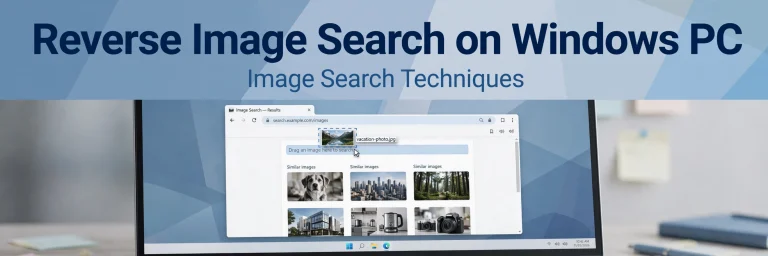
Quick Answer: On a Windows PC you need no app to reverse image search. In Chrome or Edge, right-click an…
Quick Answer: On a Windows PC you need no app to reverse image search. In Chrome or Edge, right-click an…
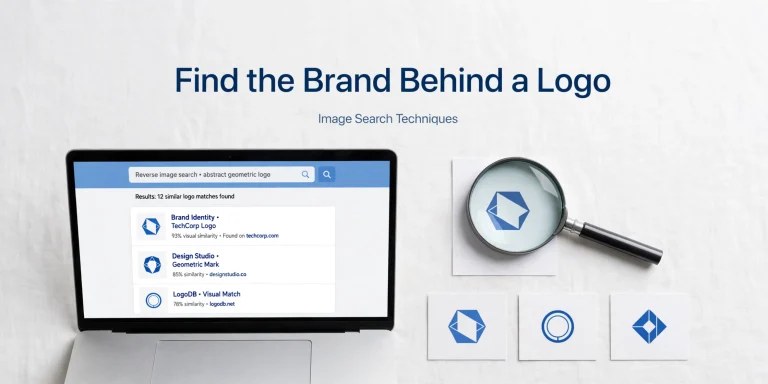
Quick Answer: To find the brand behind a logo, save a clear, uncropped copy of the logo, then reverse image…
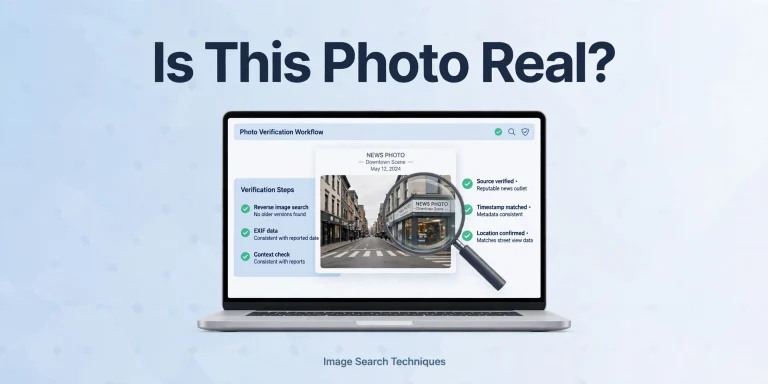
A dramatic news photo can travel around the world in minutes, long before anyone has checked where it came from.…

Quick Answer Reverse image search for plants works best when you photograph one clear feature at a time, then compare…

Quick Answer: Save the meme image, or screenshot it cleanly without extra text or captions. Then reverse-search it with Google…

Quick Answer To do a reverse image search on Chrome, right-click any image on a web page and choose Search…

Quick Answer: On a Mac, the fastest way to reverse image search is to right-click an image in Chrome and…

Quick Answer: There is no direct “upload a whole video” reverse search like image search. Instead, take a clear screenshot,…
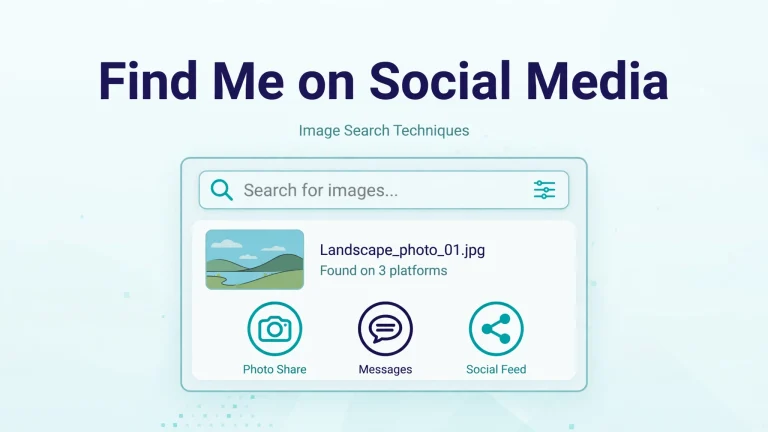
Quick Answer: To find yourself on social media with your own photo, reverse search that photo with Google Lens, TinEye,…
Quick Answer: A source finder is a reverse image search tool that finds where an image came from. Upload the…