


🔎 Reverse Image Search
Image search techniques made simple: upload a photo or paste a URL and search 6 engines at once. 100% free, nothing stored.
🔒 Your image is never stored on our servers longer than 24 hours and is never shared.
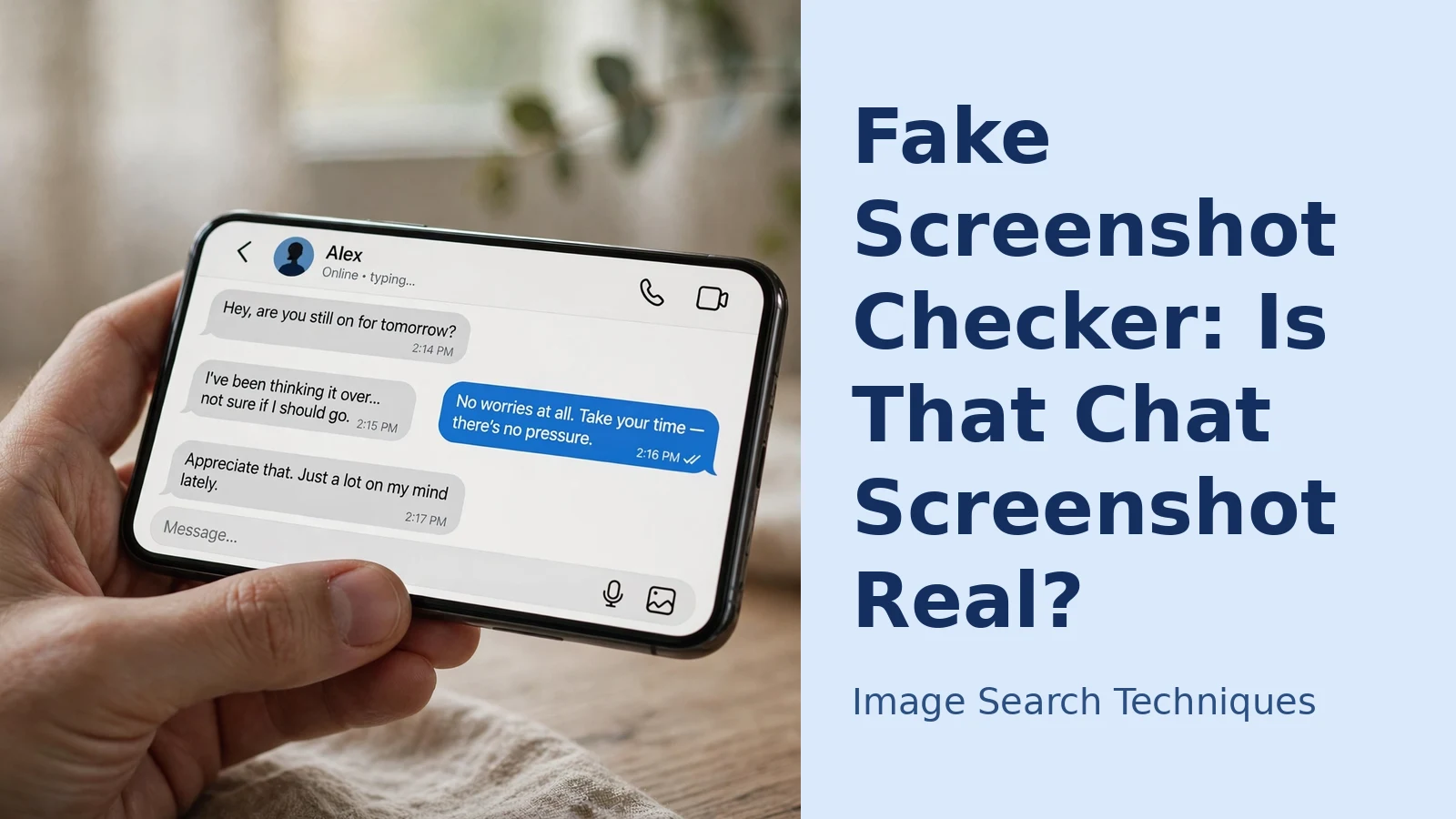
Few things end an argument faster than a screenshot. Someone posts a picture of a chat — a celebrity saying something outrageous, a company promising something in writing — and it is treated as proof. The problem is that a chat screenshot is one of the easiest forms of “evidence” to fabricate: generators and editing apps are everywhere, and a convincing fake takes no skill at all.
That does not mean every screenshot is false. It means a screenshot on its own should start a checking process, not end one. This guide works through that process: the visual tells inside the image, the cross-checks outside it, and a look at what can and cannot be proved.
Why screenshots feel like proof (and why that instinct misleads)
A screenshot looks like a photograph of reality, so our brains file it as one. In fact it is only a picture of an interface — text and shapes — which makes it simple to imitate: a name can be swapped, a message rewritten, a whole conversation invented and exported as an ordinary image file.
Fact-checkers run into this constantly. Organisations such as Full Fact regularly deal with viral images that turn out to be edited screenshots of posts or messages that were never sent. The lesson is not “trust nothing” — it is that a screenshot is a claim, and claims need checking against something beyond the image itself.
Look at the text: fonts, weights and rendering
Every messaging app renders text in a specific font, at specific sizes, with specific line spacing. Fabricated screenshots often get one of these subtly wrong, because they were built in a generator or editor rather than captured from the real app.
- Font shape. Compare letterforms with a genuine screenshot from the same app on the same phone, looking at distinctive characters — the “a”, “g” and “R”, and how numbers sit. A near-match font is a common giveaway.
- Mixed fonts. A message bubble in a slightly different typeface or weight from the rest may have been typed over the original.
- Crispness. Edited text is often sharper or blurrier than the surrounding interface; zoom in and compare the edges of letters across bubbles.
- Emoji style. Emoji belong to the phone’s operating system, not the app. Emoji in a different style from the rest of the interface — or from the wrong platform entirely — suggest the image was assembled elsewhere.
Spacing, alignment and the small geometry of chat
Real chat interfaces are machine-laid-out: every bubble aligns, every margin repeats, every timestamp centres or right-aligns the same way. Hand-assembled fakes tend to drift.
Check whether the bubbles line up on both edges, whether the gap between messages is even, and whether avatars sit on a consistent baseline. Look at how timestamps are positioned — inside the bubble, below it, centred between groups — and whether that pattern holds. In genuine screenshots these details are boringly uniform; in fabricated ones, one message often sits a few pixels off, or a bubble is too wide for its text.
Status bars, clocks and timestamps
The frame around the conversation is easy to overlook and hard to keep consistent. The status bar shows the time, signal, Wi-Fi and battery — ask whether those details make sense together: a battery level that changes between screenshots supposedly taken a minute apart, a clock that disagrees with the timestamps beneath it, or status icons from a different phone model.
Inside the chat, follow the timeline. Do the message times run in order? Does a “yesterday” divider sit where it should? Do read receipts, “edited” labels or reply threads behave the way the real app behaves? A fabricated screenshot frequently breaks one of these small rules, because its maker was focused on the words, not the machinery around them.
Check the conversation itself
Sometimes the image is technically flawless and the giveaway is human. Read the exchange as a conversation: does the tone shift abruptly in the one message that matters? Does the person suddenly write in a different style from the rest of the thread? The inserted message often sounds like it was written by whoever benefits from it.
Names and avatars deserve scrutiny too. A display name can be changed in seconds, and lookalike accounts hide behind a swapped letter or extra underscore in the handle. Check spelling character by character, and confirm the avatar matches the account’s current profile picture by visiting the profile directly.
Cross-checks that actually settle it
Visual inspection can raise suspicion, but these steps are what resolve it:
- Ask for a screen recording, not another screenshot. A video of the person opening the app, scrolling through the conversation and tapping into the profile is far harder to fake than a still image, because the interface has to behave correctly throughout. Refusals and claims that the chat was deleted are information in themselves.
- Check the account directly. If the screenshot shows a public post or message from a public figure, go to the real account yourself. If it existed and was deleted, replies, quotes or coverage will often still refer to it.
- Ask the other party. The other participant in a two-person chat has the same conversation on their phone; an independent capture from their side — ideally a recording — is strong corroboration.
- Look for earlier versions. Newsroom verification guides, including those from First Draft, stress finding the earliest appearance of an image: if the “new” screenshot was posted months ago in a different context, the game is up.
Professional fact-checkers combine these habits into a routine; our walkthrough of reverse image search for journalists and fact-checkers shows how the full workflow fits together.
Reverse search the screenshot itself
One of the most productive checks takes under a minute: search for the screenshot as an image. If it has circulated before — as a joke, a meme template, or a debunked claim — a reverse image search will often surface those earlier copies with dates attached. A screenshot presented as breaking news that appeared last year, attached to a different story, is fake in the way that matters most.
Searching a screenshot differs slightly from searching an ordinary photo, because interface elements and text can confuse matching. Our step-by-step guide to how to reverse image search a screenshot explains how to crop to the message area first. You can also run the image through our free reverse image search tool, which checks it across six engines at once.
The honest limits: what no checker can prove
Be wary of any app or website promising to declare a screenshot “100% real” or “100% fake”. Metadata is sometimes offered as proof, but it says little — most platforms strip it on upload, it is easily rewritten, and genuine screenshots often have none. Forensic tricks can flag inconsistencies, yet a careful fake can pass them and a heavily compressed genuine screenshot can fail them. No test certifies authenticity.
Equally, failing one visual check does not prove fabrication: screenshots get resized, compressed and re-saved, and apps update their layouts, so older genuine captures can look “off” against today’s interface. Treat each tell as a reason to dig, not a verdict — the verdict comes from the cross-checks. Mind the privacy angle before uploading other people’s conversations to checking services; our explainer on whether reverse image search is safe covers what happens to images you submit. And the methods behind reverse image search are the foundation for most of the checks above.
FAQs
Can an app tell me if a screenshot is fake?
Not reliably. Some tools flag editing traces or metadata oddities, but none can certify a screenshot as genuine or fabricated. Use them as one signal among several; rely on cross-checks — the real account, a screen recording, an earlier dated copy — for a conclusion.
What is the strongest proof that a chat is real?
A screen recording of the app being opened and the conversation scrolled through, ideally matched by an independent capture from the other participant. A single still image, however clean, is the weakest form of evidence.
Someone is circulating a fake screenshot of my messages. What should I do?
Save the fake image and where it was posted, then post a screen recording of your real conversation or state clearly that the messages were fabricated. Report the post to the platform as manipulated content, and the account too if it is being used to impersonate or defraud.
Can metadata prove a screenshot is genuine?
No. Most platforms strip metadata on upload, so genuine screenshots often have none — and it can be edited into a fabricated one. Treat it as background detail, never as proof.
A fake QR code can arrive the same way, hidden in a screenshot or a message, so learn how to check a QR code before you scan it and spot fake QR code scams before you tap.
