


🔎 Reverse Image Search
Image search techniques made simple: upload a photo or paste a URL and search 6 engines at once. 100% free, nothing stored.
🔒 Your image is never stored on our servers longer than 24 hours and is never shared.
You are standing on a harbour wall, a huge ship slides past, and someone asks the obvious question: what ship is that? A photograph is often all you need to answer it. This guide shows you how to identify a ship from a photo, step by step, using the name on the hull, the IMO and MMSI numbers, and free live vessel trackers — plus what to do when the photo is decades old and no live data exists.
To identify a ship from a photo, read the name painted on the bow or stern, then type it into a free live vessel tracker such as VesselFinder and check the type, flag and position against your photo. If the name is unclear, use the seven-digit IMO number or the nine-digit MMSI instead — both identify one hull exactly.
Ships are unusually easy to identify from photographs, because the maritime world runs on public identifiers. Every large merchant ship carries a name, a permanent IMO number and a radio identity called an MMSI, and most of them broadcast their position several times an hour. Your job is to read the right clue from the photo and check it against the right database. The method below works for container ships, cruise ships, tankers, ferries and fishing boats alike, and it is the same approach you would use to identify what is in a photo when the subject is anything else — start with what you can read, then verify it against an independent source.
What Is AIS, and Why Does It Make Ship Identification Possible?
AIS stands for Automatic Identification System. It is a radio system fitted to most large ships that broadcasts the vessel’s identity, position, speed, course and destination every few seconds while the ship is under way. Shore stations and satellites pick up those broadcasts, and free websites turn them into the live ship maps you can search in seconds.
That public broadcast is what makes this whole guide work. Without AIS, a photo of a ship would be a dead end unless you already knew the vessel. With it, a name, a number, or even just a time and a place is usually enough to pin the ship down. A few honest limits apply, and it is better to know them now. AIS only shows ships that are broadcasting: as MarineRadar explains in its own guide, most warships keep their transponders off, some fishing crews switch AIS off to protect a good spot, and small leisure craft often carry no transponder at all. Far from shore, positions also arrive less often — MarineRadar describes its satellite positions as arriving about every five minutes — so an old timestamp means you are looking at where the ship was, not where it is.
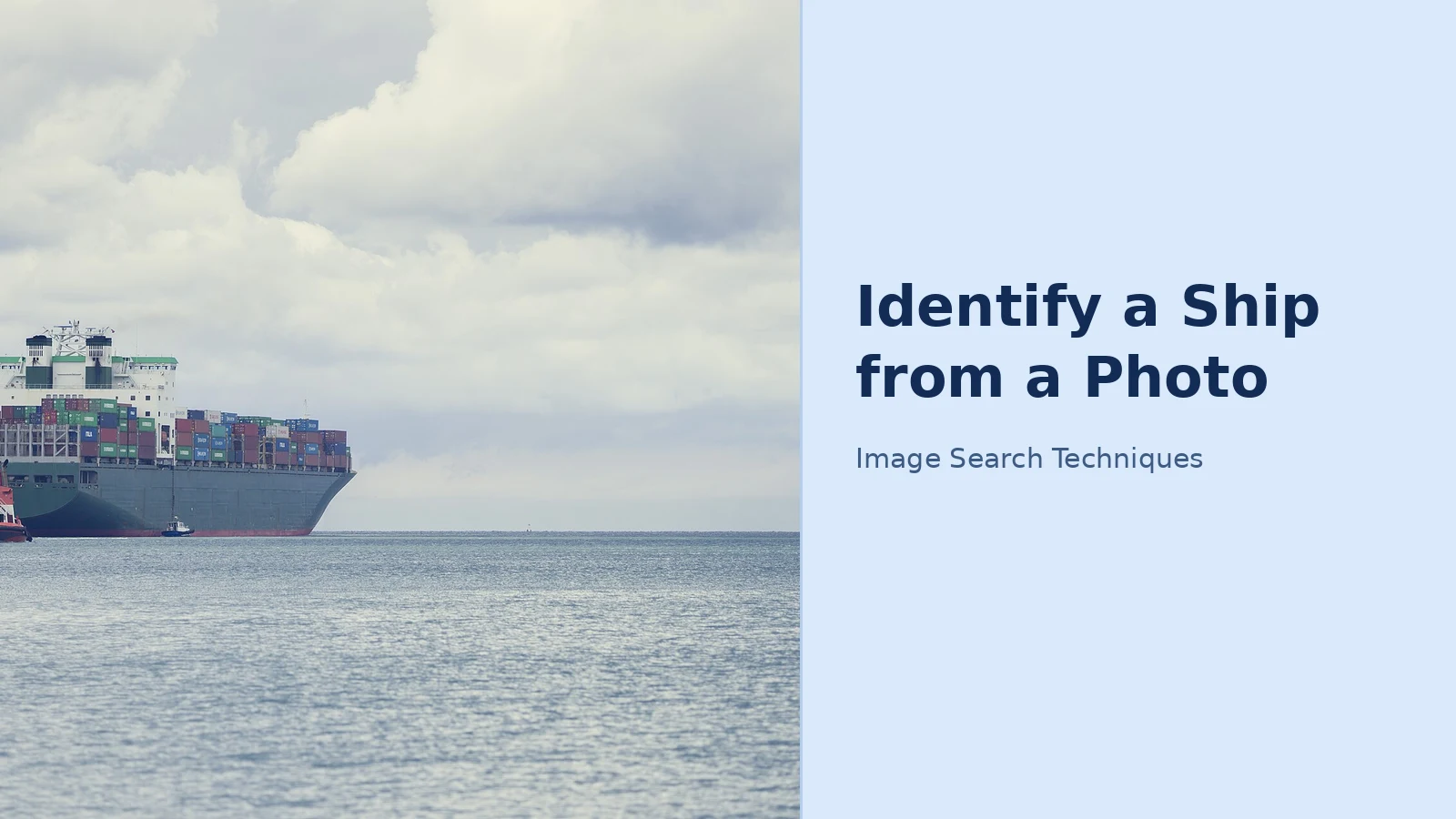
Before you touch a search box, spend ten seconds on the photo itself. Note the date and time it was taken, because every AIS position carries a timestamp, and a ship making 20 knots covers about 6 km in ten minutes, according to MarineRadar. Note where you were standing and which way the ship was heading. Then look at the ship: a long flat deck piled with coloured boxes is a container ship, a low hull with pipework running down the middle is usually a tanker, a tall white block with rows of balconies is a cruise ship, and a stubby boat with a net drum and a cloud of gulls is most likely fishing. Hull and funnel colours help too, since shipping lines are fond of their liveries.
How Do You Read a Ship’s Name and Port of Registry from a Photo?
The best clue is written on the ship itself. The name is painted on the bow and again on the stern, and the stern also shows the port of registry — the ship’s home port on paper, not where it is sailing today. A phone zoomed in on the stern can give you the name from a surprising distance, so start there before you try anything cleverer.
Photograph the stern first, not the side. The side view shows the name on the bow, but the stern gives you two facts at once: the name and the port of registry underneath it. If the photo you already have is a side view, crop tightly around the bow and enlarge it. Phone photos hold far more detail than they show at full-frame size, and a name that looks like a smudge at arm’s length often resolves into clear letters at 100% zoom. If the letters are still unclear, run the cropped photo through a reverse image search — the same reverse image search workflow that finds the source of any picture can surface other photographs of the same ship, often taken closer, from a better angle, or with the name already captioned.
Once you have a name, open VesselFinder and type it into the vessel search. A name is the quickest way in, and also the likeliest to trip you up: shipping companies name their vessels in series, and whole classes of container ships carry near-identical names, so a search can return several hulls when only one is the ship you saw. When that happens, do not just tap the first result. Compare the type, flag and position against your notes. A tanker sitting 3,000 km from where you stood is not your ship, however nice the name looks. If the search returns nothing at all, the causes run from a spelling variant to a vessel that has gone quiet — try the IMO or MMSI instead, or the map method in the next section but one.
The port of registry is your tie-breaker. Two ships can share a name, but a name plus a port of registry narrows the field sharply, and a name plus a flag usually settles it. Remember that the flag is the country the ship is registered in, not the owner’s nationality or the ship’s destination: Panama, Liberia and the Marshall Islands are common among big merchant ships, as MarineRadar notes, so a Panamanian flag on a ship you saw off Dover is normal, not suspicious.
IMO Number Lookup and MMSI Search: The Two Numbers That Settle It
When the name is unclear, misspelt or shared by several ships, the numbers take over. A ship has two public numbers that matter for identification, and they do different jobs.
The IMO number is the ship’s fingerprint. It has seven digits, it belongs to the hull, and it does not change when the ship is renamed, sold or moved to another flag. That makes it the safest identifier when names clash, or when you read that a vessel was “formerly” something else. Larger ships often have it permanently marked on the hull, so it is worth a squint through your zoom lens. The habit to build is simple: use the name to get started, and use the IMO to be sure. An IMO number lookup — typing the seven digits into a vessel tracker or a ship database — returns one hull and one hull only, which is exactly what you want when three ships share a name.
The MMSI is a nine-digit number tied to a ship’s radio and its AIS unit. You may have one from a photo caption, a shipping record, a news report or an AIS receiver on your own boat. Type all nine digits into the same search bar, and if the ship is broadcasting, its live position comes up. The digits split 3 + 6: the first three are the MID, which shows the country that issued the number. For example, 366 to 369 is the United States and 232 to 235 is the United Kingdom, according to MarineRadar. Treat the MID as a clue about paperwork rather than geography, because a ship can spend its whole career without visiting the country in its own MMSI.
Here is a real check you can repeat. The cruise ship Queen Mary 2 carries IMO number 9241061 and MMSI 310627000, according to ShipSpotting, the ship-photography database. The first three digits of that MMSI, 310, are Bermuda’s MID — and the ship sails under the flag of Bermuda. The numbers agree with each other, which is exactly the cross-check you want: name, IMO, MMSI and flag all pointing at the same hull. If one of them disagrees, trust the IMO number first and re-read the others.
Where do you find these numbers on a photograph? The IMO number is sometimes stencilled on the superstructure or the stern, and it appears in port records, news reports and shipping databases whenever a vessel is mentioned formally. The MMSI rarely appears on the hull itself — you will usually get it from a caption, a port arrival list, or by looking the ship up by name first and reading the MMSI off its vessel profile. Either way, once you have one number you can usually get the other from the same profile, because trackers list name, IMO and MMSI together.
| What you have | Best next step | Why it works |
|---|---|---|
| Clear name on the stern | Search the name on VesselFinder | Fastest route; check type, flag and position to confirm |
| Name plus port of registry | Search name, filter by flag | Two facts beat one; kills most duplicate-name confusion |
| Seven-digit IMO number | IMO number lookup on any tracker | Permanent to the hull; one number, one ship, even after renaming |
| Nine-digit MMSI | MMSI search on a live AIS map | Returns the live position if the ship is broadcasting |
| Only a silhouette and a time | Ships-near-me map for that time and place | Narrows candidates by type, size and heading |
| Only an old photograph | ShipSpotting photo archive by name or funnel | Photo archive, not live AIS; covers ships long gone |
No Name and No Number? How to Identify a Ship from a Photo by Silhouette and Time
Plenty of sightings come with neither a readable name nor a number, and that is where the map does the work. Start from where you were instead of what you saw. Live vessel maps show the ships around your location, so you can scan the candidates for the time you noted, narrow them by type, and look for one whose size and heading make sense for what you remember.
Work through it in order. First, fix the time: open the photo’s details and note when it was taken. Second, fix the place: where you were standing and which direction the ship was travelling. Third, open a live map and look at the vessels that were in that area at that time, filtering by the type you recognised from the silhouette — container, tanker, passenger, fishing or tug. Turning on vessel labels speeds this up, because the map can print a ship’s name, type or speed beside each icon instead of making you tap them one by one. Fourth, check the candidate against your photo: does the funnel colour match, does the deck layout match, does the size feel right? One mismatch is a warning; two mismatches mean it is probably the wrong ship.
A reverse image search is the other half of this method, and it is the part the platform guides skip. Crop your photo tightly around the ship, then run it through a reverse search — our guide to how to reverse image search walks through the steps — and look for the same vessel photographed by someone else. Ship photographers upload constantly, and a distinctive funnel, a rare livery or an unusual deck cargo often matches within a few results. MarineTraffic, VesselFinder and MarineRadar all run live AIS maps with a free tier, and each has the same basic search; the differences are in coverage, photo libraries and how much detail sits behind a paywall, so try the free tier of two before you pay for any of them. The vehicle-identification method is the same idea in a different world: the steps for how to identify a car from a photo and how to identify an aircraft from a photo both start with the visible marks and end with a database check, and ships work the same way.
Cruise ship identification deserves a note of its own, because cruise ships are the easiest vessels to identify and the easiest to get wrong. They are easy because they are huge, white, distinctive and heavily photographed — a reverse search on a cruise ship usually returns the name in the first results. They are easy to get wrong because sister ships in the same class look nearly identical from a distance, and cruise lines repaint and rename them more often than cargo operators do. If your photo shows a cruise ship, do not stop at the class: confirm the name on the stern and the IMO number, because two sister ships can share everything except the name and the number.
How to Identify a Ship in an Old Photo with No AIS Data
Old photographs need a different toolkit, because AIS did not exist when they were taken and the ship may have been scrapped decades ago. Live trackers are no use here; photo archives and fleet lists are. The method still starts with reading the photo, but the checks run through history instead of live data.
Start with the same reading step: the name on the bow or stern, the port of registry, and the funnel colours and design. Funnel livery is the fingerprint of an old photograph — shipping lines guarded their funnel designs, and a black funnel with a red band, or a buff funnel with a black top, can identify the line even when the name is unreadable. Next, search ShipSpotting, the ship-photography database, by the name you read. Its archive holds photographs of the same vessel taken by different people over many years, and the captions usually carry the IMO number, the build year, the builder and the ship’s later names. If the name is unreadable, search by the funnel colours or the ship type and the approximate decade, and compare the silhouette: the number of funnels, the shape of the bow, the position of the bridge and the arrangement of masts and derricks.
Then use the name changes. Merchant ships are renamed often, and an old photograph may show a name the ship only carried for a few years. A fleet database that lists former names — ShipSpotting’s vessel pages do this — lets you follow the ship through its renamings to its final name or its scrapping date. The IMO number is your anchor here too: if you can find it from any caption or fleet list, it ties every photograph and every former name to the same hull. When the photo shows no name at all, the remaining evidence is the date, the place, the ship type and the funnel — and an honest answer is sometimes “this is a ship of this line, of this type, from this decade, but the individual hull cannot be proved from this photograph alone.” Saying so is better than guessing, because a wrong name attached to a family photograph or a local-history article is very hard to correct later.
Worked Example: Identifying Queen Mary 2 from a Photo
Here is the full method applied to a real, checkable case, using the ship’s published particulars from ShipSpotting. Imagine a photograph of a very large cruise ship taken from a ferry off Southampton: white hull, black funnel with red bands, rows of balconies, and a name on the stern that reads QUEEN MARY 2 with a port of registry painted beneath it — although that painted port can be out of date after a reflag, which is why you check the registry rather than trust the paint alone.
Step one, read the photo. The name is clear: Queen Mary 2. The ship type is obvious from the silhouette: a passenger cruise ship, not a ferry and not a container ship. The funnel — black with red bands — matches Cunard’s livery. Step two, search the name on VesselFinder. The result returns a passenger ship, flag Bermuda, currently in service. Step three, confirm with the numbers. ShipSpotting lists Queen Mary 2 as IMO 9241061, MMSI 310627000, call sign ZCEF6, built in 2003 by Chantiers de l’Atlantique at Saint-Nazaire, France, at 148,528 gross tonnage. The MMSI begins with 310, Bermuda’s MID, which agrees with the Bermuda flag on the vessel profile. Step four, check the position and time: if the photo was taken off Southampton on a day the tracker shows Queen Mary 2 departing Southampton, the match is confirmed four ways — name, number, flag and position.
Notice what the method did not do. It did not accept the first search result on the name alone, because several ships have carried similar names. It did not trust the painted port of registry without checking, because the paint on a stern can be out of date after a reflag. And it did not treat the IMO number as a guess: 9241061 belongs to one hull, and that hull is Queen Mary 2, whatever name it sails under. Run the same four steps — read, search, confirm with the number, check the position — on any ship photograph, and you will land on the right vessel far more often than a single search ever could.
FAQs
What ship is that in my photo?
Read the name on the bow or stern, then search it on a free live vessel tracker such as VesselFinder and check the type, flag and position against your photo. If the name is unclear, crop and enlarge the stern, or run the photo through a reverse image search for a closer picture of the same ship.
Can I identify a ship from a photo with no name visible?
Yes, usually. Note the time and place, identify the type from the silhouette, then use a live map’s ships-near-me view to list vessels in that area at that time. Match the funnel colours, deck layout and heading. A reverse image search on a tight crop of the ship often finds the same vessel photographed closer.
How do I look up a ship by its IMO number?
Type the seven-digit IMO number into the search bar of a vessel tracker such as VesselFinder. The IMO number stays with the hull for life, so the lookup returns one ship even if it has been renamed, sold or reflagged. Use it to settle any clash between ships that share a name.
Can I identify a ship in an old photograph?
Yes, but through photo archives rather than live trackers. Read the name, port of registry and funnel colours, then search ShipSpotting’s archive by name or funnel. Fleet lists show former names and scrapping dates, and the IMO number ties every photograph to the same hull when you can find it.
