


🔎 Reverse Image Search
Image search techniques made simple: upload a photo or paste a URL and search 6 engines at once. 100% free, nothing stored.
🔒 Your image is never stored on our servers longer than 24 hours and is never shared.
You have a photo of a famous face and no name to go with it. It might be a still from a film you half remember, a screenshot a friend sent you, or a picture in an old magazine. The question is simple: who is this person?
To identify a celebrity from a photo, start with a reverse image search, not a guess. Upload a clear copy to Google Lens, TinEye, Yandex and Bing, read what each engine finds, then check any name against a captioned copy on Wikipedia, IMDb or an official profile. One engine naming someone is a lead, not proof.
This guide shows the whole method. It covers which engines actually work on famous faces, a real test on a 1957 portrait of Audrey Hepburn with honest results from all four engines, and the checks that turn a likely name into a confirmed one. It also draws a firm line. Everything here applies to public figures only. If the person in your photo might be a private individual, stop. Do not run their face through a recognition app, and do not try to name them.
Public figure, plainly defined. A public figure is someone who seeks public attention for a living or holds a public role: an actor, a singer, a sports star, a presenter, a politician. Their face is published with their name in newspapers, film credits and official profiles. A private individual is everyone else, including a friend, a colleague, a neighbour, or a stranger in a crowd. The methods in this article are for the first group only.
Can you identify a celebrity from a photo?
Yes, in most cases, as long as the person is genuinely famous and the photo is clear. Celebrity photos are published everywhere: film stills, press photos, magazine covers, posters, Wikipedia pages. A reverse image search compares your copy against those published copies, and when it finds one, the caption on the page it finds usually carries the name.
Three things decide whether it works. First, the photo itself. A sharp, front-facing shot with the face well lit and nothing in the way gives every engine its best chance. A blurry side profile, a face half hidden by sunglasses, or a tiny crop from a group photo gives them almost nothing to work with. The AI Overview for this question says the same thing: use a clear, front-facing, well-lit image that is not obscured.
Second, how famous the person is. A Hollywood star from any decade is easy. A contestant from one series of a reality show, or a local news presenter, is much harder, because fewer captioned copies of their face exist online.
Third, which engine you use. They do not all behave the same way on faces, and one engine failing proves nothing. In the worked example later in this article, two of the four engines returned nothing at all for a world-famous face, while a third named her correctly. Run more than one, every time.
Answer capsule: yes, if the person is a public figure and the photo is clear, a reverse image search will usually name them, but always confirm the name against a second source.
What is the fastest way to identify a celebrity from a photo?
The fastest reliable route takes about five minutes. It uses reverse image search first, then public context clues, then a confirmation check. Do not skip the last step. A name from one tool is a suggestion, not an answer.
- Save the best copy you can. If the photo came from a website, save the original file rather than a screenshot of it. Screenshots add compression and lose detail. If you only have a screenshot, crop it tight around the face, keeping the eyes, nose and mouth in frame, and save it as a JPG or PNG.
- Run it through Google Lens. Open Google Lens, upload the photo, and look at the exact matches first. Lens is a general visual search tool, built for objects, places, plants and text. It sometimes finds the same celebrity photo on a captioned page, and sometimes it finds nothing at all. Both outcomes are normal. Google’s help page walks through searching with an image on a computer and a phone.
- Run the same photo through TinEye, Yandex and Bing. TinEye finds the oldest copies and the pages hosting them. Yandex is often the strongest on faces and usually prints a name tag for a well-known person. Bing visual search is worth one try, though it is the least reliable of the four on faces. If you have never run a reverse search before, our guide to reverse image search walks through each engine step by step.
- Read the captions, not just the thumbnails. Open the top results and read what the page says. A Wikipedia page, an IMDb profile, a news article or an official biography that shows the same photo with the same name is worth far more than a dozen thumbnails with no words attached.
- Add what you already know. The AI Overview for this question notes that describing the person’s approximate age, profession or context, such as a film or television show they appeared in, helps. It does. “Woman in a 1960s film still, dark hair, famous for a black dress and a tiara” narrows the field fast. Feed those clues into a text search alongside the image search.
- Confirm before you believe it. Check the name against a second independent source. A captioned copy on Wikipedia plus a matching IMDb profile is a confirmation. A single result from a face-recognition app is not.
Answer capsule: save the best copy, run it through Lens, TinEye, Yandex and Bing, read the captions on the results, add any context you know, then confirm the name against a second source.
Which reverse image search engine works best for celebrity photos?
There is no single best engine for faces. Each one searches a different index, reads images differently, and fails in different ways. The honest answer is to run at least three and compare what they say. Here is how they differ on celebrity photos.
| Engine | What it does with a face | Strength | Weakness |
|---|---|---|---|
| Google Lens | Finds visually similar images and exact copies | Huge index, good at exact matches | Does not name people, and sometimes returns nothing for a famous face |
| TinEye | Finds every copy it has indexed, oldest first | Shows where the photo is published, and when it first saw it | Never prints a name itself, you read the name from the pages it finds |
| Yandex Images | Tags the image and lists similar images and source pages | Often the strongest on faces, usually names a well-known person | Interface mixes Russian and English, and some tags are guesses |
| Bing Visual Search | Finds visually similar images | Quick when it works | The least reliable of the four on faces, and it sometimes shows no results at all |
| Pinterest Lens | Finds the same image saved as a pin | Useful when the photo is a popular still or poster | Needs a login to test properly, so it is hard to rely on |
Celebrity identifier apps are a separate category. Tools such as IdentifyCeleb, RauGen, StarByFace, Reversely and Hive compare facial landmarks, the distances between eyes, nose and mouth, against a database of public figures, then return a name, a profession, a short biography or a confidence score. That is exactly what the AI Overview for this question describes. They can be useful as a second opinion, but they have two limits you should know about. First, they only work on public figures, because their databases hold public figures. Point one at a private person and the result is either a wrong name or a lookalike, and neither is an identification. Second, a confidence score is not proof. A 92 percent match from one app still needs a captioned copy on a reputable site before you can trust it.
FaceCheck.id, the most visible guide on this topic, makes the same warning in its own way. It says a face match is not a fingerprint, and that you should never rely on it alone. It tells readers to gather other clues, such as tattoos, birthmarks, scars, jewellery or the location in the photo, and it notes that even courts should not rely on a face match alone. That is good advice, but FaceCheck only teaches its own tool. It gives no worked reverse-search test, no steps for Lens, TinEye, Yandex or Bing, and nothing about the line between a public figure and a private person. This article fills those gaps.
Answer capsule: Yandex is usually strongest on faces, TinEye is best for finding where a photo is published, Lens is best for exact matches, and no single engine is enough on its own.
Worked example: identifying Audrey Hepburn from a 1957 portrait
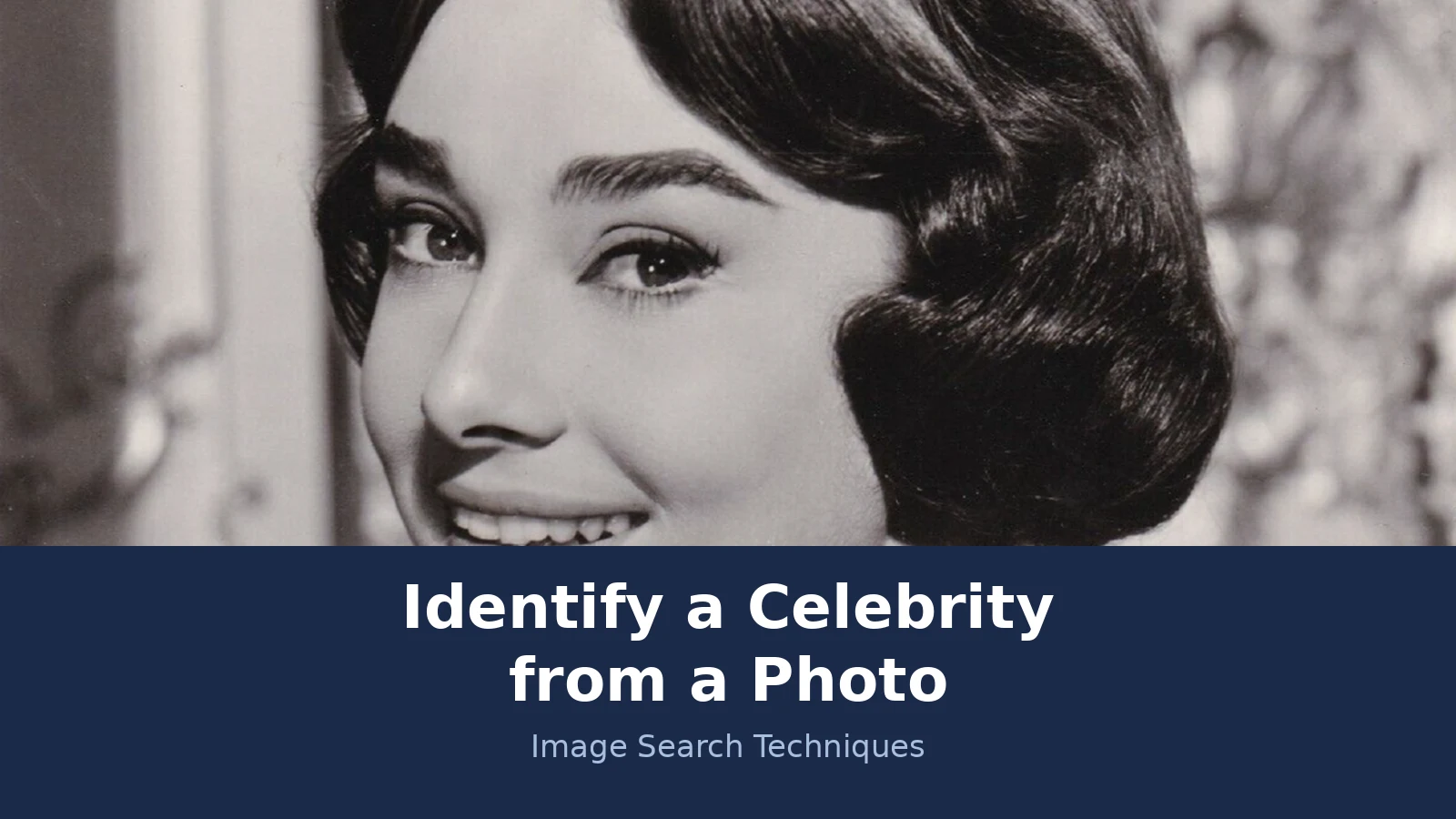
Every method in this guide was tested on a real photo on 18 November 2026, before this article was written. The test photo is a studio publicity portrait of Audrey Hepburn for the film Love in the Afternoon, dated 29 May 1957, by Allied Artists Pictures Corporation. It is public domain in the United States and sits on Wikimedia Commons as “Audrey Hepburn – Studio Portrait (1957).png”, a 1,548 by 1,964 pixel PNG file of 3.57 MB. It is the same photo used in the banner at the top of this article.
The photo was submitted to each engine by its image URL, because the test browser could not open a file picker. That matters, and it is reported honestly: a file upload on a normal desktop may behave differently, especially for Lens and Bing. Here is what each engine did with the same famous face.
| Engine | Named her? | Results | Source page linked? |
|---|---|---|---|
| Google Lens | No | 0 results. Five attempts all failed with “Something went wrong. No image at the URL.” | No |
| TinEye | Indirectly | 292 results across 86.8 billion images searched. First indexed 5 March 2008. | Not on the first page |
| Yandex Images | Yes | Tagged “Audrey Hepburn, actress”. 30 sizes, 20 source pages on the first screen. | Yes, the Commons file page |
| Bing Visual Search | No | 0 results shown. Twice it said “Image uploaded successfully”, then fell back to the homepage. | No |
| Pinterest Lens | Not tested | Could not be tested without a login in the test browser. | Not tested |
Read the results carefully, because they show why one engine is never enough. Google Lens, the tool most people try first, failed completely. Five attempts, two through the paste-a-link dialog, two through the upload-by-URL page, and one through a redirect URL, all ended with the same error, and its AI answer never resolved, staying on “Thinking” and then “Generating” before the visual search expired. Nothing about the photo was wrong. The URL submission path simply did not work in that browser, and a file upload might have worked. That is a failure of the method in that moment, not proof that Lens cannot find the photo.
TinEye succeeded in a different way. It returned 292 results, and its top results identified the photo even though TinEye itself never prints a name. The first results were the Audrey Hepburn page on Wikipedia and an Alamy stock photo of the same portrait from Love in the Afternoon. The Commons file page itself was not among the first-page results, which is a useful reminder: the engine that finds the most copies is not always the engine that links the source page.
Yandex was the clear winner on this photo. It tagged the image “Audrey Hepburn, actress”, listed 30 sizes from 3100 by 3975 down to 350 by 350, showed a grid of more than 24 similar images that were almost all Audrey Hepburn photos, and listed 20 source pages on its first screen, including the Commons file page itself and the Wikipedia file page. It also showed that copies of the photo sit on Pinterest, which is worth knowing even though Pinterest Lens could not be tested without a login.
Bing failed the same way Lens did, but differently. Twice it showed the toast “Image uploaded successfully”, then fell back to the Bing Images homepage with an empty quick-search panel, and no results ever rendered even after waiting 15 seconds. A direct upload URL redirected to an error page. Again, a file upload on a normal desktop may behave differently.
The lesson is simple and it is the spine of this article. Two engines failed, one engine found the photo without naming her, and one engine named her and linked the source. If the test had stopped at Lens, the answer would have been “not found” for one of the most photographed women of the twentieth century. Run more than one engine, and report a zero as a zero.
Answer capsule: on a 1957 Audrey Hepburn portrait, Yandex named her correctly, TinEye found 292 copies without naming her, and Lens and Bing returned nothing through URL submission.
How do you confirm a celebrity identification?
A name from a search engine is a lead. A confirmed identification is a name that survives three checks: the same photo appears with the same name on a reputable site, a second independent source agrees, and nothing in the photo contradicts the name. The table below is the ranking asset for this article. Work through it before you repeat a name to anyone.
| Clue | What counts as confirmation | What does NOT count |
|---|---|---|
| Reverse-search match | The same photo on Wikipedia, IMDb, a news site or an official profile, captioned with the name | A thumbnail with no caption, or a result on a fan page that copied the name from somewhere else |
| A second source | Two independent sites that agree on the name, such as Wikipedia and IMDb | Two pages that both copied the same single source, or the same site twice |
| The face in context | Hairstyle, clothing, film still or event that matches the person’s known work and era | A vague resemblance, or a lookalike who happens to share a hairstyle |
| A name from an identifier app | A high confidence score plus a captioned copy on a reputable site that agrees | The score on its own, with no captioned copy to back it up |
| Age and era | The person’s age in the photo fits their known career dates | A photo dated years before the person was born, or after they died |
| Text in the photo | A credit, a poster title, a watermark or a caption printed on the original | A filename, which anyone can type, or a comment under a social media repost |
Work the checks in order. First, open the top reverse-search result and read the caption. Second, search the name as text and see whether a reputable profile shows the same face. Third, check the dates. A photo said to show Audrey Hepburn in a 1957 film still fits, because she was filming Love in the Afternoon that year. A photo said to show her in a 1985 film still would not, because her last film work was years earlier. Dates catch more wrong identifications than any tool does.
If two sources disagree, trust the one with the captioned original over the one with the guess. If a face-recognition app names someone and no captioned copy agrees, treat the app as wrong until proven otherwise. And if you cannot find a second source at all, say so plainly. “I could not confirm this” is a complete answer, and it is far better than a confident wrong name.
Answer capsule: a name is confirmed only when a captioned copy on a reputable site and a second independent source agree, and the dates fit.
What if no search engine names the person?
Sometimes nothing works. Every engine returns zero, or returns similar faces with no name attached. That does not mean the person is not famous. It usually means one of four things, and each one has a next step.
First, the photo may be too poor to search. A small crop, a heavy filter, a face turned away from the camera, or a screenshot of a screenshot will defeat every engine. Go back to the best copy you can find. If the photo came from a film or a television show, a clear still from the same scene often searches far better than a phone photo of a television screen. Our Google reverse image search guide explains how to crop and prepare a photo so the engines can read it.
Second, the person may be famous in a narrow field. A soap actor, a sports pundit, a newsreader or a musician with one hit record may have very few captioned photos online. In that case, text clues matter more than the image. Search the context you know: the show, the team, the year, the event, the other people in the photo. A search for the event often names everyone in the frame.
Third, the photo may be old. Very old celebrity photos, especially ones that were never digitised from a good print, can be hard for engines to match. The same method still applies, but the confirmation step leans harder on records and context. Our guide to identifying people in old photos covers dating a print from its format and reading the clues in the scene, which is often what settles an old portrait.
Fourth, the person may not be a celebrity at all. This is the outcome people resist, and it is the most important one to accept. If four engines, a text search on the context, and a check of the likely shows and events all come back empty, the honest answer is that the identification cannot be confirmed. Do not fill the gap with a lookalike. A face that looks like a famous actor is not that actor, and repeating a guessed name can embarrass the person in the photo and mislead everyone who reads it.
Answer capsule: if no engine names the person, improve the photo, search the context as text, check the likely show or event, and if nothing agrees, say the identification cannot be confirmed.
What should you never do when identifying someone from a photo?
This is the hard line for the whole method, and it is not negotiable. These rules protect real people, and breaking them can cause real harm.
Never try to identify a private individual. The tools in this article exist for public figures, whose faces are published with their names. If the photo shows a friend, a colleague, a neighbour, a child, or a stranger, do not upload their face to a recognition app or a face-search site. A name is personal information, and chasing it without that person’s say-so is an invasion of privacy. Our face search and photo privacy guide explains what you can do instead, including how to find and remove photos of yourself online.
Never use face recognition on a private person. Reverse image search matches a photo against published copies. Face recognition goes further: it measures a face and compares it against a database of faces. That is a different kind of tool, and it should never be pointed at someone who has not chosen to be in a public database. If you are checking your own photos, our guide to finding photos of yourself online shows how to search your own face and use the opt-out routes when a site is hosting your picture without your permission.
Never present a lookalike as a match. Face-search tools and identifier apps return lookalikes all the time. A strong resemblance is not an identification, and it is not a story. Do not post a name you cannot confirm, do not tag a celebrity on the strength of a guessed match, and do not contact the person in the photo, or someone you think is them, to ask whether it is them.
Never share the photo to get a name if the person might be private. Posting someone’s face on a forum or a social network to ask “who is this” spreads their image further, and you cannot take it back. If you are unsure whether the person is a public figure, treat them as private and stop.
Never trust a single score. A confidence score from one app, a single result from one engine, or a name from one comment thread is a lead, not an answer. The confirmation table above exists for a reason. Use it every time.
Keep those rules and the method in this article will serve you well. A celebrity photo is a small puzzle with a public answer, and the tools to solve it are free. Run the reverse search, read the captions, add the context you know, and confirm the name twice. When the evidence agrees, you have your answer. When it does not, say so, and leave the photo unnamed.
Answer capsule: never identify a private individual, never run face recognition on a private person, never present a lookalike as a match, and never trust a single score.
FAQs
Can Google Lens identify a celebrity from a photo?
Lens sometimes finds the same celebrity photo on a captioned page, but it does not name people, and it can return nothing at all. In our test on a 1957 Audrey Hepburn portrait, five Lens attempts through image URL all failed with no results. Always run TinEye, Yandex and Bing as well, and confirm any name against a captioned copy.
What is the best reverse image search for celebrity photos?
Yandex is usually strongest on faces and often prints a name tag for a well-known person. TinEye is best for finding where a photo is published, and Lens is best for exact matches. No single engine is enough, because each one fails differently. In our test, two engines returned nothing for a world-famous face while Yandex named her correctly.
Can I identify a celebrity from a screenshot?
Yes, if the screenshot is clear and the face is front-facing and well lit. Crop it tight around the face, keeping the eyes, nose and mouth in frame, and save it as a JPG or PNG. A screenshot is much harder to match than the original still, so find the best copy you can before you search.
Is it legal to identify a celebrity from a photo?
Identifying a public figure from a published photo is legal, because their face and name are already public. Identifying a private individual without their say-so is a different matter, and it can breach privacy rules. Never upload a private person’s face to a recognition app, and never post someone’s photo online to ask strangers who they are.
How do I identify a celebrity in an old photo?
Use the same method, but lean harder on context. Run the reverse search first, then date the photo from its format, clothing and hairstyles, and search the event, film or show it may come from. Old photos are harder to match because fewer good copies exist online, so a second source that agrees on the name matters even more.
What should I do if no search engine names the person?
Improve the photo first, then search the context as text: the show, the team, the year or the event. If four engines, a text search and a check of the likely events all come back empty, say the identification cannot be confirmed. Do not fill the gap with a lookalike, and do not repeat a guessed name as fact.






