🔎 Reverse Image Search
Image search techniques made simple: upload a photo or paste a URL and search 6 engines at once. 100% free, nothing stored.
🔒 Your image is never stored on our servers longer than 24 hours and is never shared.
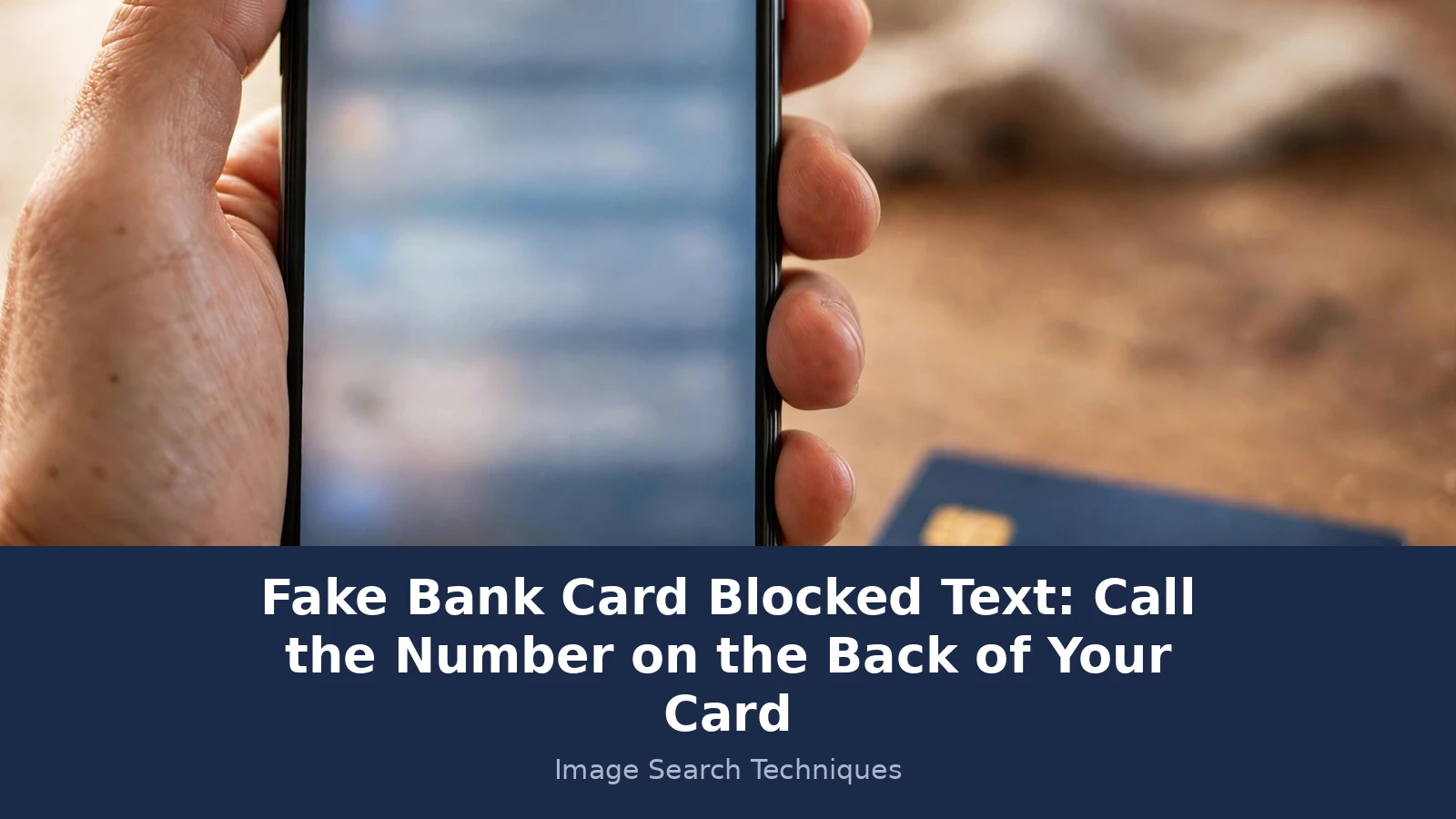
Your phone buzzes with a text saying your bank card has been blocked. It gives you a link to tap or a number to call, and it sounds urgent because it is designed to. The card is almost certainly fine. The text is the scam, not the block, and the real check takes a minute in your bank’s own app or on the number printed on the back of your card.
The short answer: A text saying your bank card is blocked is almost always fake. Do not tap the link, do not call the number in the text, and do not reply to it. Open your bank’s own app yourself and look for an alert there. If there is none, your card is fine. If you want to speak to someone, call the number printed on the back of your card, or call 159.
What a fake bank card blocked text usually says
The wording changes from week to week, but the shape stays the same. The text claims your card has been blocked, frozen, suspended or deactivated. It says the block is because of suspicious activity, an unusual payment or a security check. Then it gives you one way out: tap a link to unblock the card, or call a number to speak to the security team. Some versions name a payment you never made and ask you to confirm it. Others say the card will stay blocked until you verify your details.
Every version has the same job. It wants you to act before you think. A blocked card feels like an emergency, so most people tap first and check later. That is the whole trick. A real bank never unblocks a card by text, and it never asks you to prove who you are through a link in a message you did not expect.
How to read the text in 30 seconds
Read the message against this table before you tap anything. One row is enough to settle it in most cases. If two or more rows match, the fake bank card blocked text is a scam. Do not follow any instruction in it.
| What to check | What the fake text looks like | What to do |
|---|---|---|
| The claim | Your card is blocked, frozen or suspended, often because of suspicious activity you do not recognise | Do not accept the claim. Check your card in your bank’s own app |
| The route | A link to tap, or a number to call, printed inside the text | Never use either. Use the app, or the number on the back of your card |
| The deadline | Act now, or the card stays blocked, or your account will close | Ignore the deadline. A real bank does not set a countdown by text |
| The ask | Your PIN, your full online banking password, or a one-time code from your banking app | Never share these. No bank asks for them by text, call or email |
| The sender | A personal mobile number, or the bank’s name at the top of the message | Neither proves anything. Sender names can be faked, and a fake text can land in a thread of real ones |
| The writing | Odd phrasing, spelling mistakes, or a layout unlike your bank’s real messages | Read the wording closely. A genuine bank message is written in plain, correct English |
| The greeting | “Dear customer” instead of your name | A real bank message uses your name. A generic greeting is a warning sign |
| The payment | A payment you never made, with a link to cancel it or confirm it | Check the payment in your app. If it is not there, the text is fake |
A real example, read line by line
Published scam reports show the same pattern again and again. The clearest example is a message shared in an Instagram “Scam or real?” post: “Dear Customer, your debit card has been blocked for security reasons. Call [number redacted] to reactivate.” Read it against the table and three rows match at once: the blocked card claim, the number inside the text, and the generic greeting instead of the reader’s name. That greeting is a tell in itself. Your real bank knows your name and uses it.
Another widely reported example, documented by MyAntiSpyware in January 2024, tells the reader their debit card account has been blocked and to contact a supposed 24/7 service line. The message arrives as a text, it names no bank the reader can verify, and its only purpose is to get the reader to call the number in the message. Once a victim calls, the people on the other end ask for personal information and card details, and in some versions they try to get the victim to install remote control software on their computer.
An older FBI warning from 2011 records the same shape: a text saying the reader’s card has been deactivated and telling them to contact the sender at a number in the message. People who called were asked for their bank card number and other personal details. The warning is fifteen years old and the scam is still running, which tells you how well the trick works.
The reverse image check we ran on the scam warning
The MyAntiSpyware report carries a scam alert image with the article. We took that published image and reverse-searched it live, to see how widely the same warning image has travelled and whether the same picture turns up in other scam reports. This is the same check a reader can run on any screenshot attached to a suspicious message.
On Google Lens, the image returned no count. Lens reported “Something went wrong, no image at the URL”, because the image host put a security check in front of the picture and Lens could not fetch it. On TinEye, the search never ran either. TinEye asked for a human verification check, and the check failed three times, so no results page ever loaded. Neither count is a zero. Both searches could not run, and we are reporting that honestly rather than inventing a number.
What this means is simple. A warning image that appears on many unrelated scam pages is a stock warning picture, reused wherever a writer needs one. It tells you nothing about the text on your own phone, and it certainly does not prove that the text you received is genuine. The useful check is not the image at all. It is the app on your phone and the number on the back of your card, which no screenshot can fake.
How to check your card properly
There are only two safe checks, and both start from something you already trust rather than from the text.
First, open your bank’s official app yourself. Do not tap any link in the text to reach it. Open the app from your home screen, sign in as normal, and look at your card and recent transactions. If your card is blocked, the app will say so. If there is no warning and no strange transaction, the text is fake. Santander’s own fraud guidance makes the same point: any text with a link asking you to update your banking details or log in to your account will be fake, and a genuine bank will never contact you out of the blue to ask for your PIN, password or one-time code.
Second, call the number printed on the back of your debit or credit card. That number is printed on a piece of plastic your bank sent you, so it cannot have been faked by a text message. If you cannot find your card, call 159 instead. That is a short code run with Stop Scams UK which connects you safely to most major UK banks. You will be asked for the name of your bank and then put through. Remember that 159 will never call you. If someone rings claiming to be from 159, hang up. If you bank online rather than in an app, type the web address you already use into your browser yourself, and never follow the address in the text, even if it looks right.
What your bank will never ask you to do
UK banking guidance, including the Take Five campaign backed by UK Finance, is consistent on this point. Your bank and the police will never ask you to transfer money to another account to keep it safe, never phone or text you to ask for your PIN or your full banking password, never ask you to withdraw cash and hand it over, and never ask you to lie to bank staff about why you are making a payment. If a text or a caller asks you to do any of those things, treat it as a scam and do not follow the instruction.
There is a follow-up version of the same trick. The scammer claims a large transfer has already gone through and tells you to send the money back through a payment app to reverse it. A real bank never asks you to do that. If money really moved, call your bank on the number on the back of your card and let them handle it.
There are two more things a real bank never does by text. It never asks you to move money to a safe account, because there is no such thing as a safe account run by the bank for this purpose. And it never asks you to install an app or a file to fix your account. A request to install something is a sign the message wants access to your phone, not to your account.
Why the sender name proves nothing
Many people trust a text because it shows the bank’s name at the top, or because it arrived in the same thread as earlier genuine messages from the bank. Neither of those things proves the text is real.
Santander warns about exactly this: a fake text can appear in a thread of previous genuine messages, and that is easily faked and is not proof the message came from the bank.
The sender’s number is no better as evidence. A fake text often comes from an ordinary mobile number, which is a clear warning sign, but some arrive from numbers that look plausible. Judge the message by what it asks you to do, not by who it claims to be.
If you already tapped the link or called the number
Do not panic, and do not send any more money, passwords or one-time codes. The sooner you tell your bank, the more chance it has to help. Call the number on the back of your card, use your bank’s official app or website, or call 159. Explain what happened and ask the bank to stop or try to recall any payment you made, freeze your cards or online banking if someone may have access, and log a fraud claim with a reference number.
If you typed a password or a one-time sign-in code into a page from the text, change that password at once through the bank’s official app or website, and turn on two-factor authentication for your online banking if it is not already on. Check your recent transactions for anything you do not recognise, and keep checking your statements for several weeks afterwards. Small test payments sometimes appear first, followed by larger ones.
If you installed an app or a file because the text told you to, contact your mobile provider or a reputable repairer, and avoid using banking apps on that phone until it has been checked.
If you sent money, call immediately rather than waiting until morning, as the chances of recalling the payment fall quickly with time. Keep the text and take screenshots, and write down what you shared and when.
How to report the text
Reporting takes a minute and it helps other people, because providers use reports to block the sender. Forward the text free to 7726. On most phones you press and hold the message until the option to forward appears, type 7726 in the To field, and press send. You will get a reply asking for the number the text came from, which you are safe to send. Your mobile provider can then find out where the text came from and block the sender if it is malicious.
Then block the sender and delete the text. Blocking stops the same number reaching you again, though scammers change numbers often, so stay alert for the same message from a new sender.
If you lost money or shared personal details, report it to Report Fraud, the national reporting centre for fraud and cyber crime, online or by calling 0300 123 2040. It replaced the old reporting service on 4 December 2025. If you live in Scotland, report to Police Scotland by calling 101. Tell your bank first if money is at risk, because the bank is the one that can freeze the account and try to recall a payment.
How this scam fits with the others
A blocked card text is one member of a family of fake bank messages. The same trick appears as a fake bank letter, which arrives on paper instead of by text, and as a fake utility bill, which uses a bill you supposedly owe rather than a card you supposedly lost. The check is the same in every case: do not use the contact details in the message, check through a route you already trust, and report it. You can read the guide to the fake bank letter photo check and the fake utility bill photo check if either of those has reached you, and the complete guide to photo scams collects the whole family in one place. A text claiming your EE account is suspended works the same way and is settled the same way, inside the My EE app rather than through the link, as the fake EE account text guide shows. And if you ever want to check a photo or a screenshot that arrives with a message, the guide to reverse image search shows how to search with the picture itself.
The lesson behind all of them is short. A bank that needs you will wait for you to contact it through a channel you trust. A scammer cannot wait, because the trick only works while you are still frightened. Take the minute, check the app, and call the number on the back of your card.
Is a fake bank card blocked text real?
No. A text saying your bank card has been blocked is a scam. Banks do not block cards by text and never ask you to unblock one through a link or a number in a message. It is designed to frighten you into tapping a link or calling a number, where scammers steal your details. Check the app instead.
Does a bank ever block your card by text message?
No. If your card is genuinely blocked, your bank’s own app will show it, and the bank will expect you to contact it through the app or on the number printed on the back of your card. A text with a link to unblock the card is the scam itself, not a real warning.
How do I check if my bank card is really blocked?
Open your bank’s official app yourself and look at your card and recent transactions. If the card is blocked, the app will say so. If there is no warning, the text is fake. To speak to someone, call the number printed on the back of your card, or call 159.
What happens if I tap the link in the text?
The link opens a fake bank page built to look genuine. It asks for your online banking login, card details or a one-time code. Anything you type goes to the scammers, who can then use your account or your card. Close the page, change your password through the official app, and contact your bank if you entered any details.
What should I do if I called the number in the text?
Call your bank right away on the number printed on the back of your card, or call 159, and explain what happened. Ask the bank to freeze your cards or online banking if someone may have access, and to log a fraud claim. Change your password and check your statements for several weeks.
How do I report a fake bank card blocked text?
Forward the text free to 7726, then block the sender and delete the message. If you lost money or shared personal details, report it to Report Fraud online or by calling 0300 123 2040. In Scotland, report through 101. Tell your bank first if money is at risk.