🔎 Reverse Image Search
Image search techniques made simple: upload a photo or paste a URL and search 6 engines at once. 100% free, nothing stored.
🔒 Your image is never stored on our servers longer than 24 hours and is never shared.
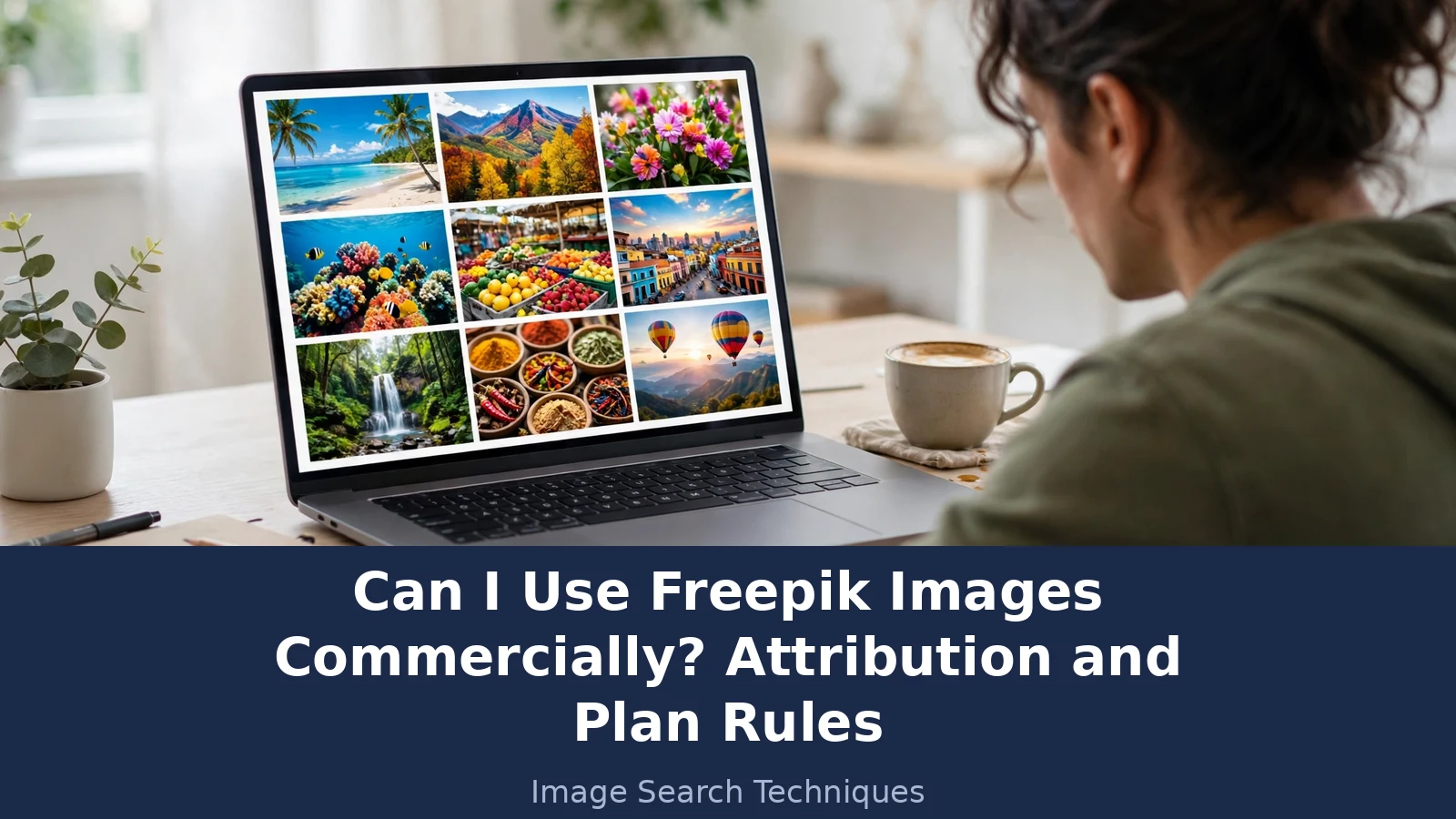
You found the perfect image on Freepik for a blog header, a shop listing or a client project. Then the doubt hits. Is it actually legal to use it, and will a missing credit line get you into trouble? The short answer is yes. A free Freepik image can be used commercially, but only with attribution, and only as a secondary part of your work. The rest of this guide walks through the exact rules, because the free licence has limits that catch people out.
The short answer: Yes. Freepik images can be used commercially on the free plan, provided you credit Freepik and the image is a secondary element of your design, not the main one. A Premium plan removes the attribution requirement. AI-generated images are different: on a free account they are personal use only, and a paid plan is needed for commercial use.
The short answer: yes, with conditions
Can I use Freepik images commercially on a free account? Yes, you can. That is the answer in Magnific’s own licence documents, and it is worth stating plainly because some third-party guides get it wrong. One widely shared guide describes the free tier as personal use only, but Magnific’s own terms say that with any Magnific licence you can use the resource in personal and commercial projects. The platform’s own terms are the authority, so the Freepik free licence does cover commercial use. What it does not cover is commercial use without a credit line, or every kind of commercial use.
The free plan is a real licence, not a trial. It lets you use photos, vectors, PSD files and icons in commercial projects such as a blog, a business website, a social media post, an advert or a client presentation. The price you pay is the credit line, and the boundary you must respect is the main-element rule, explained below. A paid plan removes the credit line and adds rights the free plan does not have, most importantly the commercial licence for AI images and, on Pro, a merchandise licence.
One more distinction matters. A licence is not the same as fair use, and fair use is not a fallback if you ignore the licence. In the United States, fair use is a defence that weighs the purpose of the use, the nature of the work, the amount used and the effect on the market. In the United Kingdom, fair dealing is a narrower set of specific exceptions, such as criticism, review and research. They are different doctrines, and neither one replaces reading the licence.
First, the name changed: Freepik is now Magnific
If you have not visited Freepik for a while, the first surprise is the name. Freepik rebranded as Magnific in October 2026, and freepik.com now redirects to magnific.com. The library is the same, the free tier is still there, and your old account still works. What changed is the brand on the credit line: Magnific’s own licence documents give the attribution line as “Designed by Magnific”, so that is the credit to use now. Older guides still print “Designed by Freepik”, and that wording is out of date.
Free vs Premium: the licence table
This is the table to check before you download. It is built from Magnific’s own terms of use and its licences and attribution documents, both read on 24 November 2026.
| What you get | Free | Premium | Plus | Pro |
|---|---|---|---|---|
| Attribution required | Yes | No | No | No |
| Commercial use | Yes, with credit | Yes | Yes | Yes |
| AI images, commercial licence | No, personal use only | Yes | Yes | Yes |
| Merchandise licence | No | No | No | Yes, up to 100,000 units per asset |
| Stock downloads | 10 per day | Unlimited | Unlimited | Unlimited |
| Indemnity cap per claim | 100 euros | 10,000 euros | 50,000 euros | 50,000 euros |
Two notes belong under the table. First, Magnific’s own documents disagree on one point: the licences table appears to give the merchandise licence to Plus as well, while the terms of use give it to Pro only. The terms are the binding document, so this guide treats Pro as the merchandise plan. Second, there is also an Essential plan in the terms, covering part of the Premium content, but it is not featured on the pricing page.
Prices change, and they vary by country. On 24 November 2026 the pricing page showed Black Friday annual billing prices, excluding VAT, of 7.25 dollars a month for Premium, 33.75 dollars a month for Plus and 82.50 dollars a month for Pro. Check the pricing page for the price on the day you buy.
How to credit a free Freepik image
Freepik attribution is simple once you know the format, and it is the one condition the whole free licence rests on. Put the credit where the image is used, in a place a reader can actually see it. Under the image as a caption is best. A footer credit, a credits page or a credits slide also works. Use this template, with the author’s name where the asset page gives one:
Image by [author name] / Designed by Magnific
For the photo in the worked example below, the credit would read “Image by frimufilms / Designed by Magnific”. If the asset page names no author, “Designed by Magnific” on its own is the credit the documents ask for. The credit is what makes the free use legal, so leaving it out takes you outside the licence. If you downloaded the image while on a paid plan, you may remove the attribution.
The main-element rule, explained
The Freepik main element rule is the limit most people miss. The terms say the user shall not use Magnific content as the main element of the product or work in which it is included, and the content shall always have a secondary role. In case of doubt, the terms say it shall be deemed as the main element. If you have to ask whether the image is the main element, the terms already answer yes.
A blog header is the usual safe example. The photo sits behind your headline, your logo and your layout, and the page is plainly your work with a supporting image in it. A product listing that uses a Freepik photo as one image among your own product photos is the same shape.
A t-shirt with only the Freepik image printed on it is the opposite shape. The image is the product, and the product is being sold. That is main-element use, and it needs the Pro merchandise licence. The same logic applies to a book cover where the photo dominates the design or a poster that is just the image with a small caption. If removing the Freepik image leaves you with nothing to sell, the image was the main element. AI content follows a different rule: the licence documents say it has no main-element restriction and can be used as the main element commercially on a paid plan.
What you cannot do with a Freepik image
Several of these uses feel harmless until you check the terms. You cannot resell, redistribute, sublicense, transfer or give away the file itself, and you cannot include it in a database or a stock library of your own. You cannot use it in a trademark or a logo, or in a way that suggests the person or brand in the image endorses your product. You cannot use it on items for resale, such as t-shirts, cups and mugs, unless you hold the Pro merchandise licence, and even then the cap is 100,000 units per asset and AI-generated content is excluded. You cannot use an image for defamatory, obscene or illegal purposes, or in a way that slanders or vilifies a person, a race, a sex, a culture or a religion. Content marked editorial carries extra limits, and it is generally tied to news and commentary rather than advertising.
Can I sell Freepik images? Not as images. You can sell a product that contains a Freepik image as a secondary element, under the rules above, but you cannot sell the image itself, and you cannot sell a product whose only value is the image. That is the line the main-element rule draws, and it is the line the merchandise licence exists to move, within its cap.
Editing is allowed. Magnific’s own licence documents say you may alter a resource and create derivative works, so cropping a photo or turning a vector into an animation is covered by the same licence. What stays forbidden is selling, sublicensing or giving away the file itself, including a modified version.
Freepik AI images: the commercial catch
Freepik AI images are where the free plan stops being commercial. On a free account, AI-generated outputs are licensed for personal, non-commercial use only. The pricing FAQ states it directly: paid plans include a commercial licence for AI-generated content, and free plans are limited to personal use. An image generated with Freepik’s AI tools on a free account and then used on a client website or a product listing is outside the licence.
Two further catches apply to AI content even on a paid plan. First, AI content is excluded from Magnific’s indemnity and legal protection, so the indemnity caps in the table above do not cover it. Second, the terms bring in the third-party model makers’ own terms by reference, and you are responsible for complying with them. Magnific’s own documents have a small inconsistency here: one page adds the words “with attribution” to the free AI commercial use line, while the pricing FAQ says free AI use is personal only. The pricing FAQ matches the terms, so this guide follows it. Credit is not permission, and a licence is not ownership.
Worked example: one real photo, checked and reverse searched
The rules above are easier to trust when you can see them applied to a real image. Searching Magnific for a business team meeting photo returned 561,700 results, and filtering to the free licence narrowed that to 7,900. The first result was AI-generated, so it was skipped: an AI image on a free account would be personal use only. The second result was chosen: “Business meeting in an office” by frimufilms, a 3840 by 2160 JPG, with the licence line on its asset page reading “Licence: Free” and “Attribution: Required”. The asset page is at magnific.com, under free-photo/business-meeting-office_38259459.htm.
Before using this photo, the checks are short. It is a stock photo, not an AI image, so the free licence covers commercial use with attribution, and the credit line is “Image by frimufilms / Designed by Magnific”. As a blog header with your own headline and layout, the photo is a secondary element, so that use fits the licence. As the only image printed on a t-shirt, it would not fit. The same check applies to a product listing: the photo can illustrate the listing, with the credit shown, but it cannot be the product itself.
Then the image was reverse searched. Google Lens loaded 400 exact-match result pages in the first view. Lens shows no headline total, so 400 is the number of results loaded, not a capped total. The matches included the Magnific source page itself and reuses on staffing and agency sites. TinEye returned 52 results, after searching 86.9 billion images, and said the photo was first indexed on 7 February 2023. Its top results included shutterstock.com and stock.adobe.com, so the author sells it there too.
What does that tell you? A free-licence photo is widely reused, and finding it on another site does not change its licence. Your licence comes from the Magnific asset page, and the licence line there is the one that governs your use. A reverse search is still worth running before you use an image, because it shows you whether the picture is already everywhere.
Merchandise, client work and cancelling
The Freepik merchandise licence is a Pro-only right, and it has a hard cap. It allows limited use of Magnific content on physical products for commercial purposes, up to a maximum of 100,000 units per asset, and it excludes AI-generated content entirely. If you plan to print more than 100,000 units of one design, or to print an AI-generated image on a product, the merchandise licence does not cover you.
Client work has its own conditions. You may use Magnific content for a third party only if that third party professionally instructed you, the authorisation is in writing and complies with all the restrictions, the content is not the main element of the work, and you, not the client, choose the items. If a client sends you a Freepik image and asks you to put it on their website, that is not the same as you choosing it under your own licence. If you cancel a paid plan, you can keep using resources you published before the subscription ended, but you cannot download them again.
Freepik vs Unsplash and Pexels
Freepik vs Unsplash is the comparison most people actually make, and the answer is a trade-off rather than a winner. Unsplash and Pexels both allow free commercial use with no attribution required, and their licences are simpler to follow. Freepik’s free licence also allows commercial use, but it requires attribution and it applies the main-element rule. If you want a photo for a blog header and you do not want to think about credits, Unsplash or Pexels is the easier choice. If you want vectors, PSD files, icons or AI tools in the same library, Freepik’s range is wider. You can read the full licence guides for Unsplash photos and Pexels photos before you choose, and the Canva images guide covers the other library most bloggers reach for first.
Match the library to the job. A photo-led blog post is usually simpler on Unsplash or Pexels. A design that needs a vector, an icon set or a PSD template is usually quicker on Freepik. Either way, read the licence line on the asset page you actually download from.
How to check the licence before you use any image
Five checks take two minutes and prevent almost every Freepik problem. First, open the asset page on Magnific and read the licence line, including whether it says free or Premium and whether attribution is required. Second, check whether the image is stock or AI-generated, because the free AI licence is personal use only. Third, look for an editorial marking, which adds limits on advertising use. Fourth, reverse search the image. Fifth, save the licence file or screenshot the licence line. The guide to checking a photo licence before you use it walks through these checks in detail, and the complete guide to protecting your photos online covers what to do if someone uses your own images without permission.
Freepik copyright questions usually come down to one of two misunderstandings. The first is that free means no rules, which it does not: the free licence is a real licence with a credit condition and a main-element limit. The second is that finding an image on Google means it is free to use, which it never does. “Found on Google” is not a licence. The asset page is the licence.
So, can I use Freepik images commercially? Yes, on the free plan with attribution, and on paid plans without it, as long as the image stays a secondary element of your work and you stay inside the prohibited list. Read the licence line, credit the image, keep the record, and check the AI rules separately.
This guide is general information about Magnific’s licence, not legal advice. If a use matters to your business, check the licence line on the asset page and, when in doubt, ask a lawyer.
Can I use Freepik images commercially for free?
Yes. Freepik images can be used commercially on the free plan, as long as you credit Magnific and the image is a secondary element of your design, not the main one. AI-generated images are the exception: on a free account they are personal use only, and a paid plan is needed for commercial use.
Do I have to credit Freepik on a free image?
Yes. Attribution is the condition the whole free licence rests on. Credit the image as Image by [author name] / Designed by Magnific, placed where the image is used, such as a caption or footer. If you downloaded the image under a paid plan, you may remove the attribution.
Can I use Freepik images on merchandise like t-shirts?
Only on the Pro plan, which holds the merchandise licence. It covers up to 100,000 units per asset and excludes AI-generated content. On the free, Premium or Plus plans, putting a Freepik image on a product for resale is outside the licence, because the image becomes the main element.
Can I use Freepik AI-generated images commercially?
On a free account, no. Freepik AI outputs are licensed for personal, non-commercial use only on the free plan. Paid plans include a commercial licence for AI-generated content. AI content is also excluded from Magnific’s indemnity protection, and the model makers’ own terms apply as well.
What is the Designed by Magnific credit?
It is the attribution line Magnific’s own licence documents ask for on free images. Freepik rebranded as Magnific in October 2026, so the old Designed by Freepik line is out of date. Use Image by [author name] / Designed by Magnific, with the author’s name where the asset page gives one.
Can I use a Freepik image as my logo?
No. Magnific’s terms prohibit using its content in a trademark or a logo, and a licence is not ownership. A logo needs an image you own outright or commissioned yourself. The same rule applies to suggesting that a person or brand in a Freepik image endorses your product.