🔎 Reverse Image Search
Image search techniques made simple: upload a photo or paste a URL and search 6 engines at once. 100% free, nothing stored.
🔒 Your image is never stored on our servers longer than 24 hours and is never shared.
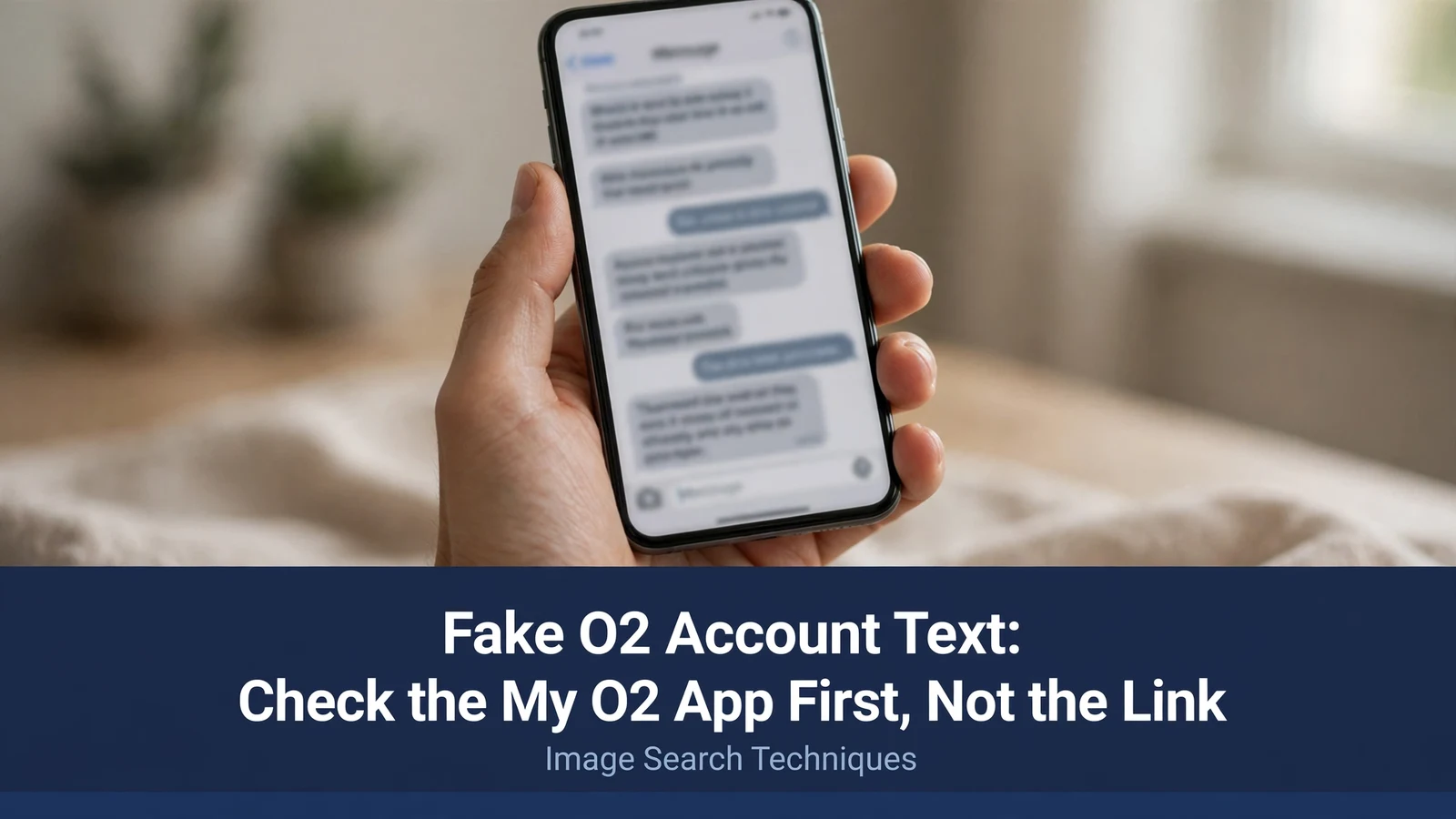
Your phone buzzes. O2 says your SIM will go inactive unless you sign new terms today, or your last bill failed and fees are coming. Before you tap anything, stop. O2 never sends either of those texts. This guide shows the 60-second check that settles it, using the My O2 app, and what to do if you already clicked.
Short answer: A fake O2 account text is a smishing message designed to steal your My O2 login. O2 never texts asking you to sign new terms, pay a bill through a link, or share a one-time passcode. Open the My O2 app yourself and look for the same message there. If it is not there, the text is fake. Forward it free to 7726 and delete it.
What the fake O2 account text looks like
Three versions of this scam are in circulation right now. All three use O2’s name, all three create urgency, and all three end with a link to a fake O2 site. Knowing the three patterns makes the next text much easier to spot.
The first is the inactive-SIM text. O2 warned about it on 30 June 2026, and it is still the version most people report. The example O2 published reads: “O2UK: IMPORTANT: Your SIM Card(s) will be inactive on 04/06/2026, because you have NOT signed our Terms and Conditions. Logon to sign.” That date is now in the past, so treat it as O2’s published example from June 2026, not as a live deadline. The trick is the same whatever date the text shows: sign in or lose your number.
The second is the unpaid-bill text. An O2 partner published one in January 2020, and the wording has barely changed since: “O2: We are unable to process your latest bill. In order to avoid fees, update your billing information via:” followed by a lookalike web address with O2’s name and a random number in it. The link leads to a fake O2 site that looks convincing and asks for your login and bank details.
The third is the refund offer. It promises a refund for overcharging, or a loyalty discount, and asks you to tap a link to claim it. O2 does not offer refunds or discounts by text, so treat any such offer the same way: check the My O2 app, and never tap the link.
Here is how the texts compare, and what each one is trying to get from you.
| What the text says | The hook | What the scammer wants | The giveaway |
|---|---|---|---|
| Your SIM will be inactive unless you sign new terms | Losing your number today | Your My O2 username and password | O2 never texts asking you to sign terms |
| Your latest bill failed, update details to avoid fees | Extra charges | Your login plus bank details | O2 never asks for bank details by text |
| A payment is due, tap the link to settle it | A deadline of hours | Card details on a fake payment page | The link is not o2.co.uk, typed yourself |
Both texts rely on the same pressure: act now or lose something. A genuine message from O2 about your account never needs you to act through a link in a text. That is the first thing to remember, and it is the test every other check in this guide builds on.
The 60-second check: My O2 app first, not the link
O2’s own advice is simple. If a text asks you to do something about your account, open the My O2 app or sign in to My O2 and look for the same message there. If it is genuine, it will be there too. If it is not there, the text is fake. Do this before you tap any link, reply, or call any number in the message.
- Do not tap the link. Close the message thread and open the My O2 app from your home screen, or type o2.co.uk into your browser yourself.
- Sign in the way you normally do. Use the app or the site you already trust. Never sign in through a page a text sent you to.
- Check for the same alert. Look at your bills, your payments and your messages inside the account. A real bill problem, a failed payment or a SIM change would show up there.
- Check the sender. On many phones, genuine messages from O2 appear under a verified “O2” contact, not a standard mobile number. A text from an ordinary mobile number claiming to be O2 is a strong warning sign.
- Decide on what the app says, not what the text says. If the app shows nothing wrong, nothing is wrong. The text was a fake.
If you are still unsure after the app check, call O2 on 202 from your O2 phone. It is free, and it settles the question in one call. Never call a number printed in the suspicious text itself.
This check works because the scammer cannot put a message inside your real My O2 account. They can only send you a text that looks like it came from O2. The app is the one place they cannot fake.
Worked example: two real texts read line by line
To write this guide, I read the two published examples above against O2’s own advice, line by line. I also reverse-searched a published screenshot of a fake O2 text, to see where else the same image appears online.
I used the screenshot O2 itself released with its warning, as published by the Daily Express on 19 June 2026. It shows a dark-mode phone screen with a message from sender “483” reading: “O2UK: IMPORTANT: Your SIM Card(s) will be inactive on 05/06/2026. To keep your SIM(s) active, Log on and sign our new T&Cs.” Note the date. This screenshot shows 05/06/2026, while O2’s written warning quotes 04/06/2026. The scammers reused the same wording with different dates, which is a reminder that the date on the text proves nothing.
I reverse-searched that screenshot live. Google Lens showed no headline total, but its first exact-matches load listed about 60 entries, and the same image appeared on the Mirror, the Daily Express and Chronicle Live, all dated 19 June 2026. The list is loose, though, and it also pulls in visually similar phone screenshots, so I am not claiming 60 copies. TinEye searched over 86.9 billion images and found no matches at all, which means it had not yet crawled the pages carrying this image, not that the image is rare. The honest result is this: the screenshot is real, it is O2’s own published example, and it is circulating in news coverage. A reverse search can confirm that much, but it cannot confirm the text on your own phone. Only the My O2 app can do that.
The inactive-SIM text fails O2’s own test at the first line. O2 says it is not contacting any customers by text asking them to sign updated terms and conditions or face their SIM being deactivated. Any message that says otherwise is a scam, whatever the date on it. The link is the second failure. O2 says never to click a link in an unexpected message and to go to the My O2 app or call 202 instead. The fake site exists only to collect the login you type into it, and a stolen My O2 login lets a scammer take over the account, order phones on the contract, or move the number to a new SIM and receive the bank security codes sent to it.
The unpaid-bill text fails the same way. O2 would never text asking for bank details, and it would never ask you to update billing information through a link in a message. A real failed payment shows in the My O2 app under your bills. If the app shows the bill as paid, the text is lying.
Neither text is hard to spot once you know the rule, but both are easy to fall for in the moment. They arrive looking like O2, they use a deadline, and the fake site they link to is built to look like O2 too. That is why the check is always the app, never the link.
Five things O2 never asks for by text
O2 publishes this list on its own scam advice page, and it is the fastest way to judge any O2 message. If a text asks for any of these, it is fake.
- A one-time passcode. O2 will never text you and ask for a passcode, and no genuine caller from O2 will ask you to read one out either.
- Your password or PIN. O2 never asks for account passwords or PINs by text or by call.
- Bank details. O2 never asks for bank or card details in a text message.
- A link to download the My O2 app. O2 says it would never text a link to download the app. Get it only from the Apple App Store or Google Play.
- Payment through a link in the text. A genuine account problem is handled in the My O2 app or on o2.co.uk typed yourself, never through a link a text hands you.
Two more signs help. Genuine texts from O2 come from “O2” or “02” as the sender, not from a mobile number. And O2’s own advice is to look for poor spelling, odd grammar and urgent language. The June 2026 inactive-SIM text uses capital letters and a same-day threat, which is exactly the pattern O2 warns about.
Why the text looks real (and why that proves nothing)
The fake texts work because they copy the details people expect. The sender name can show as O2, the wording sounds like a network message, and the fake site copies O2’s colours and layout. In January 2020, O2 itself noted that the fake sites were very convincing and looked like real O2 sites. Six years later, the June 2026 warning says the same thing about the fake login pages: they may appear legitimate, but they are designed to steal usernames and passwords.
None of that makes the message real. A sender name can be spoofed, a logo can be copied, and a web address can be built to look like O2’s while belonging to someone else. The only thing a scammer cannot do is put a message into your real My O2 account, which is why the app check is the settler.
Scale is part of why this scam keeps coming back. O2 says it has blocked over 1 billion scam messages to date, including thousands linked to the inactive-SIM scam alone, and it blocks known fraudulent addresses on the O2 and Virgin Media networks. The messages still get through because new ones are created constantly, so the check matters more than any single warning.
The same scam family hits other networks too. The EE account text uses the same bill-failed and account-suspended hooks with the My EE app as its settler, and the bank card blocked text uses the same frozen-card wording with the bank’s own app as the check. If you can spot the O2 version, you can spot those too. Our fake EE account text guide and our fake bank card blocked text guide walk through the same check for those brands.
If you already clicked or shared details
Act quickly, and do not panic. The damage from a clicked link is limited if you act before the scammer uses what they got.
- Change your My O2 password immediately, from the app or o2.co.uk typed yourself. If you used the same password anywhere else, change it there too.
- Add a PIN to your account if you have not already, and check for any SIM or upgrade orders you did not place.
- Call O2 on 202 from your O2 phone and tell them what happened, so they can check the account and block anything suspicious.
- Contact your bank if you entered bank or card details, and ask them to watch the account or replace the card.
- Report the text by forwarding it free to 7726, and report the fraud to Report Fraud.
If you only tapped the link but typed nothing, the risk is lower, but still change your password. If you shared a one-time passcode with a caller, call O2 straight away and ask them to check for SIM or upgrade orders, because that code can let someone into your account.
How to report a fake O2 text
Reporting takes seconds and it helps O2 block the next wave. O2 says every report to 7726 helps it act faster to shut down scams at source.
- Forward the text free to 7726. That number spells SPAM on a phone keypad, and it works on all UK networks, not just O2.
- Delete the message after forwarding it. Do not reply to it, and do not reply STOP, because replying tells the scammer the number is live.
- Report the fraud to Report Fraud if you lost money or shared personal details. That is the UK’s national reporting centre for fraud and cybercrime.
O2’s own scam advice page is the authority for everything in this guide. If a detail here ever conflicts with what O2 says there, follow O2’s page. You can read it at O2’s guide to preventing and reporting scam calls and messages.
The O2 call trap: a discount that needs your passcode
There is one related trick worth a short warning, because it arrives as a call, not a text. Callers from spoofed UK mobile numbers offer an O2 bill discount, then trigger a real one-time passcode to your phone and ask you to read it out. That code lets them into your account. A discount that requires your security code is not a discount, and O2 will never ask for a passcode on a call. Hang up and call 202 yourself if you are unsure. The same rule covers the verification-code trick on WhatsApp, where a stranger asks you to forward the six digits that arrived on your phone. Our fake WhatsApp verification code guide explains why that code is yours alone. A fake utility bill message uses the same pressure in a different wrapper, and our fake utility bill photo check shows the same app-first test for that one. For the full picture across every scam type, see our complete guide to photo scams.
FAQs
Is the O2 account text real?
Probably not. O2 never texts asking you to sign new terms, pay a bill through a link, or share a one-time passcode. Open the My O2 app yourself and look for the same message there. If the app shows nothing wrong, the text is fake. Forward it free to 7726 and delete it.
What should I do with a fake O2 text?
Forward it free to 7726, then delete it. Do not tap the link, do not reply, and do not call any number in the message. If you are unsure whether your account has a problem, open the My O2 app or call O2 on 202. Never reply STOP, because a reply tells the scammer the number is live.
Does O2 text about SIM deactivation?
No. O2 says it is not contacting any customers by text asking them to sign updated terms and conditions or face their SIM being deactivated. Any message that says your SIM will go inactive unless you sign something is a scam. Check the My O2 app or call 202, and forward the text to 7726.
What if I clicked the link in a fake O2 text?
Change your My O2 password immediately from the app or o2.co.uk typed yourself, then call O2 on 202 and tell them what happened. If you entered bank or card details, contact your bank and ask them to watch the account. Report the text to 7726 and report the fraud to Report Fraud.
Can I check the text by calling the number in it?
No. Never call a number printed in a suspicious text, because it may connect you to the scammer. If you want to check by phone, call O2 on 202 from your O2 phone, or 0344 809 0202 from any phone. The fastest check is the My O2 app, where a genuine alert would also appear.
Will O2 ask me for a one-time passcode?
Never. O2 says it would never text asking for one-time passcodes, passwords, PINs or bank details, and the same applies to calls. If anyone claiming to be from O2 asks you to read out a code, hang up. Call O2 on 202 yourself if you are worried about your account.