


🔎 Reverse Image Search
Image search techniques made simple: upload a photo or paste a URL and search 6 engines at once. 100% free, nothing stored.
🔒 Your image is never stored on our servers longer than 24 hours and is never shared.
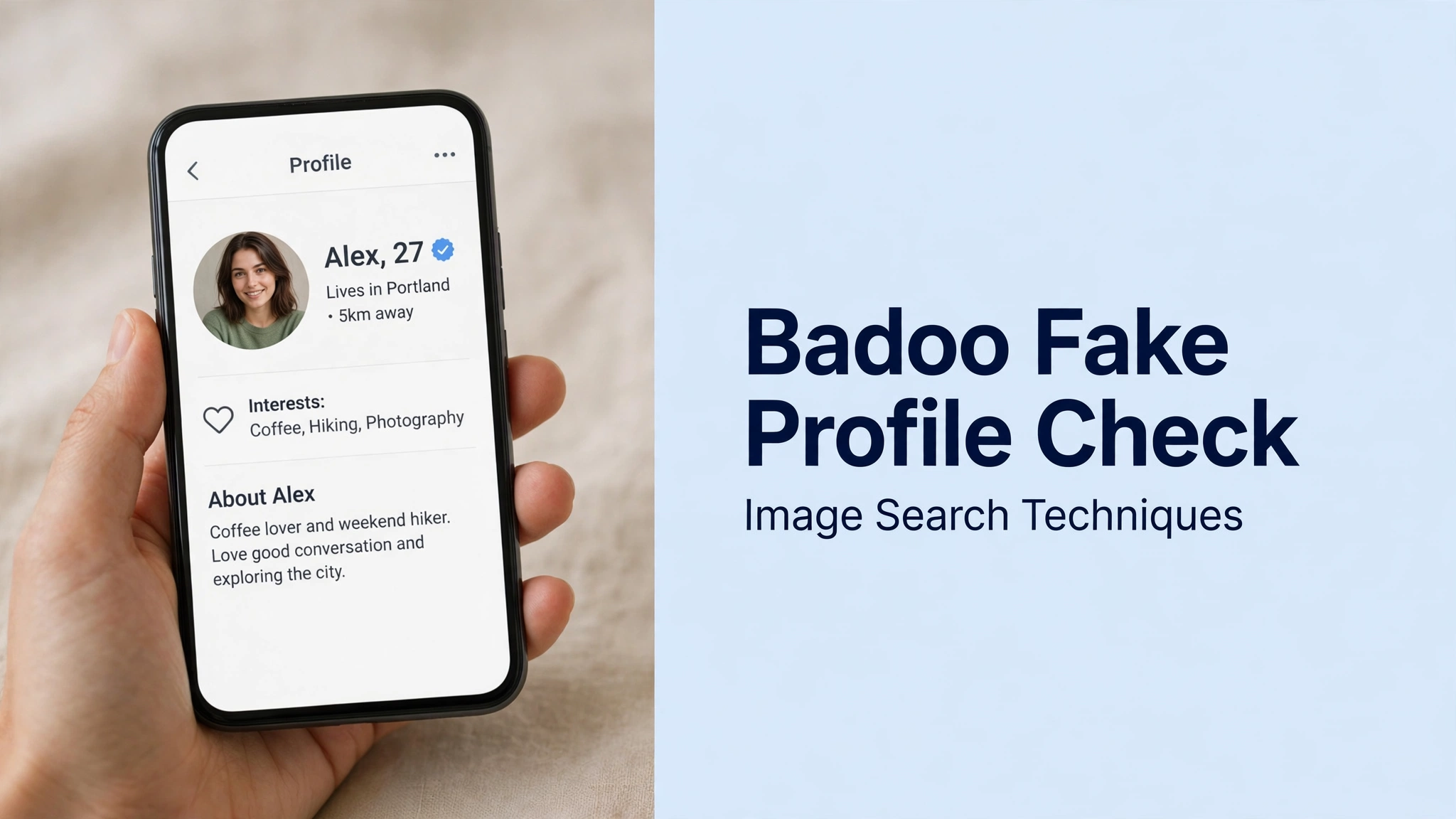
Short answer: To check a Badoo fake profile, look for the blue tick: it means the person passed Badoo’s photo verification, a gesture-copying selfie checked against their profile photos. Then reverse-search the photo on Google Lens, TinEye and Bing. A badge plus a clean photo search is a good sign; no badge plus a stolen photo is a reason to walk away.
Badoo is one of the few dating apps that gives you a real, built-in check before you ever have to do your own detective work. That check is the blue tick, and it is worth understanding properly, because it proves something specific, and it does not prove everything. This guide explains what the badge means, what it leaves unchecked, and how to run the reverse-search second layer on any profile, verified or not. The wider method is covered in our face search and photo privacy guide.
What is a Badoo fake profile?
A Badoo fake profile, often called a Badoo catfish, is an account that uses someone else’s photos to pretend to be a different person. The person behind it may be running a romance scam, harvesting intimate photos, or impersonating a real person for attention or revenge. Badoo itself says catfishing goes against its Community Guidelines, and that when it suspects an account is a catfish it requires the holder to get verified, hiding the profile and blocking access until they do. The generic method for spotting a fake dating profile is covered in our spot a fake dating profile guide; this article sticks to Badoo’s own mechanics.
The scale of the problem is real. The FTC’s Consumer Sentinel Network recorded 55,604 romance scam complaints in the first nine months of 2025, up 22% on the same period of 2024, with reported losses above $1.16 billion and a median loss of $2,218 in the third quarter. Checking a Badoo photo before you invest emotionally is the cheapest defence there is, and on Badoo the check starts with the badge.
What does the Badoo blue tick actually prove?
The blue tick on a Badoo profile means the account holder passed Badoo’s photo verification. According to Badoo’s own support pages, updated in October 2026, the process works like this: the member opens their profile, taps the verification prompt under their picture (or taps the picture, then Edit, then Get verified), and takes a selfie copying the gesture in an example photo. Badoo then checks that selfie against the photos on the profile using a mix of automated and human review, and replies within a few minutes. Pass, and a blue checkmark appears on the profile.
So the badge proves one thing: the person who controls the account looks like the person in the profile photos. That is genuinely useful. A scammer running ten accounts from stolen model photos cannot pass it, because they cannot produce a live selfie that matches the stolen face. Badoo says verification “helps prevent fake profiles and gives others confidence that they’re chatting with a genuine person”, and Badoo’s own blog notes that profiles with verified photos get more messages on average than unverified ones.
But the badge does not prove the name is real, the age is real, the job is real, or the person is safe to meet. It is a photo match, not an identity check. Badoo runs a separate ID verification, described on its support pages in March 2026, in which a member uploads a government-issued ID such as a passport or driving licence and takes a live selfie; that check confirms age and that the photo matches the profile, and it earns its own badge. Phone verification is a third, weaker layer: it confirms a mobile number, and Badoo’s help pages make clear it does not award the blue checkmark on its own. So when you look at a profile, you are really asking which of these layers it has, and the blue tick answers only the photo question.
One more limit matters. Badoo says it regularly checks every photo on the platform against photos of celebrities, and it can require a suspicious account to verify. That catches lazy fakes. It does not catch a scammer who uses photos of an ordinary person, or photos generated by AI, because neither appears in a celebrity database and an AI face has no original to match against. The badge is a strong first filter, not a final verdict.
How do you check the blue tick on a Badoo profile?
Checking the badge takes seconds, and it should be the first thing you do with any new match.
- Open the profile and look beside the name. A verified profile shows a blue checkmark next to the display name and on the profile photo. If you cannot see one, the profile is unverified, which is not proof it is fake, but it is the point at which your own checks begin.
- Check the photos, not just the badge. Tap through every photo. A verified badge only confirms the face matches the photos; it says nothing about whether the photos are recent, or whether the bio matches them. A 25-year-old with a ten-year-old’s photo set, or a local claiming a skyline from another continent, is still worth a closer look.
- Use Badoo’s verified-only filter when browsing. Badoo lets you show only people with verified photos: go to the tab for meeting people near you, tap the filter icon, scroll to Advanced filters, tap Photo verified, select Photo verified only, and apply. Browsing this way removes most unverified profiles before you ever match with them.
- Ask an unverified match to verify. Badoo’s own guidance says you can ask a match to verify their profile, and a genuine person with nothing to hide usually will. A refusal, a delay, or an excuse is itself information.
Note that Bumble’s verification is a different system with different steps, so do not assume a badge works the same way on every app. On Badoo, the badge is specifically the gesture-selfie photo check described above. Bluesky’s badges work differently again: see our guide to checking a Bluesky profile.
Badge or no badge: what should you do in each case?
The decision table below is the heart of this check. Read the row that matches the profile in front of you, and follow the action in the last column.
| Badge | Photo search result | What it usually means | What to do |
|---|---|---|---|
| Blue tick present | Photo appears nowhere else, or only on the person’s own linked accounts | Real person, photos are theirs | Continue, but still do the profile and chat checks below |
| Blue tick present | Photo found on a stock site, model page or under another name | Badge and photos disagree, treat with suspicion | Do not meet; report the profile and ask Badoo to re-check it |
| No badge | Photo appears nowhere else | Unverified but not proven fake | Ask them to verify; insist on a live video call before meeting |
| No badge | Photo found on a stock site, model page or under another name | Stolen photo, likely a fake profile | Do not meet; save evidence, report and block |
| No badge | Profile refuses verification and pushes to move off the app | Classic catfish pattern | Stop replying; report and block |
The second row is the one people miss. A badge and a stolen photo should not coexist, so when they do, something is wrong: the photos may have been changed after verification, or the account may have been sold on. Badoo says it periodically re-checks verified profiles, but do not rely on that. Trust the photo search over the badge when the two disagree.
How do you reverse-search a Badoo photo?
For an unverified profile, or any profile where the badge and the photos disagree, the second layer is a reverse image search. Badoo’s own catfish guide recommends it in one line: a quick reverse image search will usually show if the same photos have been used elsewhere on the internet. Here is the full version.
- Get the photo out of Badoo. Badoo does not offer a save button on profile photos. On the Badoo website in a desktop browser, right-click the photo and save it directly. In the app, take a screenshot of the profile photo, then crop it tightly to the face: the crop removes the app interface and gives the search engines only the photo to match.
- Start with Google Lens at lens.google.com. Upload the cropped photo and read the identical matches first. Lens has the broadest index and is the fastest way to find a photo on a stock site, a model’s page or another social profile.
- Run the same crop through TinEye at tineye.com. TinEye is the strictest of the three: it reports how many matches it found and when each copy first appeared, which tells you which copy is the oldest and where the photo really came from.
- Finish with Bing Visual Search at bing.com/images, using the camera icon. Bing’s index overlaps with Lens but catches pages the others miss, especially image-heavy pages and regional sites.
- Compare the three result sets side by side before you decide anything. One engine finding nothing means little. All three finding nothing means the photo is either genuinely private or too new to be indexed, which is a neutral result, not a clean one. Our reverse image search guide explains the three engines in full.
Use the original capture, not a screenshot of a screenshot. Every re-save softens the image and weakens the match. If the engines return nothing useful, try a second crop that includes more of the background, because distinctive furniture, a skyline or a tattoo can match even when the face does not.
Worked test: one profile photo checked both ways
We ran the test on 10 November 2026, checking one photo both ways: the badge path, verified against Badoo’s own published process, and the reverse-search path, run live on all three engines. For the photo we used a stock portrait standing in for a profile photo: a Pexels photograph of a woman with dark curly hair, smiling, wearing a green and white geometric-patterned shirt (Pexels photo 774909, published 4 January 2018, photographer Andrea Piacquadio). It is a stand-in, not a real Badoo user’s photo, and the point of the test is to show what the engines return for a photo of this kind. All three uploads were made signed out, and none of the three asked for a sign-in.
The badge path. If this photo belonged to a Badoo profile, the first check would be the blue tick beside the name. Badoo’s support pages, updated in October 2026, describe exactly what a tick means: the holder took a gesture-copying selfie that Badoo’s automated and human review matched to the profile photos, within a few minutes. A tick on this profile would mean the account holder looks like the woman in the photo. But a tick would not change what the reverse search found, and here the reverse search found a lot.
Google Lens. Lens described the photo in its AI Overview as a woman with dark curly hair smiling broadly while wearing a green and white geometric-patterned button-down shirt. Its exact-matches view returned a long list of identical copies, with no total count shown. The top sources were unrelated sites using the same portrait: Treated US, Niznik Behavioral Health, Hillary Counseling, HERoines Inc and Audible, among others. The original appeared in the list as the Pexels photo from 4 January 2018, alongside a Wikimedia Commons copy of the same file.
TinEye. TinEye reported 759 results after searching 86.6 billion images, and said the image was first indexed on 13 January 2018. Sorted oldest first, the earliest match was the original Pexels page, pexels-photo-774909.jpeg, from 13 January 2018. Ten of the 759 matches were on pexels.com itself.
Bing Visual Search. Bing behaved differently from the other two. Instead of an exact-match list, it converted the image into a text query, “Woman With Brown Hair In Green Patterned Shirt”, and returned visually similar images of women in green shirts, with no total count shown. The exact Pexels photo still appeared as a thumbnail in the image grid, so the match was there, Bing just presents it as similarity rather than as a copy list, which is why you should never rely on one engine alone.
What the three results together show is that a stock portrait is trivially detectable. Lens and TinEye independently traced the same photo to the same Pexels original from January 2018 and to hundreds of unrelated sites that reused it. On the decision table this photo lands on the bottom row: a photo found on a stock site is a do-not-meet result, badge or no badge. A real person’s private photo would not behave like this; a scammer’s stolen photo would behave exactly like this.
What else should you check before you trust the profile?
The badge and the photo search answer the photo question. The profile and the chat answer the rest, and a fake usually fails at least one of them.
- Read the bio against the photos. A claimed age, job or city should fit the pictures. Badoo’s own guide warns about staged-looking photos with no candid shots: if every photo looks professionally shot and the backstory does not match, that is a red flag.
- Check the linked social accounts. Badoo profiles can link Instagram and other accounts. Open them from the profile itself and compare: same face, same name, photos that span months rather than a single week. If the linked account is empty, brand new, or shows a different person, note it. Only check what the profile itself links; do not go hunting for the person’s accounts by name.
- Watch for the classic moves. Badoo’s catfish guide names them plainly: the match asks to move off the app very quickly, refuses video calls or meetings with an ever-changing story, gives you little verifiable information about themselves while focusing all attention on you, and eventually asks for money. The FTC’s romance scam guidance lists the same pattern: the person cannot meet in person, lives or works far away, moves the chat off the app quickly, and then asks for money, gift cards, a wire transfer or cryptocurrency.
- Ask for a live video call before you meet. A real person can do a short call; a fake profile cannot, or will only send a recorded clip. Badoo’s own advice is direct: if it has been more than a week and you still have not had a full video chat or met in person, move on. Note that AI can now fake a live face too, so a call is a strong check but not proof on its own. Our guide to checking a Grindr profile photo uses the same call test and explains its limits, useful because Grindr has no badge at all, so the call carries more weight there.
- Count the photos. A catfish usually has only a handful of photos on the profile. If you ask to see more and the photos they send show a different person, you have your answer.
Do not let a good chat override a bad photo result. Scammers are often warm, attentive and quick to reply, because that is the job. The photo result is evidence; the chat is performance. Score them separately, and let the photo score decide whether you meet.
What should you do if a Badoo profile fails the check?
Act on the photo result, and do it in the right order. Evidence first, report second, block third.
- Save the evidence before you report. Screenshot the profile, the photos and the chat, including any phone number, payment handle or link the person sent. Badoo investigates every report, and a report without evidence is much weaker.
- Report inside the app. Open the profile, tap the options menu and choose Report, then pick the reason that fits, fake profile or catfishing. Badoo says it investigates every report, and that a suspected catfish will be required to verify, with the profile hidden and access blocked until they do.
- Block after you report. Blocking first can remove the chat and the evidence trail, so report, then block.
- If money is involved, report that separately. A platform report cannot reverse a payment. Contact your bank or payment provider first, then report the scam to the FTC at ReportFraud.ftc.gov. In the UK, report to Action Fraud. The FTC’s guidance sets out the same order: stop communicating, talk to someone you trust, reverse-search the photo, and report.
- If the photo is yours, say so in the report. Name yourself as the person being copied. Badoo compares every photo on the platform against celebrity photos, but a report from the real person in the photo is what gets an ordinary person’s stolen photos acted on.
If the score was low risk and you do meet, meet in a public place, tell a friend where you are going and when you expect to be back, and keep your own location sharing off until you trust the person. The badge helps, the photo search helps more, and neither replaces a public first meeting.
If the same person also messages you on Plenty of Fish, run the same photo check there. Our Plenty of Fish fake profile check covers POF’s selfie verification badge and the desktop right-click reverse image search.
FAQs
Does a blue tick on Badoo mean the profile is real?
Not entirely. The blue tick means the person passed Badoo’s photo verification, a gesture selfie matched against their profile photos by automated and human review. It proves the account holder looks like the photos. It does not prove the name, age, job or story is real, so always run the photo check as well.
How do I check a Badoo photo with reverse image search?
Save the photo from Badoo’s website on a desktop, or screenshot it in the app and crop tightly to the face. Upload the crop to Google Lens, then TinEye, then Bing Visual Search. A photo that appears on a stock site, a model’s page or under another name strongly suggests a fake profile.
Can I filter Badoo to show only verified profiles?
Yes. Open the tab for meeting people near you, tap the filter icon, scroll to Advanced filters, tap Photo verified, select Photo verified only and apply. Browsing this way removes most unverified profiles before you match with them, though a badge alone never replaces the photo check.
What should I do if a Badoo profile has no blue tick?
Treat it as unverified, not automatically fake. Ask the match to verify through the app, reverse-search their photos, and insist on a live video call before meeting. If they refuse to verify, push to move off the app, or their photos appear elsewhere online, stop replying, report the profile and block it.






