🔎 Reverse Image Search
Image search techniques made simple: upload a photo or paste a URL and search 6 engines at once. 100% free, nothing stored.
🔒 Your image is never stored on our servers longer than 24 hours and is never shared.
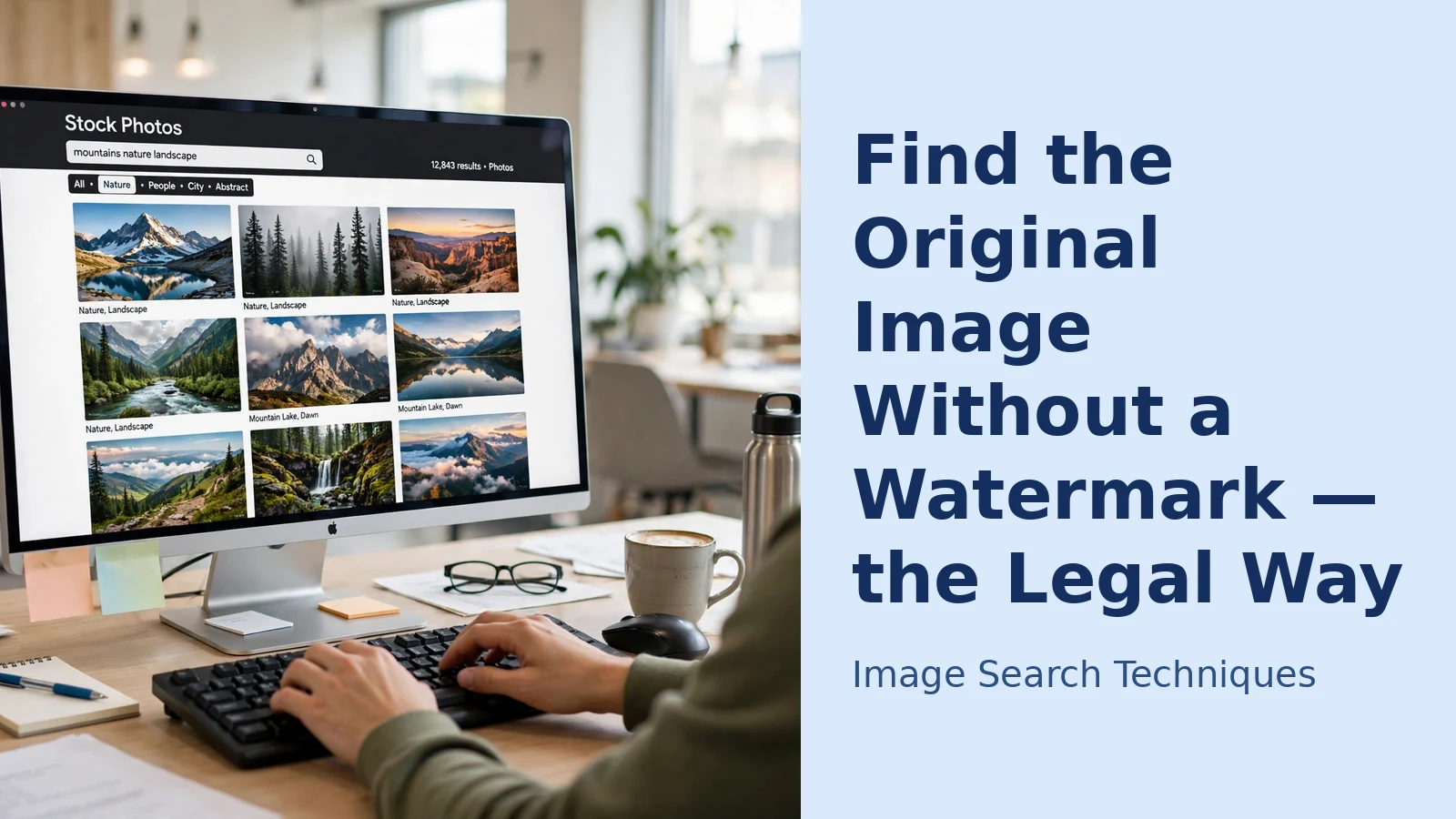
You have found the perfect image. It is exactly right for your website, presentation or campaign, except for one problem: it is covered in a watermark, the repeating pattern a stock library or photographer places across a preview so it cannot be used for free. So how do you get the clean version?
The honest answer is also the useful one: you get it from the source, with permission. A watermark is not a puzzle to be defeated; it is a label that says “this picture belongs to someone, and here is where to license it”. This guide shows you how to track that original down, license it properly, often in minutes, sometimes for free, and what to use instead when licensing is not an option. What it will not do is explain how to strip a watermark out, because there is no legal version of that shortcut.
Why removing a watermark is not an option
Let us be direct, because a lot of search results will not be. Using software or an “AI watermark remover” to erase a watermark and then using the picture is copyright infringement, the watermark is there precisely to stop the preview copy being used as the finished product. In many jurisdictions, deliberately removing copyright management information such as a watermark is an offence in its own right, separate from the infringement of using the image. If the picture ends up on a business website, the liability sits with the business, and stock libraries actively search for their images online and invoice unlicensed users, often at several times the normal licence fee.
None of this is said to lecture you. It is said because the legal route is genuinely easy once you know the steps, and it ends with something the shortcut never gives you: a clean, high-resolution file you are entitled to use, with paperwork to prove it. Here is that route.
Step 1: Reverse search the watermarked image to find its source
The watermarked copy you have is actually an excellent starting clue, because reverse image search engines match the picture underneath the pattern. Upload the image, watermark and all, and the results will usually include the stock library page that sells it, the photographer’s portfolio, or earlier clean uses of the same photo elsewhere.
Start with the free reverse image search tool on our homepage, which checks your picture across six engines in one go; a watermarked preview from one library is often sold by several, and different engines index different ones. If you have never run a search like this before, our beginner walkthrough on how to reverse image search covers the basics step by step, and our wider guide to reverse image search explains what each engine is best at. When results appear, look for the version on a recognised stock site or the creator’s own page, that is your licensing route, and it is where a clean copy can be obtained.
If you run the search through Google Lens, open the Exact matches tab in the results: it lists pages showing the same picture, which is often where the stock listing or the creator’s own page turns up.
Step 2: Check the image’s history with TinEye
If the first search gives you dozens of copies but no obvious seller, sort by history instead. TinEye’s reverse image search can order results by oldest first, which helps you find the earliest known appearance of the photo, frequently the original upload by the photographer or the library that represents them. TinEye’s results also flag stock collections explicitly, so a picture that turns up labelled as part of a stock archive can be traced straight to the agency selling it.
Read the oldest results carefully. A photographer’s own website, a Flickr or portfolio page, or a news article with a credit line (“Photo: Name / Agency”) all point to the owner. A credit line is gold: it names both the creator and, usually, the agency that licenses their work. Copies on random blogs with no credit are just other people’s downloads, ignore them and keep following the trail towards the earliest, credited version.
Step 3: License it from the stock library
Most watermarked images you will encounter come from a stock library, and licensing is deliberately friction-free, it is how they make money. On a site such as Shutterstock, you find the image (the reverse search result usually lands on its exact page), choose a licence, pay, and download the clean file immediately, without the watermark and at full resolution. Single images, small packs and subscriptions are all offered, and a standard licence covers most website, blog and marketing uses.
Before paying, check two things. First, the licence type: editorial images (news, sport, celebrities) cannot be used in advertising, and some uses, merchandise, resale templates, logos, need an enhanced licence. Second, the size on offer: if the project needs print quality, make sure the download matches; our guide to finding the high-resolution version of an image explains the resolution you need for different uses. Keep the invoice and licence details with the project files, that receipt is your proof of the legal route, and it settles any query in one email.
Step 4: Ask the creator directly
Not every watermarked image belongs to a giant library. Independent photographers watermark portfolio previews too, and many are delighted to be asked. If your reverse search led to a personal portfolio rather than a stock page, use the contact details there: say who you are, where the image would appear, for how long, and whether the use is commercial. Ask the price for a licence, or, for small non-commercial projects, ask whether they would grant permission in exchange for a credit and a link.
Get the agreement in writing, even if it is only an email thread, and keep it. If the photographer says no, or does not reply, that is the end of that particular image: silence is not permission. Move to the next step rather than using the picture anyway, there is almost always an alternative that is just as good.
Step 5: Use a genuinely free alternative instead
Sometimes the licence costs more than the project justifies, or the owner cannot be found. That is not a dead end; it is a sign to switch images. Entire libraries exist for exactly this situation. Creative Commons licensing lets creators share work under stated conditions, many images need only an attribution credit, and searchable collections such as Openverse and Wikimedia Commons hold millions of them. Dedicated free stock sites (Unsplash, Pexels and similar) offer watermark-free photography under their own permissive licences, no payment and usually no credit required.
Two habits keep this route safe. Check the actual licence on the image’s own page rather than assuming the whole site is free for everything, a CC BY-NC image, for example, is not cleared for commercial use. And keep a note of the licence and source page next to the file, exactly as you would with a paid licence. A slightly different photo that you are unambiguously allowed to use beats the perfect photo that comes with legal risk, every time.
If you want the other side of this topic, keeping your own photos from being reused without permission, our complete guide to protecting your photos online covers watermarking, licences and removal requests in one place.
FAQs
Is it illegal to remove a watermark from an image?
Removing a watermark in order to use the image is copyright infringement, and deliberately stripping copyright information can be a separate offence. The watermark identifies the preview as unlicensed; the legal way to get a clean copy is to license the image from its library or creator.
Can reverse image search find an unwatermarked version?
It can find where the image comes from, the stock listing, the photographer’s page, or earlier copies, which is the legitimate goal. Any clean copy you then download should come from that source under a licence or permission, not from a random repost.
How much does it cost to license a stock photo?
It varies by library and licence: single images, credit packs and subscriptions all exist, and one-off website use is often inexpensive, especially on subscription. Free libraries and Creative Commons collections cost nothing beyond following their conditions.
What if I cannot find who owns the image?
An untraceable owner does not make the image free to use, “orphan” works are still protected. Search by oldest result and credit lines first; if the owner still cannot be identified, choose a similar image with a clear licence instead.