🔎 Reverse Image Search
Image search techniques made simple: upload a photo or paste a URL and search 6 engines at once. 100% free, nothing stored.
🔒 Your image is never stored on our servers longer than 24 hours and is never shared.
Scroll Instagram for a minute and you will see a portrait so polished it almost glows. The skin has no pores, the light falls perfectly, and something about the smile feels slightly off. Is it a real person, or did software make it? Here is how to tell if a photo is AI generated on Instagram, using the label Instagram itself puts on the post, the file behind the photo, and your own eyes.
Short answer: Start with the “AI info” label under the username. If it is there, tap it to see what Meta detected. Then check the photo itself: look for over-smooth skin, garbled text, wrong hands and broken backgrounds. Finally, run the photo through a reverse image search and an AI detector. No single check proves a photo is AI made, so use all three together.
What does the “AI info” label on Instagram mean?
Instagram puts an “AI info” label under the username of a post when Meta’s systems detect industry-standard signals that the photo was created or changed with AI tools. Meta’s own help page says content may be labelled automatically when it contains AI signals, or the person who posted it can label it when they share it. The label used to read “Made with AI”. Meta renamed it to “AI info” after photographers complained that real photos were being tagged.
The label means one of two things, and the difference matters. If the photo was fully created with AI, the label sits on the post where everyone can see it. If the photo was only edited with AI, for example a small object removed or a background filled in, there is no visible label on the post. Instead, the information sits in the post menu, under Options. Meta’s help page states this plainly: content with signals showing it was only modified with AI will not receive a label directly on the post, story, reel or thread.
Tapping the label tells you more. It opens a panel that says whether the poster or Instagram added the label and what kind of signal was found. That is the first thing to check, and it takes two seconds. If there is no label at all, that proves nothing on its own. Meta also says not all AI content contains the information needed to identify it, so a photo with no label can still be AI made. Ads made or edited with Meta’s generative AI tools carry a similar label, so a labelled ad can hint that the account leans heavily on AI.
How to tell if a photo is AI generated on Instagram: check the label first
Use these steps in order. They take less than a minute, and they settle most cases before you need any tool.
- Look under the username. The “AI info” label sits directly below the account name at the top of the post. If it is there, the photo carries AI signals or the poster disclosed AI use.
- Tap the label. Read the panel. It says whether Instagram or the poster added the label, and what was detected. A label added by the poster is a disclosure. A label added by Instagram means Meta’s systems found AI signals in the file.
- Open the post menu. Tap the three dots, then look for AI information in the Options menu. Meta puts the edited-only information here, so a post with no visible label can still carry an AI note in the menu.
- Check the profile bio. An “AI-generated profile” note in the bio tells you the account posts AI-generated people regularly. One real-looking photo from such an account deserves a closer look.
- Check the caption and comments. Honest creators often say the image is AI made, or that they used a tool such as Photoshop Generative Fill. The comments sometimes say it first, so read them before you decide.
If the label is present, the photo involved AI somewhere in its making. What it does not tell you is how much, so keep going.
Why did Instagram label my real photo as AI?
This is the question photographers ask most, and it has a real answer. Instagram does not label the pixels. It reads the file’s metadata, the hidden information attached to the photo when it was made or edited.
One documented case shows how it happens. A developer photographed his daughter in a garden on an iPhone, then used Photoshop’s Remove tool to take a hose out of the frame. The photo was real, but Instagram labelled it “AI info”. The Remove tool had written AI signals into the file, and Meta’s systems read them. The same thing happens with Generative Fill, AI upscalers and AI background tools. A small edit is enough. The same thing happens with photos edited in Canva, as explained in our guide to telling if an image was made with Canva AI. The label mechanics are covered in full in our Instagram AI info label guide, which explains what trips the label and how to check a file before you post.
Ordinary edits do not cause the label. Instagram filters, cropping and colour adjustments on their own do not add AI signals. The label appears when an AI tool touches the file and leaves its mark. There is no reliable trick to strip it off, and this guide does not teach one: removing metadata does not guarantee the label disappears, because Meta also uses its own detection.
The Instagram AI check table: two photos, six checks
The table below is the check this article runs on every Instagram photo it tests. It combines the label, the file, the visual evidence and a reverse search. No single row proves anything. A photo that fails three or more rows is one to treat with suspicion.
| Check | What to look for | What it proves |
|---|---|---|
| AI info label | Label under the username, or AI information in the post menu | AI signals found in the file, or the poster disclosed AI use |
| File signals | C2PA Content Credentials and IPTC DigitalSourceType in the file | Whether an AI tool made or edited the file |
| Detector score | Hive or a similar detector, one test on one image | A probability, never proof |
| Reverse search | Google Lens exact matches for the photo | Whether the photo already exists elsewhere, and where |
| Visual tells | Skin, text, hands, background, light | Signs the image was generated, not photographed |
| Account check | Older posts, faces, places, style | Whether the account behaves like a real person |
The worked example: a real photo against a known AI photo
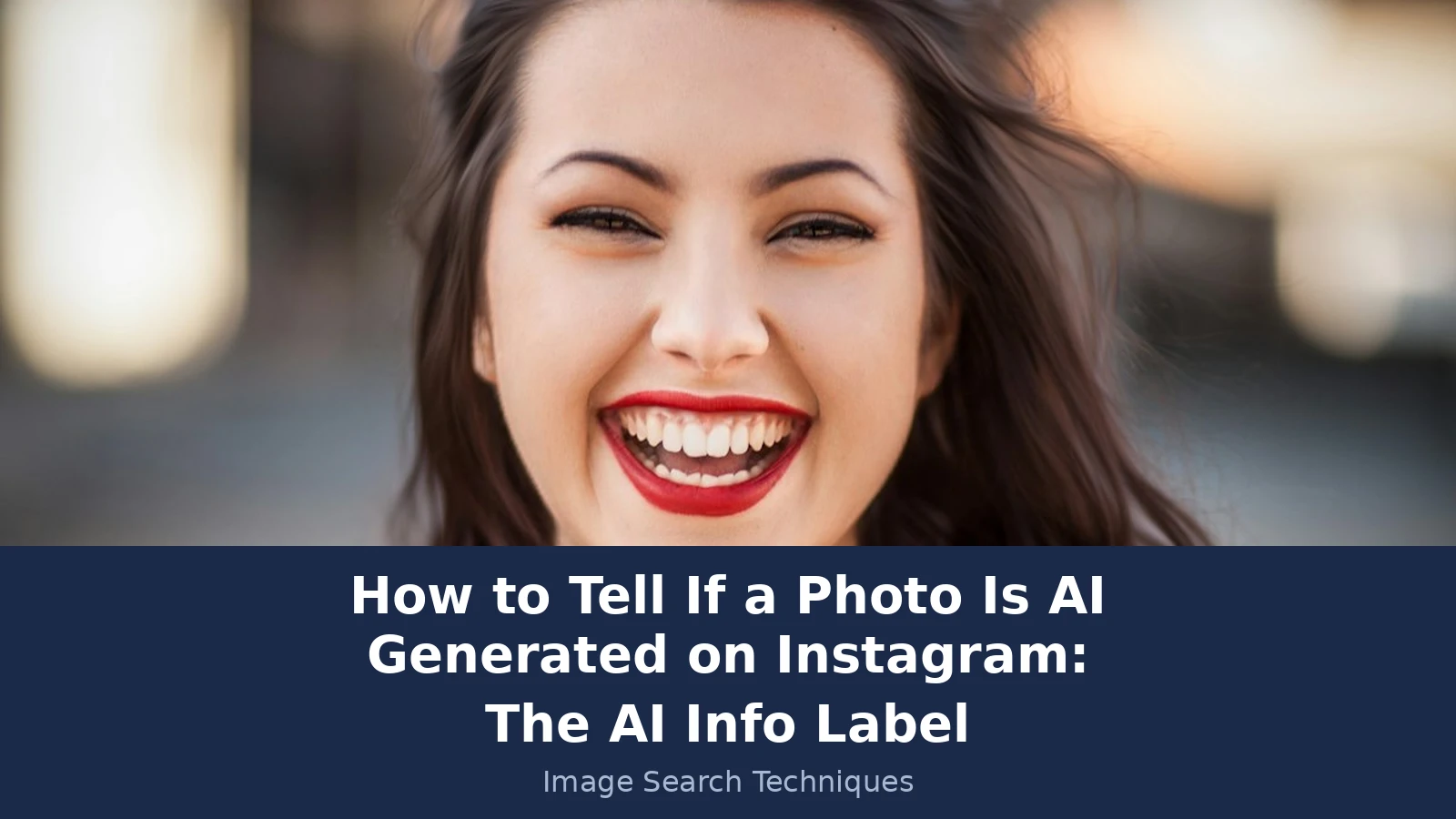
To show what each check actually returns, I ran the table on two portraits of known origin. The first is a real portrait photo hosted on Unsplash, a smiling woman in a red top outdoors, at images.unsplash.com/photo-1494790108377-be9c29b29330. The second is a portrait I generated myself with an AI image tool for this test: a smiling woman in a red top on a street at golden hour. It has never been published anywhere, and it is disclosed here as AI made.
Neither photo was posted to Instagram for this test, because I have no labelled Instagram post of my own to use and I will not reuse someone else’s post without permission. The label row could not be run on these two files, so it is covered instead by Meta’s own help page and the documented real-photo case above. Every other row was run live on 23 November 2026.
Hive detector. Hive gave the real photo 0.6% AI and 0% deepfake, with the verdict that it is not likely to contain AI-generated or deepfake content. The AI photo scored 99.9% AI and 0% deepfake, with the verdict that it is likely to contain AI-generated content. Hive also named a likely source for the AI photo: Meta, at 99.9%. The split is about as clean as a detector gets, but a score is still a probability, not proof. Detectors can also name the tool behind a photo, as our guide to telling if an image was made with ChatGPT shows.
Google Lens. Lens found a long list of exact matches for the real photo, because it has been reused across the web for years. The first exact match was a pillow company’s page from May 2020, and the top visual matches were dental clinic pages reusing the same portrait. Lens did not name the woman. For the AI photo, Lens found zero exact matches, and said so in plain words: no exact matches found, which could mean the image is unique or has not been widely shared yet. The visual matches were only similar red tops for sale, led by a Gap Factory crewneck T-shirt at 21 dollars. Zero exact matches fits a photo made minutes ago and never published. A long match list fits a real photo with a history.
TinEye. TinEye could not be run. Its Cloudflare check failed five times across two browsers, showing “Verification failed” each time, and no search could start. That is reported here as blocked, not as zero matches. A blocked check is not evidence either way, and I will not pretend it ran.
Visual tells. The differences are small but real. The real photo has natural skin texture, flyaway hairs and uneven light on the face. The AI photo is smoother, the skin almost poreless, and the teeth are slightly uneven, with one tooth catching the light in a way real teeth rarely do. The background is a perfect golden-hour street with round bokeh lights, pretty in a way that feels arranged. None of these details proves anything alone.
How to check the file behind an Instagram photo
Instagram compresses and strips photos when they are uploaded, so you cannot usually download the original file from a post. When you have the file, for example a photo someone sent you, the file itself can answer the question.
Two systems carry the answer. The first is C2PA Content Credentials, an industry standard that records how a file was made. A photo made with an AI tool can carry a credential saying so, and a photo taken on a camera can carry one saying it was captured, not generated. You can check a file free at verify.c2pa.org by uploading it. Instagram also reads these credentials: its help page on camera capture labels says it verifies C2PA information before adding a “Captured with a camera” label, and that a photo created or edited with AI will not get one. It may get an AI label instead.
The second system is a small field inside the file called IPTC DigitalSourceType. It records what kind of source the image is. The values that matter are trainedAlgorithmicMedia, which means the image was fully generated with an AI tool, and compositeWithTrainedAlgorithmicMedia, which means the image is a composite made using generative AI. Two other values clear a photo: digitalCapture means a real photograph, and composite means a composite made without AI. You can read the field with ExifTool, a free command-line tool, using a read-only command such as exiftool -IPTC:DigitalSourceType photo.jpg. The same file checks work on any photo, and our guide to telling if an image is AI generated explains the full method.
One warning: these file checks only work when the signals survived. Screenshots strip most metadata, and Instagram’s own compression strips much of the rest. A screenshot of an Instagram photo will usually carry no C2PA or IPTC signal at all. That is exactly why the AI Overview for this question warns not to rely on the label alone: users can strip metadata, so a missing signal is not a clean bill of health.
A different kind of hidden signal can survive a screenshot: an invisible watermark. Google embeds a watermark called SynthID in images made with its AI tools, and it is built to survive cropping and compression. You can test for it by uploading a screenshot to Google Gemini and asking whether the image is AI generated. It only catches images made with Google’s tools, so a negative result proves nothing, but a positive one is strong evidence.
Visual tells that give an AI photo away
When the label and the file tell you nothing, your eyes are the next tool. Zoom in. AI photos fail in the details, and the failures repeat across generators.
Skin and light. AI skin is often too smooth, glossy and perfect, with no pores, no flyaway hairs and no small imperfections. Real skin has texture, and real light has direction. If the light on the face does not match the light in the background, be suspicious.
Text and logos. This is still the most reliable visual tell. Background signs, book spines, clothing logos and shop fronts warp into unreadable shapes in AI photos. Real photos have readable text, even when it is small.
Hands and anatomy. Count the fingers. AI hands still merge, bend and grow extra digits, and jewellery can melt into skin. Earrings may not match, and a hand holding a cup may not connect to the arm properly. Our worked example showed a milder version: uneven teeth and over-smooth skin, not an extra finger, but the same family of error.
Backgrounds. Look behind the person. AI crowds repeat the same face, architectural lines vanish behind a person and reappear misaligned, and objects float with no support.
None of these tells proves a photo is AI made. A real photo can have a blurred sign, and an AI photo can have perfect hands. The tells work as a group: one odd detail is a curiosity, four together are a verdict worth trusting.
Reverse-search the photo before you trust it
A reverse image search answers a different question from a detector: not “was this made by AI” but “has this photo existed before, and where”. That matters on Instagram, where AI photos are often reposted as real, and real photos are reposted as someone else’s.
Save or screenshot the photo, then upload it to Google Lens. Three outcomes are possible. A long list of exact matches means the photo has a history, so read the oldest results to find the original. That is what happened with our real test photo, which traced back to pages from 2020. Zero exact matches means the photo is new or unique, which fits a freshly generated image, as with our AI test photo, but also fits a genuine photo nobody has shared. Visual matches only, with no exact copy, means Lens found similar images but not this one, so treat the photo as unverified.
Reverse search also catches the most common Instagram deception: a stolen real photo used on a fake account. If Lens shows the same portrait on a dentist’s website, a pillow advert and five different profiles, the person in the photo is not the person running the account. That pattern, a stolen real photo used on a fake account, is worth checking before you trust the profile.
Check the account, not just the photo
The AI Overview for this question makes a point most guides skip: scroll the account. Real people have consistent faces, moles, rooms and routines across months of posts. AI accounts often show shifting faces, changing backgrounds and sudden style jumps, because each image is generated separately.
Look at the oldest posts first. An account created last month with fifty flawless portraits and no ordinary moments is behaving like a generated feed. A bio that says “AI-generated profile”, or a feed that posts ten polished portraits a day, is telling you something. Real accounts have messy, human conversations in the comments, while AI accounts often collect generic praise from other new accounts.
What the label does not prove
Four limits are worth stating plainly, because they are where most people go wrong.
First, the “AI info” label does not prove the whole image is AI made. A real photo with one small AI edit carries the same kind of signal as a fully generated portrait.
Second, no label does not mean a real photo. AI images can lose their signals through screenshots, re-saves and re-uploads, and Meta says plainly that not all AI content carries the information needed to identify it.
Third, a detector score is a probability, not proof. Hive called our AI photo 99.9% AI and our real photo 0.6%, and that split is convincing, but the same tool has scored real photos high and AI photos low in other tests. One test on one image supports a conclusion, it never is one.
Fourth, never accuse a named Instagram account of posting AI photos on visual suspicion alone. A label, a detector score and a set of visual tells together make a strong case, but a public accusation needs more than a hunch. If you think an account is deceptive, report it through Instagram’s own reporting tools. As for reach, there is no proven penalty for a labelled post, and Instagram has published no formula for how the label affects distribution. The risk of a label is to trust, not to reach.
The short version
Tap the “AI info” label first and read what it says. Check the post menu for edited-only information. Look at the skin, the text, the hands and the background. Reverse-search the photo on Lens and run it through a detector if you have the file. Then scroll the account. A photo that carries a label, scores high on a detector, has no exact matches anywhere and shows garbled text is AI made, and you can say so with confidence. A photo that passes every check is probably real, and a photo that fails only one is a maybe, not a verdict.
What does AI info mean on Instagram?
It means Meta found industry-standard AI signals in the photo file, or the poster disclosed AI use. The label sits under the username. A fully AI-made photo gets the visible label, while a photo only edited with AI carries the information in the post menu instead. The label does not prove the whole image is AI made.
Why did Instagram label my real photo as AI?
Instagram reads the file metadata, not the pixels. If you edited a real photo with an AI tool, such as Photoshop Remove or Generative Fill, the tool writes AI signals into the file and Meta labels it. Filters, cropping and colour edits alone do not cause the label. Re-export from the original unedited file to fix it.
Can a photo be AI generated if it has no AI info label?
Yes. Screenshots strip metadata, re-saves lose signals, and some AI tools add no signals at all. Meta says plainly that not all AI content carries the information needed to identify it. A missing label is not a clean bill of health, so check the visual tells, run a reverse search and look at the account too.
How accurate are AI image detectors on Instagram photos?
They give a probability, not proof. In our test Hive scored a known AI portrait 99.9% AI and a real portrait 0.6% AI, a clean split, but detectors can be wrong in both directions. Earlier tests on this site saw a real photo score 99.9% AI. Use one detector result as one check among several, never as the verdict.
How do I check an Instagram photo with reverse image search?
Save or screenshot the photo, then upload it to Google Lens. A long list of exact matches means the photo has a history, so read the oldest results for the original. Zero exact matches fits a freshly generated image, but also a genuine photo nobody shared. Visual matches only means Lens found similar images, not this one.
Does the AI info label hurt a post’s reach?
There is no proven penalty. Instagram has published no formula for how the label affects distribution, and guides that claim a reach drop offer no evidence. Meta says its camera capture label has no effect on reach, but says nothing about the AI label. The real risk of a label is to trust, not to reach.