


🔎 Reverse Image Search
Image search techniques made simple: upload a photo or paste a URL and search 6 engines at once. 100% free, nothing stored.
🔒 Your image is never stored on our servers longer than 24 hours and is never shared.
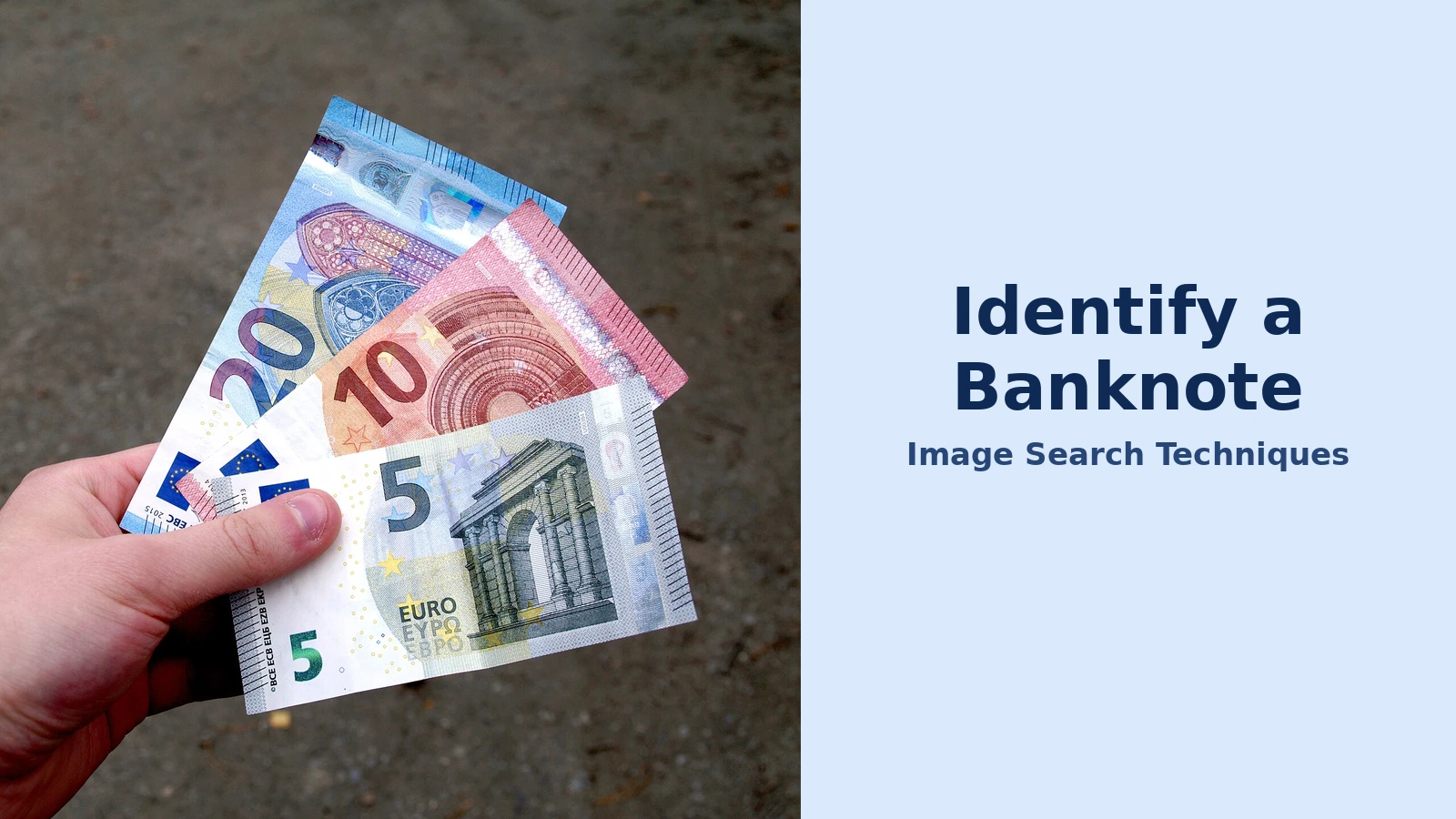
Found a banknote you cannot name? A banknote identifier by photo can tell you the country, currency and denomination in seconds, using nothing more than a clear picture of the note. This guide shows you how to identify a banknote from a photo with free tools, how to photograph paper money so the tools work, and how to check the result against official security features.
Short answer: Photograph the whole banknote flat in even light, then run the picture through Google Lens or a dedicated banknote identifier app. The tool compares the portrait, script, colours and layout with known currency designs and returns the country, currency and denomination. Confirm it against the issuing central bank’s security guide: a photo match names a note, never proves it genuine.
A banknote identifier by photo is a tool that matches a picture of paper money against a database of known currency designs and returns the issuing country, currency name, denomination and sometimes the series or year. It works on any paper note, from a current £20 to a decades-old note found in a drawer, and it is the fastest way to put a name to unfamiliar cash. This guide covers paper money only. Coins need different checks, such as date and mint mark, and are not covered here.
What Is a Banknote Identifier by Photo?
A banknote identifier by photo is a visual search tool that reads the design of a banknote from a picture instead of from typed words. You upload or photograph the note, and the tool compares what it can see — the portrait, the script, the denomination numerals, the seals, the borders and the overall layout — with reference images of real currency. The result is a ranked identification: the most likely country, currency and denomination, sometimes with a series or date clue.
That is a different job from a general reverse image search, which searches the whole web for visually similar pictures. A banknote identifier is tuned for currency: it looks for the rectangular note area first, then reads the regions that matter on money, such as the portrait, the denomination corners and the security-feature positions. Google Lens sits between the two — a general visual search tool that is very good at currency because banknotes are so widely photographed and documented online.
The key limit applies to every tool in this guide. A photo match is identification, not authentication. It can tell you that a note looks like a Bank of England £20, but it cannot certify that the piece of paper in your hand is genuine. Only a bank, an exchange office or a qualified currency specialist can make that call, and only the issuing central bank’s security features can confirm it. Treat every photo result as a starting label, then verify it.
How Do You Identify a Banknote from a Photo?
Identifying a banknote from a photo takes five steps, and the photograph matters more than the tool. A flat, sharp, evenly lit picture of the whole note will identify correctly far more often than a tilted close-up of one corner, however good the app is.
- Lay the note flat. Place it on a plain, dark surface with all four corners visible. Smooth out folds and curls, and take the note out of any plastic sleeve, which causes reflections that hide the design.
- Use even, diffuse light. Photograph near a window in daylight, or under a ceiling light, with no flash. Glare hides watermarks, security threads, foil and colour-shifting ink, and shadows can make one currency look like another.
- Photograph the whole front first. Fill the frame with the note and keep the portrait, script, seals and denomination numerals sharp. One good picture of the front is usually enough for a modern note.
- Add the back if the result is uncertain. The reverse often carries the country name, the issue date, a landmark or a second portrait. Older, damaged or uncommon notes almost always need both sides.
- Run the photo through a banknote identifier. Upload it to Google Lens or a dedicated identifier app and read the returned country, currency and denomination. Then compare the portrait, colours and layout with the official reference for that note before you trust the answer.
If you need a quick way to run the search, the free reverse image search tool on this site’s homepage works from any browser and needs no app install. For a full walkthrough of the method, our guide to how to reverse image search covers the same steps on desktop and mobile.
Two details protect your privacy. First, the serial number is not needed for identification, so crop or blur it before you upload if you would rather not share it. Second, check the tool’s privacy note before uploading: most identifier apps delete uploaded photos after analysis, but a general search engine may keep the image as part of your search history, so delete it afterwards if that matters to you.
Worked Example: Identifying a £20 Note Found in a Drawer
Here is the method worked through on a real, common case: a purple polymer note found in a drawer, with a portrait of a man on one side and a painting of a ship on the other, and no idea what it is worth or where it came from.
Step 1 — Photograph the front. The note is laid flat on a dark table in daylight. The front shows a portrait in the see-through window, the words “Bank of England”, and the number 20 in two corners. The photograph is taken straight down, with the whole note and all four corners in frame.
Step 2 — Run the photo through Google Lens. The picture is uploaded to Lens. The top result names the note as a Bank of England £20 polymer banknote, and similar images show the same purple design with the same portrait and ship. Results can vary with photo quality and with the tool, so the name is treated as a strong lead rather than a verdict.
Step 3 — Check the back. The reverse shows a self-portrait of the artist J. M. W. Turner and his painting The Fighting Temeraire. According to the Bank of England, the current £20 note features Turner on the reverse, which matches the photo exactly. The Bank of England also confirms that King Charles III banknotes entered circulation on 5 June 2024, so a note with the King’s portrait in the window is the newer version of the same design, while a note with Queen Elizabeth II is the earlier version, first issued on 20 February 2020.
Step 4 — Verify the security features. The Bank of England’s own banknotes page lists the features to check on every current note: a large see-through window with the monarch’s portrait, a foil patch that changes between the value and the word “Pounds” when tilted, raised print you can feel on the words “Bank of England”, and a numerical value that appears in bright red and green under ultraviolet light. On the £20 the foil on the front is gold and blue, and there is a second, smaller window in the bottom corner. The found note shows the window, the gold-and-blue foil and the raised print, which is consistent with a genuine current £20.
Step 5 — Decide what it is worth. A current Bank of England £20 in normal condition is worth £20 as spending money. It is only worth more as a collectible if it has something unusual, such as a low or patterned serial number, a printing error or a rare signature combination, and that needs a separate valuation based on condition, rarity and demand. The photo identifier cannot value a note, and any value estimate from an app is not a price you can rely on.
This worked example shows the pattern to follow for any note: photograph, identify, then verify against the issuing authority. The same routine works on a leftover euro note from a holiday, an old note from an inherited collection, or a note in a script you cannot read.
Which Banknote Identifier Tools Work Best?
Four tools cover almost every banknote identification job. They differ in what they are built for, so the best choice depends on whether you want a fast name, a collector’s catalogue entry, or a broad web search around the note.
| Tool | Best for | What it returns | Cost | Weakness |
|---|---|---|---|---|
| Google Lens | Fast identification | Country, currency, denomination | Free | No catalogue detail |
| Lens App banknote identifier | Dedicated currency lookup | Country, currency, series clues | Free app | Cannot authenticate |
| TinEye | Finding the image online | Matching web pages | Free | No currency database |
| Maktun | Collectors and cataloguing | Catalogue matches, collection data | Freemium | Slower for quick checks |
Google Lens is the best starting point for most people. It is free, it is already on most phones, and it is very strong on modern banknotes because those designs are heavily documented online. Upload the photo, tap the result, and check the matching images. Its weakness is depth: it names the note but gives you no catalogue data, no series detail and no collector information.
Lens App’s banknote identifier is a dedicated currency tool, free on iPhone and Android, that is built to return the country, currency, denomination and visible series clues from one photo. Because it is tuned for banknotes, it can be faster than a general search when the note is unfamiliar or the script is unreadable. Its results are still probability-ranked identification, and it cannot certify a note as genuine or set its value.
TinEye works differently: it searches the web for the exact image and pages that contain it. That is useful when you want to find where a banknote picture has appeared before, or to check whether a seller’s photo of a note has been copied from elsewhere. It has no currency database of its own, so it is a research aid rather than an identifier.
Maktun is built for collectors. It matches a note against a catalogue, records it in a collection, and is useful when you are sorting dozens of notes from an inherited album. The trade-off is speed: it is slower than Lens for a single quick check, and its best features sit behind a paid plan.
For a single unknown note, start with Google Lens. If the result is uncertain, try the Lens App identifier as a second opinion. If you are cataloguing a collection, move the confirmed notes into Maktun. Full instructions for the Lens route are in our Google reverse image search guide, which covers the same upload steps on Android, iPhone and desktop.
How Can You Tell If a Banknote Is Genuine?
A photo identifier can name a banknote, but genuineness is a physical check, and the only reliable reference is the central bank that issued the note. Every major currency publishes a security guide, and the checks take under a minute once you know what to look for.
For British notes, the Bank of England’s banknotes pages confirm that there are four denominations in circulation — £5, £10, £20 and £50 — and that all four are printed on polymer, with the same security features on both the King Charles III and Queen Elizabeth II versions. The checks are the same on every note: feel the raised print, look for the large see-through window with the monarch’s portrait, and tilt the note so the foil patch changes between the value and the word “Pounds”. A 3D image of the coronation crown sits above the main window, and under ultraviolet light the numerical value appears in bright red and green.
For euro notes, the European Central Bank organises its security features under three headings — feel, look and tilt — and its security guide covers both the Europa series and the first series, in denominations from €5 to €200. The feel checks cover raised print and the texture of the paper; the look checks cover the watermark, the security thread and the portrait window; the tilt checks cover the hologram and the colour-changing number. The European Central Bank’s security features guide is the reference to compare against when a photo identifier returns a euro note.
Three rules apply whatever the currency. First, check more than one feature: a counterfeit may copy the look of a note but fail the feel or tilt test. Second, compare against the official reference, not against another note you happen to own, because a fake can sit next to a real one. Third, if a note fails a check, or if a large sum is involved, take it to a bank rather than trying to settle the question from a photograph. A bank can test the paper, the ink and the security thread properly, and it can also tell you whether a damaged note can still be redeemed.
If the note is old, withdrawn or from a country that no longer exists, the same routine still works, but the reference changes. Look for the issue date and the signature area in the photo, then search the catalogue name the identifier gives you. And if the photograph itself came from an old family album, our guide on when a photo was taken can help you date the image and narrow down which series the note belongs to.
What If the Photo Identifier Gets It Wrong?
Banknote identifiers are usually right on clean photos of modern notes, but they fail in predictable ways, and each failure has a fix. The most common cause is the photograph, not the tool.
The result names the wrong country. Many currencies share colours, portraits and layouts, and a cropped photo makes the confusion worse. Re-photograph the whole note, both sides, with the country name, script and seals visible. If the note uses an unfamiliar script, include the full text area rather than cropping to one symbol, because the script itself is often the strongest clue.
The result is vague or gives no match. This usually means the note is rare, withdrawn, damaged or a local issue that is thinly documented online. Photograph the back as well, and add close-ups of the watermark area, the security thread and the date or signature. If the tool still returns nothing, search the denomination and any readable words as text, and compare the design with the central bank’s own archive pages.
Two similar notes look identical. Countries redesign notes over time, issue commemorative versions and update security features, so the same denomination can have several different layouts. The issue date, the signature and the portrait version separate them: on current British notes, for example, the monarch’s portrait tells you whether the note is the Elizabeth II version or the Charles III version that entered circulation on 5 June 2024. Record the date and signature alongside the denomination before you compare values.
The note is torn, stained or faded. Identification is often still possible if enough unique design remains — a denomination numeral, a portrait, an emblem, a border or a fragment of script. Missing corners and heavy stains lower the tool’s confidence, so photograph the best-preserved side first and add close-ups of whatever detail survives. A damaged note should also be checked with the issuing authority, because many central banks will redeem a torn note if enough of it remains.
The tool flags a possible counterfeit. Treat that as a warning, not a verdict. A photo tool can point out visible mismatches, but it cannot legally certify that a banknote is genuine, and a false alarm is possible when the photo is poor. Check the official security features by hand, and take the note to a bank if you are still unsure. Never try to spend a note you believe is fake, and never accuse a person of passing one on the basis of an app result alone.
One more habit is worth building: label every note as soon as you identify it. Write the country, currency, denomination, series and condition on the envelope or in your catalogue, and keep the original photo with it. Collectors who group notes by country first find later value research and authenticity checks far easier, and travellers who label leftover holiday cash avoid mixing similar-looking notes from different countries.
FAQs
Can a banknote identifier by photo tell me if a note is fake?
No. A banknote identifier by photo can name the country, currency and denomination, and it can flag visible mismatches, but it cannot certify that a note is genuine. Check the official security features by hand — feel, look and tilt — and take any suspected counterfeit to a bank or currency specialist for a proper test.
What is the best free banknote identifier by photo?
Google Lens is the best free starting point for most people, because it is already on most phones and is very strong on modern banknotes. Lens App’s dedicated banknote identifier is a good second opinion when Lens is uncertain, and Maktun suits collectors who want catalogue records. Use two tools when the first result looks doubtful.
Can I identify a banknote from a photo without the serial number?
Yes. The serial number is not needed for identification, and you can crop or blur it before uploading if you prefer not to share it. The portrait, script, denomination numerals, seals and layout are what the tools read, so keep those sharp and include both sides when the front alone is unclear.
Will a banknote identifier work on old or damaged notes?
Often yes, if enough unique design remains, such as a denomination numeral, portrait, emblem, border or date. Photograph the best-preserved side first and add close-ups of the surviving details. Rare, withdrawn and commemorative notes may need cross-checking against official archives or a currency specialist, because they are thinly documented online.
The same photo-first method works for other objects too — learn how to identify a wine from a photo of its label with a wine label scanner.
