


🔎 Reverse Image Search
Image search techniques made simple: upload a photo or paste a URL and search 6 engines at once. 100% free, nothing stored.
🔒 Your image is never stored on our servers longer than 24 hours and is never shared.
Most reverse image search engines do one thing: show you pages where the same or a similar image appears. Lenso.ai takes a slightly different approach. Instead, it splits its answers into categories — places, duplicates, similar images and, most controversially, people — so you can search for the kind of match you actually want. This guide explains how Lenso.ai reverse image search works, what each category is for, what free searches do and do not include, and the limits worth knowing before you rely on it — plus the part that deserves real care: face search and privacy.
What Lenso.ai is
Lenso.ai is a dedicated reverse image search engine with its own index of images gathered from the public web. That independence is its main difference: because it does not simply resell Google’s or Bing’s results, it sometimes surfaces copies the bigger engines miss — and sometimes misses things they catch. If you are new to the concept itself, our reverse image search guide explains how searching by picture works in general; Lenso is one specialised way of doing it.
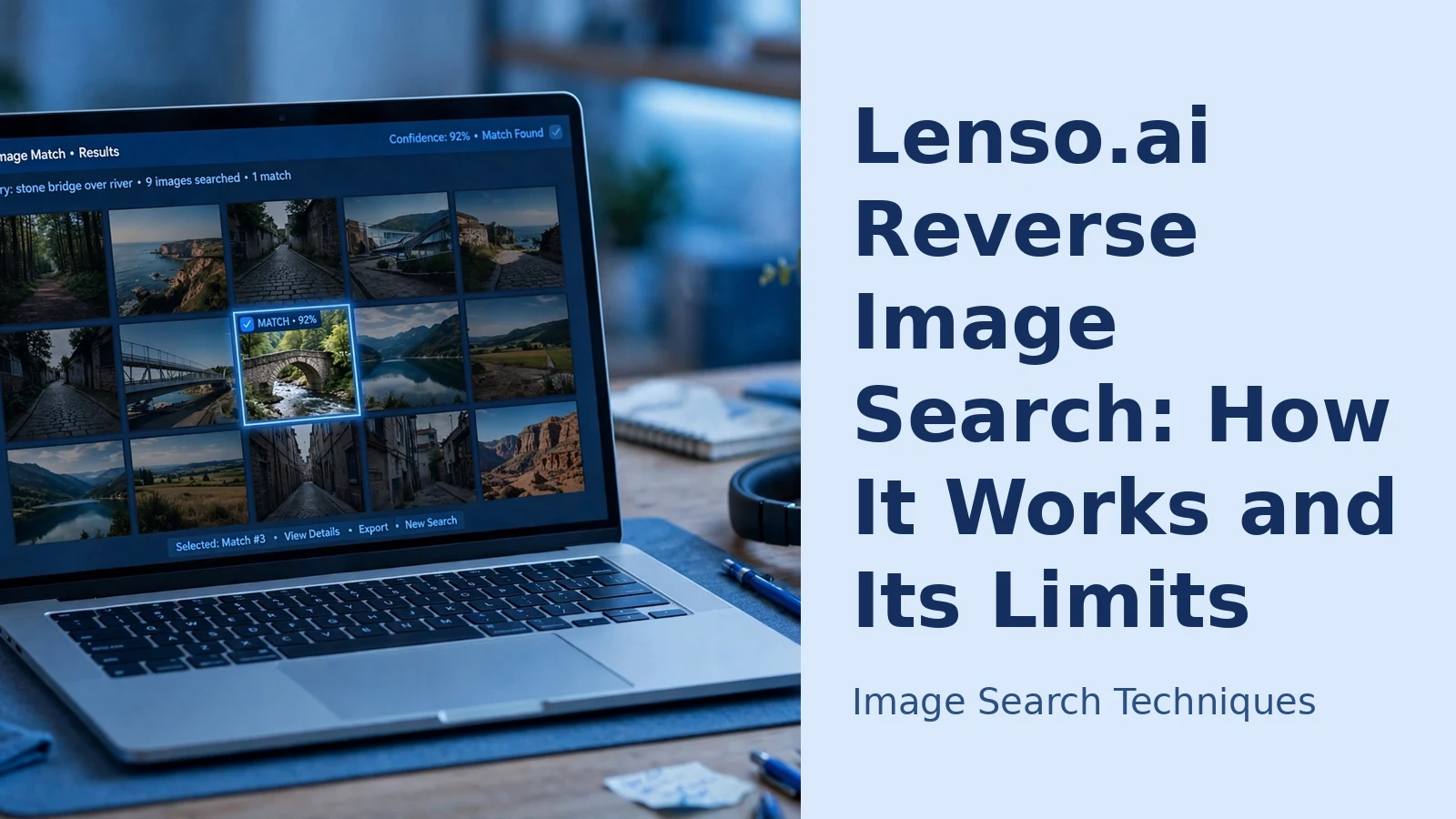
The service is organised around categories of match rather than a single ranked list. You run one search, then view the results through different lenses: duplicates, similar images, other photos of the same place, related images, and — in the People category — other images containing the same face. That structure is genuinely useful, because “find me the same image” and “find me the same location” are different jobs that mixed results pages handle badly.
How to run a search, step by step
- Go to Lenso.ai in your browser. No account is needed for a basic search.
- Add your image: upload a file from your device, drag and drop it onto the page, or paste the URL of an image already online.
- Wait a few seconds while the search runs, then open the category that matches your goal — Duplicates for copies, Places for locations, Similar for lookalikes, People for faces.
- Click any result to visit the page where that image appears, so you can check its context, date and source rather than trusting the thumbnail.
- If the first results are weak, crop the image to the main subject and search again — a clean, reasonably large image matches far better than a small or cluttered one.
That is the whole basic workflow; our general guide to how to reverse image search covers reading results and trying variations in more depth.
The categories explained
- Duplicates — copies of your image, including versions that have been cropped, resized or lightly edited. This is the category for checking where a photo has been reused, or spotting the earliest version of a picture you were sent.
- Places — different photos of the same location, not just copies of yours. Useful for identifying where a picture was taken, or checking whether a “photo of our rental” is actually a well-photographed spot elsewhere.
- Similar — images that look alike without being the same picture: the same product from another angle, or the same scene shot by someone else.
- Related — images connected to yours by subject or context — handy when researching a topic rather than hunting a specific file.
- People — face search: other images in the index that appear to show the same person. This is its best-known and most sensitive feature, covered properly in the privacy section below.
Free searches and paid plans: the honest picture
Lenso.ai lets you search for free, but free use is limited: a restricted number of searches, only some results shown, and fuller results and some categories — face search in particular — reserved for paying customers. Paid plans mainly buy volume and access: more searches, complete result lists and the People category. Prices and allowances change, so check the current plans on the site rather than trusting any figure quoted in an article. The practical advice is simple: test your real searches on the free tier first — if Lenso finds things your usual engine misses, a plan may be worth it.
Strengths and real limits
The strengths follow from the design. The category system saves time, Places is better than most engines at the “where was this taken” question, and an independent index means a genuine second opinion. Running the same photo through Lenso and a mainstream engine is a sensible habit — our free reverse image search tool checks one image across six engines at once, and adding a Lenso search alongside covers most of what is findable.
The limits are equally real. Lenso’s index is smaller than Google’s, so mainstream coverage — news sites, big retailers, social platforms — is patchier. Results vary by subject: landmarks and widely copied images do well, while obscure or recent images may return nothing. And no engine can find images that were never public, sit behind logins, or have been edited heavily enough to defeat matching. Treat “no results” as “not in this index”, never as proof an image is original or a person is who they claim to be.
Face search and privacy: read this before using the People category
Face search works by comparing the facial features in your photo against faces in the engine’s index of publicly available web images, and returning the pages where a matching face appears. That is powerful, and it cuts both ways: it can help you check whether a profile photo is being reused across dating sites or scam accounts, or find other public photos of yourself — but it can also be intrusive when used on people who never agreed to be looked up.
Some ground rules keep you on the right side of it. Search for yourself, or for images you have a genuine reason to check, such as a suspicious profile that is trying to get money from you. Get consent before searching for identifiable private people, and never use face search on children or to identify strangers photographed in public. Remember that a “match” is an algorithmic suggestion, not proof of identity — people look alike, and acting on a false match can seriously harm someone. Finally, think about your own footprint: if your photos are public, tools like this may find them. Lenso provides a route on its site for requesting removal of images of yourself — if that matters to you, use it, and check its privacy policy on how uploaded search images are handled.
Lenso.ai, TinEye or Google: which one for which job?
These tools overlap less than their marketing suggests. TinEye remains the specialist in exact copies and an image’s history over time, which our TinEye reverse image search guide covers in depth. Google Lens, covered in our Google reverse image search guide, is the strongest all-rounder for identifying objects, products and places. Lenso.ai earns its place when you want matches organised by type — especially Places and Duplicates — or a second index to cross-check. For face search it is one of the few consumer-facing options at all, which is why it should be used sparingly. For a serious check, the honest workflow is not choosing one engine; it is running two or three and comparing what each finds.
FAQs
Is Lenso.ai free to use?
Partly. You can run searches without paying, but free use is limited — fewer searches, only some results displayed, and some categories such as People held back for paid plans. It is enough to judge whether the engine suits you before spending anything.
Can Lenso.ai really find a person from one photo?
It can find other publicly indexed photos that appear to show the same face, along with the pages they appear on. It cannot find photos that were never public, and a suggested match is not a confirmed identity. Only search for yourself or with consent, and never treat a match as proof on its own.
Why did Lenso.ai find nothing when Google found my image?
Because the indexes differ: Lenso searches its own collection, smaller than Google’s and stronger in some areas than others. A blank result only means the image is not in Lenso’s index — which is why cross-checking in more than one engine gives a fuller picture.
Is it legal to use face search on a dating profile photo?
Checking whether a photo is publicly reused — for example, to protect yourself from a romance scam — is a common, understandable use, and the results are simply public web pages. Laws on processing facial images vary by country, though, and identifying or publishing details about a private person without consent can create legal and ethical problems. Keep the search about protecting yourself, and do not publish what you find.
