


🔎 Reverse Image Search
Image search techniques made simple: upload a photo or paste a URL and search 6 engines at once. 100% free, nothing stored.
🔒 Your image is never stored on our servers longer than 24 hours and is never shared.
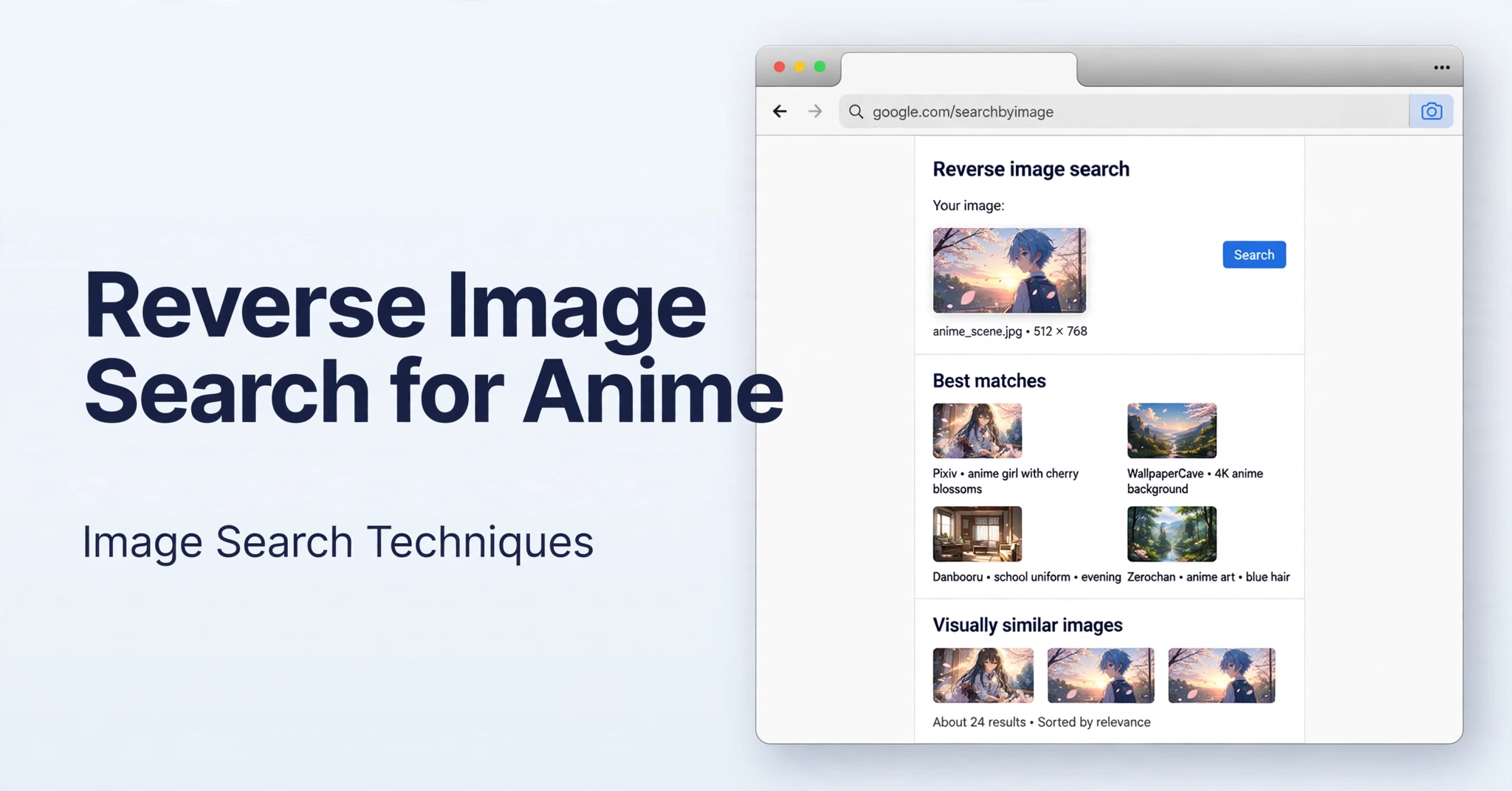 Reverse image search for anime works best with a clear frame, no subtitles, and no watermark.
Why reverse image search works so well for anime
Anime is unusually well suited to reverse image search because so much of it is already indexed, labelled, and cross-linked online. Art databases, fan wikis, episode guides, and artist portfolios contain the same frames and illustrations, often with titles, episode numbers, and creator names attached. When you search a screenshot, the engine compares visual patterns with copies that other people have already catalogued. For a fuller introduction, see our main guide to image search techniques.Best tools for anime reverse image search
No single tool finds every anime image. SauceNAO is the strongest starting point for anime art and screenshots, while Lens is better for names and general matches. TinEye, Yandex Images, and Bing Visual Search are useful fallbacks when the first search returns nothing or only wallpapers.| Tool | Best for | Free | Needs account |
|---|---|---|---|
| SauceNAO | Anime art and screenshots | Yes | No |
| Google Lens | Series and character names | Yes | No |
| TinEye | Oldest copy and exact matches | Yes | No |
| Yandex Images | Similar anime images | Yes | No |
| Bing Visual Search | Similar images and pages | Yes | No |
How to reverse image search an anime scene
Follow the SauceNAO steps first. They take about a minute and give the most useful anime results. Then use Google Lens if you still need a series name, a character name, or a different set of matches.Search an anime scene with SauceNAO
- Save a clear screenshot, without subtitles or a watermark if possible.
- Go to SauceNAO and upload the image, or paste its image address.
- Look for the highest similarity score first.
- Read each result: check the source site, artist name, and any episode information.
- Open the best result and confirm the image, character, and style match.
- Follow links from a fan-art or database page to the original post or episode page.
Search an anime scene with Google Lens
- Go to Google Lens and upload your screenshot.
- Drag the selection box around the character or the most distinctive part of the scene.
- Read the suggested matches for a series or character name.
- Open the best match and check whether the same image appears on a wiki or database page.
- Search that name with a detail from the scene, such as a location or outfit, to confirm the episode.
How to find the episode from a screenshot
Finding the episode is easier when the screenshot is distinctive. Crop the image to a clear frame without subtitles, watermarks, player controls, or black bars. Those elements add visual noise and can pull the search toward subtitle sites or video players instead of the anime itself. Choose a frame that is unique to one episode. A wide shot of a school corridor could come from many episodes, but a specific outfit, location, or title card is much more distinctive. Then check the result’s source page for an episode number or episode title. If the first frame gives no episode, try a second frame from the same scene.How to find the character, artist or original source
SauceNAO results often link directly to Pixiv, Danbooru, or an artist’s page, and those links are the quickest route to the original source. Open the result, check the artist name and date, and look for the original post rather than a re-upload. The original post usually has the most complete information, including the artist, the series, and notes about the character. If you want to trace artwork back further, our guide on how to find the original artist of an image explains the same process in more detail.Reverse image search for anime on mobile
You can search an anime image on your phone without a computer. Save the image to your phone first, then open SauceNAO or Google Lens in your mobile browser. In SauceNAO, tap upload, choose the saved screenshot, and submit the search. In Lens, tap the upload icon, choose the same image, and adjust the selection box around the character or scene. Use the original file, not a photo of a screen, for the best results.Tips to improve your results
Small changes to the image can make a large difference. Use these tips before you conclude that an image cannot be found.- Crop tightly. Remove black bars, subtitles, watermarks, and unrelated parts of the screen.
- Use a clean frame. Choose a sharp frame with clear faces, colours, and background detail.
- Try more than one engine. SauceNAO, Lens, TinEye, and Yandex Images index different sources.
- Search a second frame. If the first frame fails, try another frame from the same scene.
- Use the highest-quality copy. A larger, sharper image matches better than a small, compressed copy.
- Check the source page. A good match on a detailed wiki or artist page is worth more than many weak matches.
