


🔎 Reverse Image Search
Image search techniques made simple: upload a photo or paste a URL and search 6 engines at once. 100% free, nothing stored.
🔒 Your image is never stored on our servers longer than 24 hours and is never shared.
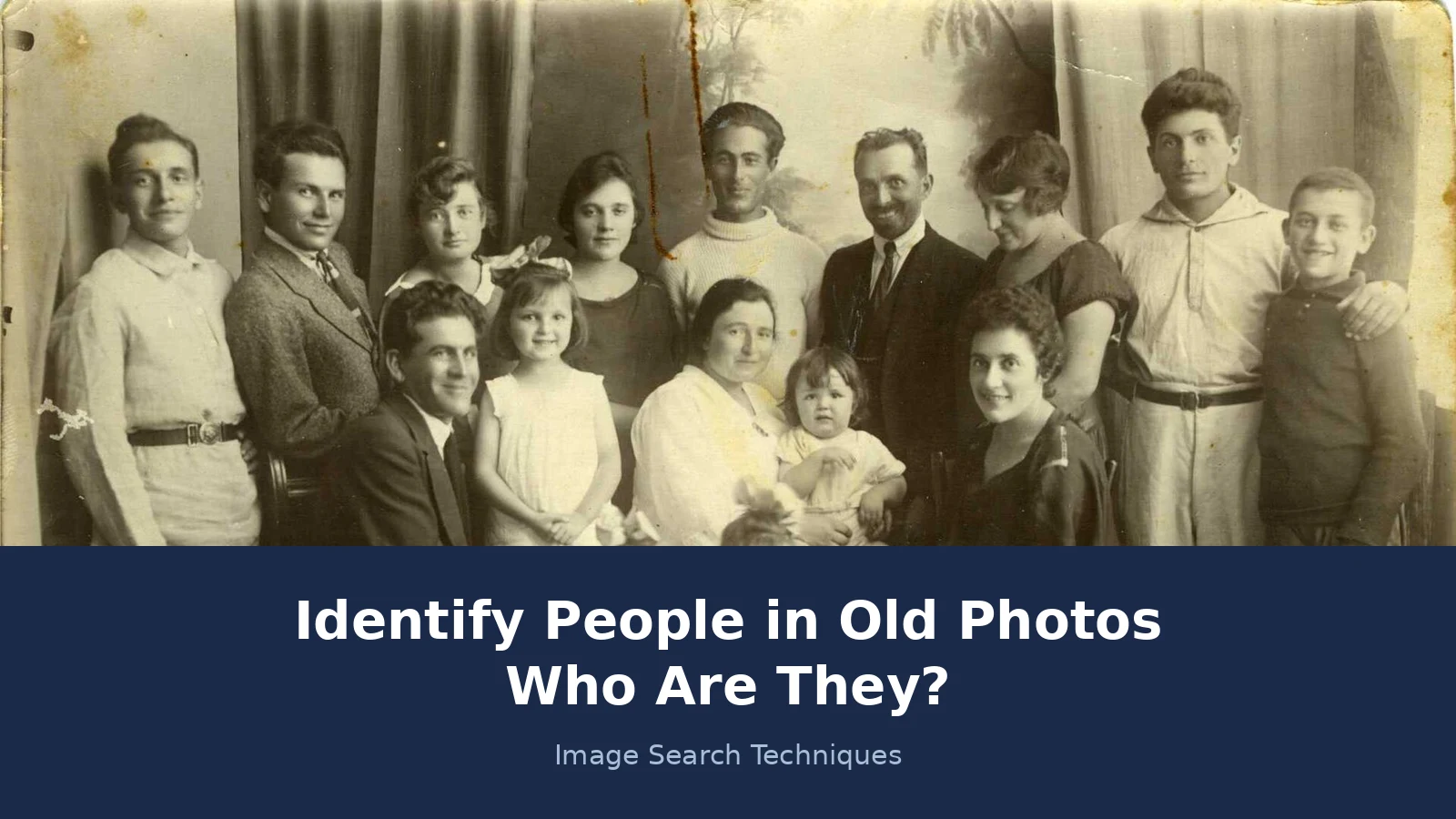
Almost every family has a photograph like it. A group portrait with one face nobody can name, or a single portrait that has sat in a drawer for decades with nothing written on the back. The temptation is to upload it to a search engine straight away and hope for a name. That rarely works, and when it seems to work it can mislead you. This guide shows the order that actually works when you want to identify people in old photos: family first, the photograph itself second, and the search engine last.
Start with your family, not a search engine. Ask the oldest relatives what they remember and write down every name, then date the print from its format and clues. Only then reverse search the photo. A match can point to a captioned copy, but it never proves who the person is on its own.
That short answer is the whole method in miniature. The rest of this guide works through each step properly, and the worked example near the end is a real test we ran on 18 November 2026 on a photograph from 1925. It shows what four search engines actually found, including the two that found nothing at all. If you only want to know where a photo was taken, which uniform someone wore, or when the picture was made, our guide to old family photos and how to read places, uniforms and dates covers that ground. This article answers the harder question: who is this person? If the face is a famous one rather than a relative, the method changes: our guide to identifying a celebrity from a photo shows how to name a public figure from a portrait and how to confirm the name.
What can a reverse image search actually tell you about a person?
Search engines match pictures, not identities. When you upload a photo, the engine looks for the same image, or a very similar one, already published somewhere online. It does not know who the person is. If the matching page carries a caption with a name, that caption is a lead, not a verdict. Captions get copied wrong. Photos get mislabelled. Two different people with the same name get mixed up all the time, and a single wrong caption can travel across dozens of sites before anyone notices.
That is why a match is useful but never enough on its own. A match tells you the photograph has been published before, and it hands you whatever the publisher wrote about it. The identification comes afterwards, when you check that caption against what your family remembers and what the records say. If the age fits, the place fits and the date fits, you have a probable identification. If any of them clash, the caption is probably wrong, however confident it sounds.
Match or identification? A match is when a search engine finds the same image, or a crop of it, published somewhere else. An identification is when records, family knowledge and the photograph together agree on who the person is. A match is a clue. An identification is a conclusion, and it needs more than one clue.
In short: a reverse search finds copies of your photo, not names. The name comes from the caption on the copy, checked against records.
Why do family records come before the search box?
Ask the relatives first, while you still can. Older relatives may not recognise a face, yet still remember that grandad’s brother was the one who went to Canada, or that a certain print always hung in a particular house. Those fragments are worth more than any search result, because they come from people who were there. Record the conversation, however patchy it is, and write down who said what. A vague memory with a named source is worth far more in five years than a confident guess with no source at all.
Ask these questions, and write the answers down before you search anything:
- Who do you remember in this photograph, and how sure are you?
- When was it taken, and where? A house, a town, a studio?
- Who owned the album, and where did this print come from?
- Was anyone in the family a photographer, a soldier, or a traveller?
- Do you recognise the house, the uniform, the car, or the street behind them?
- Is there a labelled copy of this photograph anywhere else in the family?
Then turn to the records. Census returns, birth, marriage and death certificates, obituaries, wills and military service records let you build a shortlist: who was alive, in that place, at that age, in that decade? If your shortlist has three people and the photograph shows one man in his twenties, you have already narrowed the field more than any search engine could. FamilySearch is free and run as a nonprofit, and it lets you build a family tree, search billions of records and attach photographs to a person’s record, so the next relative to ask the question inherits your work. In the UK, The National Archives holds soldiers’ service records, medal index cards and unit war diaries, and a known unit plus an approximate date is exactly what you need to search them productively.
In short: relatives and records give you a shortlist of real people. The search engine only checks whether your photo matches a published copy.
How do I read the photo itself before I search it?
Turn the print over before you do anything else. The back is where the useful writing lives: names, dates, a photographer’s stamp, a studio address, pencil handwriting. A studio imprint gives you a town and a date range, because studios opened, moved and closed, and trade directories record when. Note the size and thickness of the mount too, and where the print sat in the album. Photographs were usually pasted in roughly chronological order, so an identified christening on one page can bracket the mystery portrait on the next.
The format of the print dates it before you read a single face. These are the usual ranges, and a single clue gives you a window, not a year:
| Format | Usual dates | What it tells you |
|---|---|---|
| Daguerreotype | 1839 to about 1870 | An image on a silvered copper plate, usually in a case |
| Carte de visite | 1860s to 1890s | A small portrait on thin card, about the size of a visiting card |
| Cabinet card | 1866 to 1906 | A larger portrait on card, often with the studio name printed below |
| Real photographic postcard | Mostly twentieth century | An image printed on postcard stock, with a stamp box on the back |
Then read the scene. Women’s sleeves, hat shapes and hemlines change fast enough to be useful to within a decade. Men’s collars and ties move more slowly but still help. A recognisable car model gives you a year the photograph cannot be earlier than. Cross-check all of it against life events you already know: a man photographed in uniform with a wedding ring, or a woman in deep mourning dress, ties the sitting to a marriage or a bereavement you may already have on your tree.
In short: the print itself gives you a date window and a place. That window is what turns a list of possible names into a shortlist.
How do I reverse search an old photo, step by step?
Old photographs match differently from modern ones. The same image may have been sold as a postcard, reproduced in a book, or scanned by a local archive, so search more than one engine and expect partial, cropped or reversed copies. Prints were often flipped in reproduction, and a scan of a faded print is harder for an engine to read than a clean digital file. Follow these steps in order:
- Make a good digital copy. Use a flatbed scanner at 300 dpi or more if you have one. If not, photograph the print straight on, in soft daylight, with no glare and no shadow across the face. Save it as a JPEG or PNG. Our guide to reverse searching a printed or old photograph covers the scanning and cropping in full.
- Search the whole frame first. Upload the full photograph to Google Lens, then to TinEye, Yandex and Bing. Our step-by-step reverse image search guide walks through each engine.
- Then search a tight crop of one face. Crop to a single person and search that crop on its own. Engines often fail on a busy group portrait but succeed on one clear face, and a badge, a sign or a building in the background is worth searching as a separate crop too.
- Save every near match. A similar group photograph from the same street or the same battalion can confirm your reading of the original, even when it is not the same image. Keep the link and a note of what the page says.
- Follow the caption, not the thumbnail. Open the matching page and read what it actually says. A thumbnail that looks right can sit on a page that says something quite different.
In short: a clean scan, the whole frame, then a face crop, on four engines, and read the caption on the page that matches.
Worked example: four brothers photographed in 1925
To show what this looks like in practice, we ran a real test on 18 November 2026. The photograph is the Warner brothers, Albert, Jack, Harry and Sam, founders of Warner Bros., taken from The Motion Picture Director magazine, December 1925. It is a public domain image, held on Wikimedia Commons as “Warner Brothers – Albert, Jack, Harry and Sam.jpg”, 3,925 by 3,248 pixels. Four head-and-shoulders portraits sit on a white background, and the file page names all four men. These are public figures with a published caption, so the test asks whether the engines can find that caption, not whether they can name a private person. Nobody should run this kind of test on a private individual.
We searched the direct image URL on four engines, one after another, and wrote down exactly what each one returned:
| Engine | What it found | Did it name the brothers? | Did it link the Commons page? |
|---|---|---|---|
| Google Lens | Nothing usable. Two attempts, both ended with “No image at the URL” and “Expired visual search”. No results, no count shown. | No | No |
| TinEye | 4 results from 86.8 billion images searched. First indexed 11 March 2022. Top result is the Wikipedia Warner Bros. article, plus a museum article and a Cracked article using the same image. | No, not in its own text | No |
| Yandex | Named them outright. Its tags read “Warner brothers”, “Sam Warner”, “Jack L. Warner”, and “Harry, Albert, Sam and Jack Warners, founders of the Warner Bros. film company”. It listed 18 sizes, including the exact 3,925 by 3,248, and 20 sites. | Yes | Yes |
| Bing Visual Search | Nothing usable. Two attempts through its own upload page both showed “Image uploaded successfully” and then returned to the images home page with no results. No count shown. | No | No |
Only Yandex actually identified the four brothers and linked the source page. TinEye found the image on Wikipedia and two other sites, which is a useful lead, but its own text named nobody and it never linked the Commons file page. Google Lens and Bing returned nothing usable at all for this image on this day, even though the photograph is published all over the internet. That is the honest result, and it is the most useful part of the test: a zero from one engine says nothing about your photograph. It says something about that engine, on that day, with that file. Run all four, and never stop at the first blank.
In short: one engine is never enough. On a famous, widely published photograph, two engines found nothing and only one named the people.
What does a match prove, and what does a blank prove?
A match proves that the image exists online, and nothing more. If the page that matches names the person, that name is a lead. Check it against your shortlist before you believe it. Does the age fit the date window from the format? Does the place fit what your family remembers? Does a second source agree, a record or a labelled photograph or a relative who says the same thing? If the answers line up, you have a probable identification. Write it down as probable, not proven, and note the sources. Probable is an honest answer, and it leaves room for the next piece of evidence to change it.
A blank proves nothing at all. It may mean the photograph was never published, or was published under a different crop, or the engine could not read your file. Improve the scan, try a tight crop of one face, try another engine, and come back later. Our 1925 test is the proof of that: two of the four engines returned nothing for a photograph that is all over the internet. If we had stopped at the first blank, we would have concluded the photograph was unfindable, and we would have been wrong.
Never present a match, or a zero, as proof of who a person is. A match with a wrong caption is worse than no match, because it feels like an answer. The discipline is simple: a name needs a caption, and a caption needs a record that agrees with it.
In short: a match is a lead to check, and a blank is an empty result, not an answer. Neither one proves an identity on its own.
Can face grouping or AI help, and where does it stop?
Face grouping can help, within limits. Google Photos groups similar faces together inside your own library, so you can compare an unknown face with labelled photographs of known relatives at different ages. That is a comparison tool, not an identification tool. It works because you already know who the labelled faces are. Ancestry offers face matching inside its own photo collections, and FamilySearch has a tool called Compare Me that works the same way. Both are comparison tools too, and matching gets less reliable for young children and for faces changed a lot by age. It cannot tell you who a stranger is, and it should not be asked to.
The limits matter more than the feature. Never upload someone else’s photograph, or a photograph of a living person, to a face-recognition site without their say-so. Face-search sites that promise to name anyone from a photo are matching against scraped images, and their matches are guesses dressed up as answers. If your own face turns up somewhere you did not expect, our guide to finding photos of yourself online covers the opt-out and removal routes.
AI chatbots are no better at naming people. They can read the clues in a photograph, suggest a date from the clothing, or transcribe the writing on the back, and those are all useful jobs. But when a chatbot names a person, it is guessing from training data and captions, and it can be confidently wrong. Use AI to read the photograph. Never use it to name the person in it.
In short: face grouping compares faces you already know. It does not identify strangers, and no AI tool should be trusted to name a private person.
When should I ask a community for help?
Ask a community when you have done the groundwork and you are stuck on one specific thing. Genealogy forums are good at dating formats, reading uniforms, spotting a published copy you missed, and recognising a studio or a street. Reddit r/Genealogy, Flickr groups and Genealogy Stack Exchange all have people who do this every day. Post the photograph, the format, the date window, the place if you know it, and what you have already checked. That last part matters: people help more when they can see you have done the work.
Share the photograph and the facts, not personal details. Leave out full names, addresses and anything about living people. Cover the details of anyone still alive before you post. A community cannot name a private person from a face alone, and anyone who claims to is guessing. What a community can do is find the copy of your photograph that you missed, read a badge you could not read, or recognise a studio imprint from their own research. That is often the piece that unlocks the rest.
In short: ask a community a specific question, with the groundwork shown and living people’s details left out. It can find a copy or read a clue, not name a stranger.
How do I identify people in old photos, step by step?
This is the whole method in one place. Work it in order, and write down what each step gives you before you move on.
| Step | What to do | What it proves |
|---|---|---|
| 1. Ask the family | Interview the oldest relatives. Ask who they remember, when and where the photo was taken, and who owned the album. Record who said what. | A shortlist of candidates, and stories to check |
| 2. Read the print | Front and back, studio stamp, handwriting, format and mount. Date the format and note the place. | A date window and a place |
| 3. Check the records | Census, birth, marriage and death records, obituaries and wills. Build the tree and narrow the shortlist. | Who was alive, where, and at what age |
| 4. Make a good copy | Scan at 300 dpi or more, or take a straight, well-lit phone photo of the print. Save it as a JPEG or PNG. | A file the engines can actually read |
| 5. Reverse search | Whole frame first, then a tight crop of one face, on Google Lens, TinEye, Yandex and Bing. Save every near match. | Whether a captioned copy exists online |
| 6. Read the caption | Open the matching page. Check the age, place and date against your shortlist. | A lead, not a verdict |
| 7. Confirm with a second source | A record, a labelled photograph, or a relative who agrees. | A probable identification, written up as probable |
| 8. Write it down | Names, dates, sources and confidence level, on the sleeve or in your tree. | The next person inherits evidence, not a guess |
Most old photographs will not give you a name in one sitting. That is normal. What this workflow gives you instead is a trail: a shortlist, a date window, a place, a set of searches with honest results, and a written record of how sure you are. The next relative who picks up the photograph starts from your notes instead of from nothing, and that is how family photographs get identified in the end.
FAQs
Can Google Lens identify a person in an old photo?
No, not by itself. Lens matches pictures, not people. It can find the same image published elsewhere, and the caption on that page may name the person. On our 1925 test photograph Lens returned nothing at all, while Yandex named all four brothers. Always run more than one engine, and check any name against family records.
What is the best way to identify people in old family photos?
Start with relatives and records, then read the photo, then search. Ask the oldest relatives, build a shortlist from census and birth, marriage and death records, date the print from its format, and only then reverse search it. A name that fits your shortlist and a captioned copy is a probable identification.
Can AI identify a person in a photo?
AI can describe a photo and match faces to other photos, but it cannot reliably name a private person. Face grouping in Google Photos compares faces inside your own library. Face-search sites that claim to name anyone are guessing from scraped images. Treat any AI name as a lead, and confirm it with records.
How do I date an old photograph?
Use the format first. Daguerreotypes run from 1839 to about 1870, cartes de visite from the 1860s to the 1890s, cabinet cards from 1866 to 1906, and real photographic postcards are mostly twentieth century. Then add clothing, hairstyles, the studio imprint and any car or sign in the scene. Several clues together give a window of a few years.
What should I do if reverse image search finds nothing?
Nothing yet. A blank means the photo was never published online, or the engine could not read your file. Improve the scan, try a tight crop of one face, and try another engine. Our 1925 test photograph is published all over the internet, and two of the four engines still returned nothing for it.
Is it safe to share an old family photo online to ask for help?
Share the photo and the facts, not personal details. Post the image, the format, the date window and the place if you know it on a genealogy forum such as Reddit r/Genealogy or Flickr. Cover or leave out full names, addresses and anything about living people. Never upload someone else’s photo to a face-recognition site without their say-so.






