🔎 Reverse Image Search
Image search techniques made simple: upload a photo or paste a URL and search 6 engines at once. 100% free, nothing stored.
🔒 Your image is never stored on our servers longer than 24 hours and is never shared.
Quick answer
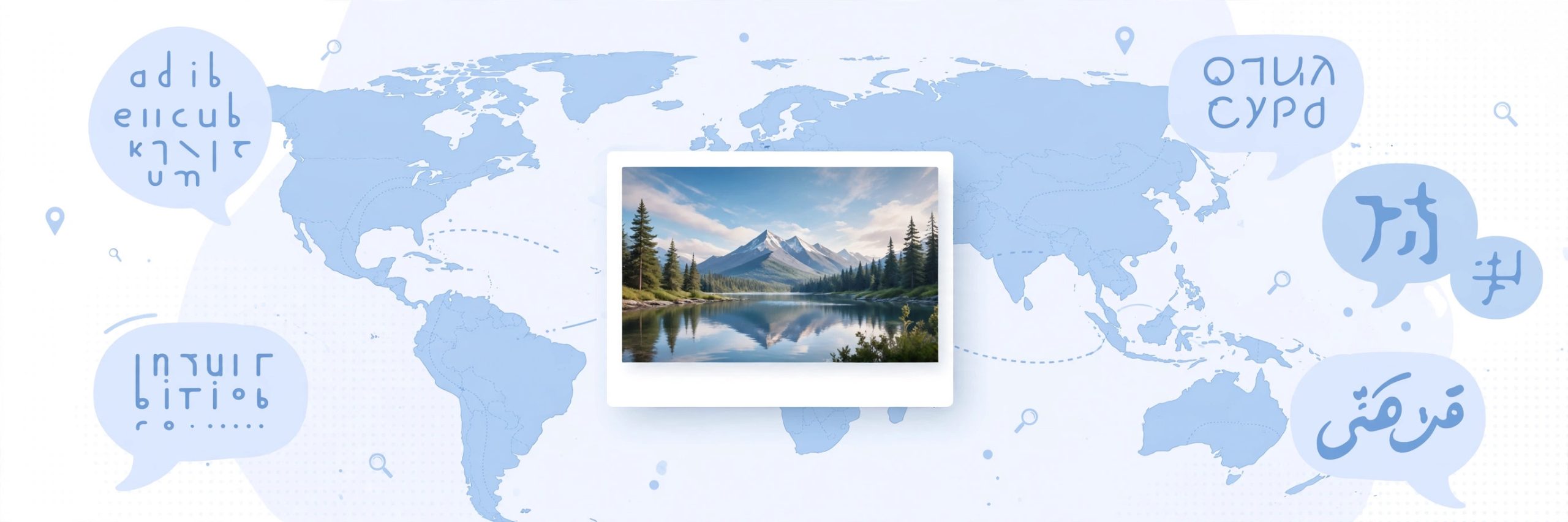
To search an image in other countries and languages, do three things: translate your search words into the language of the country where the photo likely appeared, run the photo through that region’s own search engines (Yandex for Russian-language pages, Baidu for Chinese, Naver for Korean), and use Google with a country setting so it shows local results instead of your own. Viral photos routinely cross borders before they reach English-language pages, so the original source, date and caption are often sitting in a foreign-language article you have not seen yet.
Why images cross borders before they cross languages
A photo is taken where the event happens, and the first reports are written in the local language. Only later, if the story travels, do English-language sites pick it up, often with a shorter caption and sometimes with the wrong place or date attached. By the time a photo goes viral in English, it may have been reposted for days in another country, and the earliest, best-sourced version is usually still there. Searching only in English is like reading the last chapter of a story and guessing the beginning.
This is why searching abroad sits inside our complete guide to image search techniques: it is the step that finds the version of the photo everyone else copied from.
Step 1: Translate your keywords, not just the caption
Reverse image search does not need words, but finding the pages around a photo does. Take the key facts you are testing, such as the place name, the event and the word for the thing in the photo, and translate them with Google Translate or DeepL into the likely local language. Then search those translated words as a normal web search, and search them together with the date. Foreign news sites caption photos carefully, so a translated search often lands on the original article within a few results. Our guide to translating text in an image with Google Lens also helps when the photo itself contains signs, headlines or documents in another language.
Step 2: Use the region’s own search engines
Each part of the web has a home engine that indexes it better than Google does:
- Yandex Images is the strongest for Russian and Eastern European pages, and often for faces and places generally. Our Yandex reverse image search guide covers uploading and reading its results.
- Baidu Images covers Chinese pages that Google barely sees. Its interface is in Chinese, but the upload button works the same way, and a browser’s built-in page translation makes the results readable.
- Naver is the home engine for Korean pages. Its image search is more limited for uploads, but searching your translated Korean keywords there finds local news and blog copies Google misses.
You do not need accounts for basic searches on these engines, and you do not need to speak the language to use them. You need the photo, a translated keyword or two, and patience with unfamiliar layouts.
Step 3: Make Google search like a local
Google quietly localises your results to your own country, which hides foreign pages even when they are indexed. Two fixes help. First, add the country code site filter to a normal search, for example searching your translated keywords with a local news domain if you know one. Second, open Google in the target country’s version by adding its code to the address, the way google.de is Germany and google.fr is France, and search there with translated words. Results reorder noticeably, and local outlets rise to the top. Combine this with the photo itself: run the image on Google Lens, then open the foreign-language matches first instead of skipping them, because those are the pages other searchers ignored.
Step 4: Read pages you cannot read
Modern browsers translate whole pages in one click, and Google Lens translates text inside images. Use them, but verify the load-bearing details yourself: dates, place names and numbers are where auto-translation slips. Watch for date formats too, because day and month swap order between countries, and a misread date can make an old photo look new. If a translated page claims to be the original report, look for the photographer’s name, the agency credit and the publication time, the same evidence you would weigh on an English page. Our guide to finding and citing the original source of an image lists what counts as solid proof.
Step 5: Compare across borders before you conclude
Foreign results are evidence, not verdicts. Put them next to your English results and ask which version is older, which names a photographer, and which local details actually fit the photo. This comparison habit is the same one described in our guide to cross searching an image across engines, extended across languages. If the oldest dated copy is a local news page in the country where the event happened, you have almost certainly found the source, and every later copy is just a copy. It also helps to check when the photo was taken and where it was taken with fresh eyes once the foreign context is in front of you.
A short worked example
A photo of a flooded street is shared in English with a caption naming a British town. The buildings look wrong for Britain, so you translate “flood street” and the month into Spanish and search Google’s Spanish version with those words. A regional Spanish newspaper has the same photo, dated two years earlier, with the town named and the photographer’s credit under it. Yandex finds one more copy on a Portuguese site with the same older date. The photo is real; the British caption was invented when someone reposted it. Total time: about ten minutes, most of it spent reading a translated page. This kind of cross-border checking is routine for journalists and fact-checkers, and it is open to anyone with a browser.
Common mistakes when searching abroad
- Searching only in English. The original report is usually in the language of the place. English results show you the copies, not the source.
- Skipping foreign matches on Lens and TinEye. Searchers often scroll past results they cannot read. Those results are frequently the oldest and most important ones. Our TinEye guide shows how its oldest-first sorting surfaces them.
- Trusting auto-translation word for word. Translation is fine for meaning and risky for details. Confirm dates, names and numbers against a second source.
- Assuming a foreign page is less reliable. A local newspaper that names its photographer beats an anonymous viral post in your own language, every time.
- Forgetting regional engines exist. If the photo points to Russia, China or Korea and you never open Yandex, Baidu or Naver, you searched with one hand tied.
Frequently asked questions
Why would a photo appear in another language before English?
Because photos are first published where the event happens, in the local language. English-language sites pick up the interesting ones later, sometimes days later and sometimes with details changed. The earliest and most accurate version is usually the local one.
Which search engine is best for finding a photo’s foreign sources?
It depends on the region. Yandex is strongest for Russian and Eastern European pages, Baidu for Chinese pages, and Naver for Korean pages. Google with a country setting and translated keywords covers much of the rest.
How do I read a page in a language I do not speak?
Use your browser’s built-in page translation, and Google Lens for text inside images. Then double-check the details that matter, such as dates, place names and numbers, because auto-translation can slip on those.
Can I make Google show another country’s results?
Yes. Search on that country’s Google version, such as google.de for Germany or google.fr for France, and use translated keywords. Adding a local news site’s domain to your search narrows it further.
Do I need an account to use Yandex, Baidu or Naver?
No. Basic image searching on Yandex and Baidu works in the browser without an account, and Naver keyword searches are open too. The interfaces may be in the local language, but the upload and search controls work the same way.