


🔎 Reverse Image Search
Image search techniques made simple: upload a photo or paste a URL and search 6 engines at once. 100% free, nothing stored.
🔒 Your image is never stored on our servers longer than 24 hours and is never shared.
Quick Answer: Save the meme image, or screenshot it cleanly without extra text or captions. Then reverse-search it with Google Lens, TinEye, Yandex Images and Bing Visual Search. The earliest matching result is usually the original template or first post. Finally, use a meme database to confirm the template name and meaning.
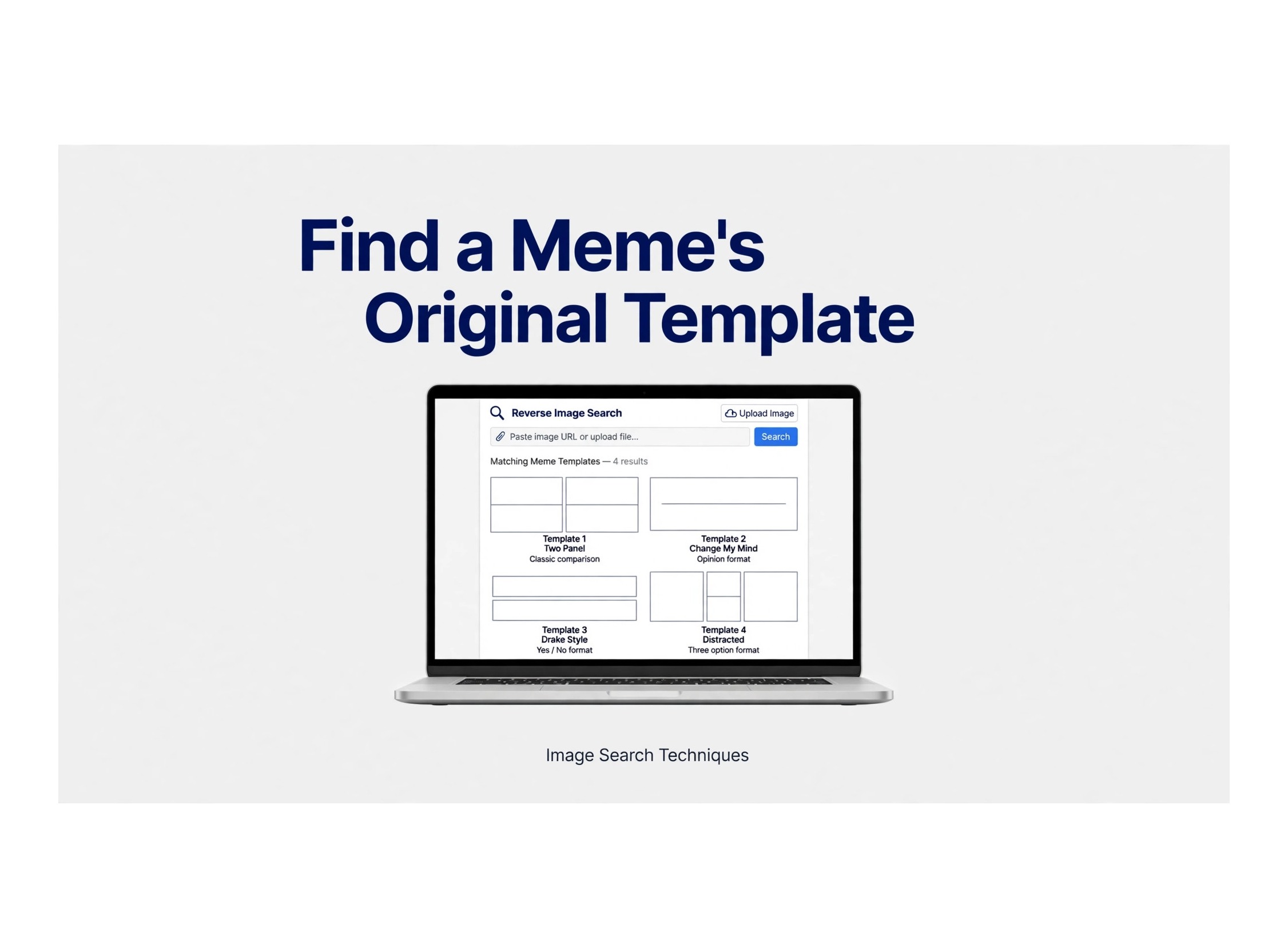
Memes travel fast, and they change as they travel. A picture that starts on one account can be cropped, captioned, flipped, compressed and reposted hundreds of times in a single day. By the time you see it, the original creator, the first post and even the joke itself may be hard to recognise. That is why a reverse image search for memes is so useful: it searches by the picture itself, not by the words people added to it later.
This guide explains how to reverse image search a meme, find its original template, check its first post and understand its meaning. You will learn which tool to try first, what to do when a search returns nothing, and how to stay fair and safe while you search. For a broader introduction to the method, see our image search techniques guide.
Why memes are hard to search
Ordinary text search works well when you know the words in a post. Memes break that rule. The same image can carry a new caption every time it is shared, so a text search for the caption usually finds only the newest version. Image search avoids that problem, but it still has to cope with changes made to the picture.
Reposts are the most common problem. Popular memes are copied from account to account, often without credit and sometimes without the original caption. Crops remove borders, watermarks and parts of the scene, while added captions cover the centre of the image. Low resolution and repeated compression blur details that search engines use to match pictures. Mirrored or flipped versions can also confuse a search, because the picture looks similar to a person but different to a computer. Finally, screenshots with borders, phone status bars, reaction buttons and comment text add visual noise that hides the meme itself.
The good news is that most of these problems have a simple fix. If you clean up the image before you search, try more than one search engine and compare the oldest results, you can often trace a meme back to its template in a few minutes.
How to reverse image search a meme, step by step
Work through the steps in order. You do not always need every tool, but trying a second or third engine is often what turns a dead end into a match.
- Save the cleanest copy. On a phone, long-press the image and download it, or use the app’s save or share option. On a desktop, right-click and save the image. Avoid screenshots with user interface bars if a direct download is available.
- Crop out captions, borders and watermarks but keep the main image. Remove added text, black bars, reaction icons and comment panels. Keep the central picture, the main subject and enough background to identify the scene. If the meme is a multi-panel image, keep all panels unless one panel is the template you are tracing.
- Search on Google Lens at lens.google.com. Upload the cleaned image or paste its URL. Lens is a strong starting point because it finds visually similar images, related pages and sometimes the same picture used in different articles.
- Try TinEye for exact matches and oldest results. TinEye focuses on exact and near-exact copies, and it can sort results by oldest first. That makes it especially useful when you want the first known appearance rather than the most popular repost.
- Try Yandex Images and Bing Visual Search for different indexes. Each search engine indexes different pages and weights visual similarity differently. Yandex Images is often strong on faces and similar pictures, while Bing Visual Search can surface similar images that Google Lens misses. A meme that fails on one engine may match on another.
- Compare results and open the earliest credible source. Look at dates, page titles and publishers. A well-known news site, a creator’s own account or a meme database entry is usually more credible than a random repost account. Open several results before deciding which one is earliest.
- Confirm the template name and origin on a meme database and check the date. Search the template name as text once you know it, and compare the database entry with the earliest image result. If the dates disagree, treat the earlier verified source with care and look for more evidence before claiming a first post.
Which tool works best for memes
No single tool finds every meme. Use the table below to choose a starting point, then try another engine if the first search fails.
| Tool | Best for | Limit |
|---|---|---|
| Google Lens | Similar images | Misses old posts |
| TinEye | Exact matches | Small index |
| Yandex Images | Faces/similar | Mixed results |
| Bing Visual Search | Similar images | Fewer exact hits |
For pictures that look like screenshots from social media, the platform-specific guides can also help. See the Reddit reverse image search guide and the Facebook reverse image search guide for steps tailored to those platforms. If a meme came from Pinterest, the official Pinterest visual search help explains how visual search works there.
Find the original template (not just a repost)
Finding a match is not the same as finding the original. Many results will be reposts, and the most popular result is often not the oldest. Start by sorting results by date where the tool allows it, and look for the earliest date attached to a credible page. A template is usually the version without added captions, reaction text or extra panels, so compare the candidates and favour the cleanest version.
Next, look for the creator’s account or a database entry that names the template and gives its history. If the captioned version fails, reverse-search the uncaptioned version, or crop to a distinctive part of the image, such as a face, an object or a background detail. Searching a smaller, cleaner section can remove the noise added by captions and borders and reveal the source image underneath.
Be careful with dates. A page may show the date it was updated, not the date the image was first published, and a repost account may copy an old caption word for word. When two sources disagree, look for a third source, check whether the account claims to be the creator, and note the uncertainty rather than stating a first post as a fact you cannot support.
Find a meme’s meaning and first post
Once you have the template name, search for it in a meme database and read the full entry. A good entry usually explains where the image came from, when it first appeared, how it was first used and how its meaning changed over time. The first known post date is a useful clue, but it is not always the true origin: earlier posts may not be indexed, may have been deleted or may use a slightly different crop.
Meaning changes with new captions. The same template can be sincere, ironic, supportive or mocking depending on the words added to it, so read the caption, the surrounding post and the comments before you interpret a meme. A template that started as a joke about one topic may later be used for a very different topic, and older meanings may survive alongside newer ones.
Finally, remember that a meme’s meaning is not proof of a claim in the image. A picture with text can present an opinion, a rumour or a false statement as if it were a fact, and the fact that many people shared it does not make it true. If a meme makes a factual claim, check it against a reliable source before repeating it.
Troubleshooting
No results. Try a different crop, the uncaptioned version, another search engine or a higher-quality copy. Even a small change, such as removing a border or enlarging the central subject, can produce a match. If you only have a low-quality screenshot, try to find the original post and download that copy instead.
Only reposts. Sort by oldest where possible, then search the template name as text. Text search can find database entries, articles and creator pages that image search missed. Follow links from those pages back to the earliest source you can verify.
Wrong template. Crop tighter around the distinctive part of the image, flip back a mirrored image, and try TinEye for an exact match. If a similar but different template keeps appearing, the difference may be in the background, the pose or a small detail that a tighter crop will highlight.
Blurry screenshot. Find the original post and download that copy, or ask the person who shared it for the original file if that is appropriate. Avoid enlarging a tiny screenshot many times, because that adds blur without adding detail. A cleaner copy from the source post is almost always better than an edited version of a poor screenshot.
Privacy and safety
Only search memes you have a right to share. If a meme contains a private photo, do not upload it to a public search tool, repost it or use it to draw attention to the person in it. Public figures and widely shared templates are different from a private person’s photo that was shared without permission, and you should treat that difference seriously.
Do not use a meme photo to identify, contact or harass a private person in it. A face match is not proof of identity, and a similar-looking person is not necessarily the person in the picture. Even when a match looks strong, it can be wrong, and acting on it can harm someone who has nothing to do with the meme.
Respect creators and do not repost someone else’s work as your own. Credit the creator when you know who they are, link to the original where possible, and avoid removing watermarks or credits. If you are unsure whether you may reuse a template, use it for private research, commentary or a link, rather than copying it as if it were yours.
FAQ
How do I find the original template of a meme?
Save the cleanest copy, crop out captions and borders, and reverse-search it with Google Lens and TinEye. Sort by oldest, compare the earliest credible results, and confirm the template name on a meme database.
Can Google Lens find a meme template?
Yes, often. Google Lens finds visually similar images and related pages, which can lead you to the template or a database entry. If it only finds reposts, try TinEye, Yandex Images or Bing Visual Search as well.
Why does my meme search show no results?
Captions, borders, low resolution, mirroring or a small index can all hide a match. Try a different crop, the uncaptioned version, another engine and a higher-quality copy from the original post.
How do I find who posted a meme first?
Sort image results by oldest, open the earliest credible pages, and check the template entry in a meme database. The first known post is the earliest you can verify, not necessarily the absolute first post ever made.
Can I reverse search a meme from a screenshot?
Yes, but clean it first. Crop out status bars, buttons and comments, keep the main image, and try several engines. A direct download from the original post usually works better than a screenshot.
Is it legal to reuse a meme template?
It depends on the image, its source and how you use it. Many templates are widely shared for commentary, but that does not mean every use is allowed. Credit the creator, avoid claiming their work as yours, and check the source or seek permission for commercial use.
Related guides
Ready to trace a meme yourself? Try the free reverse image search tool on the homepage, start with the cleanest copy you can find, and compare the earliest results before you decide on the original template.
