Quick Answer: To do a reverse image search on Reddit, save the Reddit photo to your device first, then upload it to
Google Lens, TinEye, Yandex Images, or Bing Visual Search. Those tools compare the image with pictures already published online and show visually similar results and pages where the same image appears. From those results, look for the earliest matching post, the original creator, or the source article. This guide shows every step for desktop and for the Reddit mobile app, so you can trace a meme, a photograph, or a screenshot back to where it first appeared.
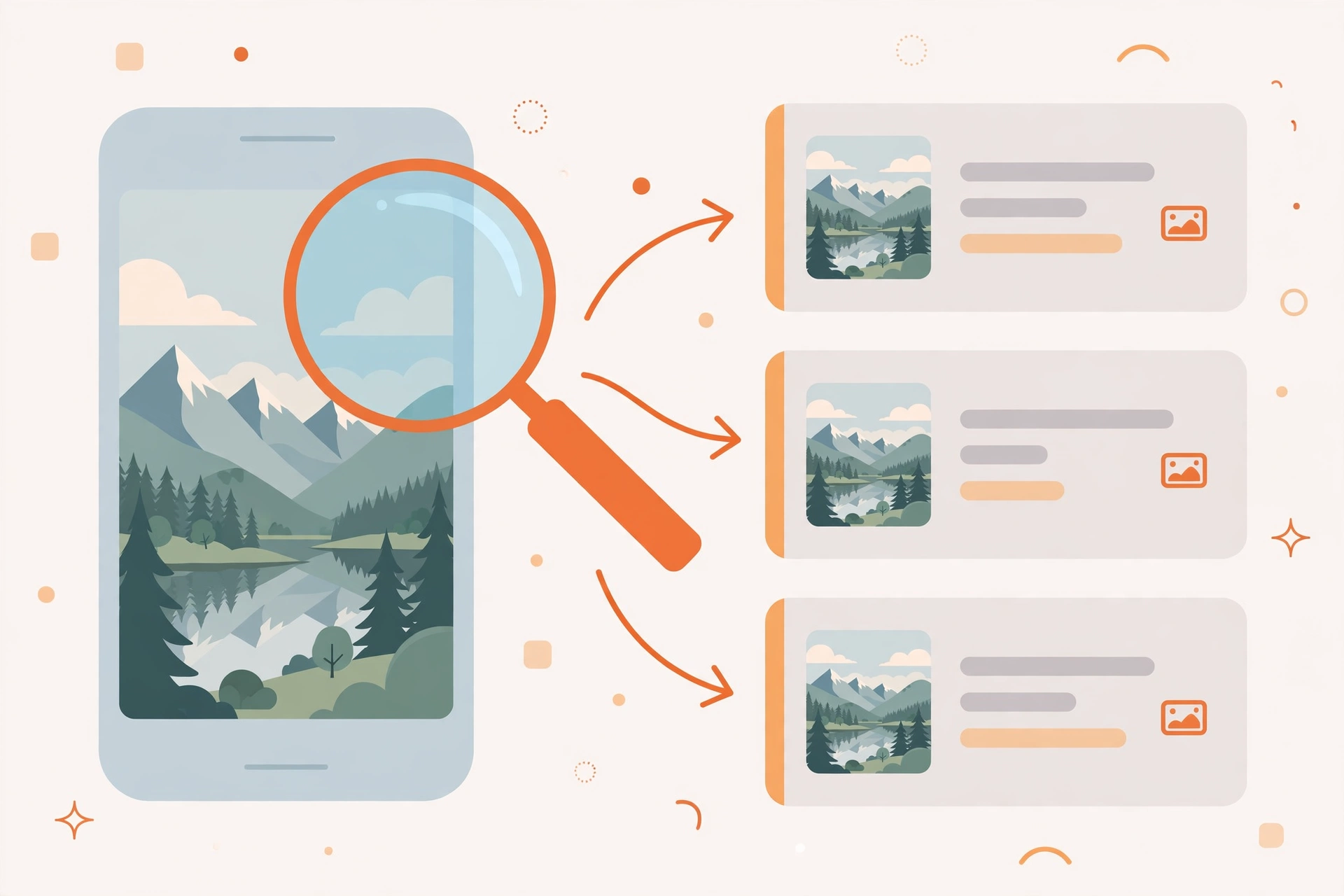
Reddit moves fast. A striking photograph can be reposted across dozens of communities within hours, a meme can lose its caption, and a screenshot can travel far from the discussion that gave it meaning. When you want to know where a Reddit image really came from, guessing from the comments is rarely enough. A reverse image search is far more reliable, because it looks for the image itself rather than for words someone typed about it. In this guide, you will learn how to save a Reddit image correctly, how to search it with four major tools, how to read the results like a researcher, and how to stay respectful and safe while you do it. If you are new to the method in general, start with our
complete guide to image search techniques, which explains how reverse image search works across the web.
What a Reddit reverse image search can and cannot find
A reverse image search on Reddit means taking a picture that you saw on Reddit and asking a search engine to find the same picture, a cropped version of it, or a very similar picture elsewhere on the internet. It works best when the image has been published before, shared widely, or taken from a news article, a stock library, a film, a television show, or another public website. It works less well for a completely private photograph that has never been published anywhere else, for a heavily edited image that no longer resembles the original, or for a very low-resolution screenshot where the main subject is small and blurred. Understanding those limits saves time and prevents false conclusions. A result that looks similar is not always the same image, and the first result is not always the original. Your job is to compare details, dates, and sources before you decide what you have found.
It also helps to know why Reddit itself is not the best place to search by image. Reddit has powerful text search for titles, communities, and usernames, but it does not offer a built-in reverse image search that lets you upload a picture and find matching posts. That is why the practical workflow has two parts: first, save or copy the image from Reddit; second, search that saved image with a dedicated visual search tool. Once you understand that two-part workflow, the same method works for almost any platform. The steps for another social network are similar, as you can see in our
Facebook reverse image search guide and our
TikTok reverse image search guide.
How to save a Reddit image before you search it
Most reverse image search tools need an image file, or a direct link to an image file, rather than a link to a Reddit post. Saving the image first gives you control over the file you search, lets you try more than one tool without returning to Reddit, and avoids searching a compressed preview when a clearer version is available. Always save the image that you actually want to trace, and avoid saving a screenshot of the whole Reddit page if you can save the image itself instead. A clean image gives the search engine more useful detail to match.
Save a Reddit image on desktop
- Open the Reddit post in your browser and click the image so it opens at full size, rather than staying as a small preview in the feed.
- Right-click the image and choose Save image as, then choose a folder you will remember and keep the original file name when possible.
- If the image opens in a viewer or a gallery, look for a download icon or an option to open the image in a new tab, then save it from that full view.
- For an image hosted outside Reddit, click through to the original host when Reddit offers that link, because the hosted version may be larger and clearer.
- Check the saved file before you search it. Open it once to confirm it is the right picture, that it is not cropped too tightly, and that text in the image is still readable.
Save a Reddit image in the Reddit mobile app
- Open the post in the Reddit app and tap the image to view it at full size.
- Tap the three-dot menu or the share icon, depending on your device, and look for Save image, Download, or Save to device.
- If no save option appears, use Share and send the image to yourself by email or to a cloud folder, then download it from there on a computer.
- Avoid taking a screenshot of the app screen as your first choice, because screenshots add interface elements and reduce quality. Use a screenshot only when saving is not possible, then crop the image closely to the picture itself before searching.
- Confirm the image is in your phone gallery or downloads folder, then upload that exact file to your chosen search tool.
One practical tip matters more than any other: search the clearest version you can obtain. If the same image appears in several Reddit posts, save the largest, sharpest copy. If a meme has added text over a photograph, try searching both the full meme and, when possible, a version with less added text, because the underlying photograph may match more easily without the caption.
How to reverse image search a Reddit photo with Google Lens
Google Lens is a strong first choice for most Reddit images because its index is very large and it often finds news articles, product pages, and other web pages that use the same picture. It is especially useful for photographs of places, animals, products, and public events.
- Go to Google Lens in your browser.
- Click the upload area and choose the Reddit image you saved.
- Wait for Lens to show visually similar images and web pages that contain matching images.
- Use the crop or selection tool, if offered, to focus on the main subject and remove unrelated background, captions, or borders.
- Open the most promising results and check whether the image, caption, date, and source agree with each other.
- If the first search is too broad, try a second search with a cropped version, or add a few descriptive words to narrow the results.
When Lens returns many near-identical pictures, do not stop at the thumbnails. Open the pages behind them and compare the publication date, the photographer or author credit, and the context. The earliest credible publication is often the strongest clue to the original source, although an older page can also have reused an even older image. Treat dates as evidence to weigh, not as proof on their own.
How to reverse image search a Reddit photo with TinEye
TinEye is designed specifically for reverse image search, and it is useful when you want to know where an exact image has appeared and when it first appeared in its index. Its results are often cleaner than a general web search because TinEye focuses on matching images rather than on related text. For detailed guidance on its options, see the official
TinEye help pages.
- Go to TinEye and choose Upload or paste an image link.
- Upload the Reddit image you saved, or paste the direct image address if you copied one.
- Review the list of matching pages, and use the sort options to see the oldest results first when you are looking for the original.
- Open the earliest matches and check whether the image is the same file, the same photograph at a different size, or merely a similar photograph.
- Note any stock-photo, news, or portfolio pages, because those often name the creator or the original publication.
TinEye is particularly helpful for tracing a widely shared photograph, because it can show the same image on many different sites. It may return fewer results than Google Lens for a very new or very obscure image, so a lack of TinEye results does not prove that an image is original. In that case, try another tool before drawing a conclusion.
How to reverse image search a Reddit photo with Yandex Images
Yandex Images is worth trying when other tools return few results, or when the image may have circulated on platforms and in regions that other indexes cover less well. Its visual matching is often strong for faces in public photographs, artwork, and images that have been resized or slightly altered. Start at
Yandex Images.
- Open Yandex Images and click the camera icon for search by image.
- Upload the saved Reddit image, or paste its direct image address.
- Browse the similar images and the pages that contain them.
- Try the suggested similar images as well, because a visually similar result can lead to the original even when the exact file does not match.
- Open promising pages and compare the image, the surrounding text, and the date with what you saw on Reddit.
As with every tool, treat Yandex results as leads to verify. A visually similar photograph of the same place or the same kind of object is not the same as the exact photograph from the Reddit post. Check distinctive details such as clothing, background objects, lighting, and any visible text before you conclude that you have found the source.
How to reverse image search a Reddit photo with Bing Visual Search
Bing Visual Search is another useful second or third check, especially when you want a different index and a different ranking of results. It can surface pages that Google Lens or TinEye rank lower, and it is simple to use from a desktop browser. Start at
Bing Visual Search.
- Open Bing Visual Search and choose the option to upload an image or paste an image link.
- Upload the Reddit image you saved.
- Review the visually similar images, related searches, and pages that contain the image.
- Click through to the most relevant pages and check the date, author, and context.
- If the results are broad, crop the image to the main subject and search again.
Using more than one tool is not busywork. Each search engine indexes different parts of the web and ranks matches differently, so a source that is buried on one service may appear at the top on another. For an important source check, run the same image through at least two tools and compare what they agree on.
Comparison and checklist: which tool should you try first?
The best tool depends on what kind of image you have and what question you are asking. Use the table below as a quick decision aid, then use the checklist after it to work through a source check without missing a step.
| Tool |
Best for |
Strength |
Limitation |
| Google Lens |
Everyday photos, places, products, and news images |
Very large index and useful related results |
Results can be broad and need careful filtering |
| TinEye |
Finding exact matches and earliest indexed appearances |
Focused image matching and oldest-first sorting |
Smaller index for very new or obscure images |
| Yandex Images |
Altered, resized, or widely circulated images |
Strong visual similarity matching |
Similar images still need manual verification |
| Bing Visual Search |
A second opinion and different page rankings |
Easy uploads and related visual results |
May return fewer exact matches than Lens |
Source-check checklist: Save the clearest version of the image; search it with at least two tools; open the pages behind the best matches; compare distinctive visual details; check the publication date and author credit; look for the earliest credible source; save or note the source link; and, when the evidence is unclear, say that the source is unconfirmed rather than guessing.
How to read the results and find the original post
Once you have matching pages, work backwards in a careful order. First, confirm that the image in a result really matches the Reddit image, paying attention to small details that a similar photograph would not share. Second, read the page around the image. A caption, credit line, article date, or author name often reveals more than the image alone. Third, follow the trail one step further when a page credits another site, embeds a social media post, or links to a portfolio. The page you find first is sometimes a repost, not the origin. Fourth, search for the distinctive caption or title text from the earliest credible page, because text search can reveal an even earlier version that image search missed. Finally, return to Reddit with what you learned and check whether the original Reddit post, the original poster, or an earlier Reddit discussion already named the source. A careful chain of evidence is much more convincing than a single matching thumbnail.
For memes, the original source may be a photograph, a film still, a comic panel, or a screenshot from a video. In those cases, the goal may not be a single Reddit post, but the work the meme was made from. Searching the underlying image, rather than only the finished meme, often works better. If the meme includes a watermark, a username, or a logo, note it before you crop, because that mark can itself be a clue to the creator.
Troubleshooting: when a reverse image search finds nothing
A search with no useful result does not mean the image is fake, stolen, or original. It usually means the search needs a better input or a different approach. Try these fixes in order. First, check that you uploaded the image itself, not a screenshot of the Reddit page, and replace a blurry copy with a clearer one. Second, crop tightly to the main subject, removing Reddit interface elements, added captions, and wide borders. Third, try a different tool, because indexes differ. Fourth, try a mirrored, resized, or unedited version when you have one, because edits can break exact matching. Fifth, search by distinctive text in the image, such as a sign, a book title, or a visible brand, using ordinary web search alongside image search. Sixth, use Reddit text search for a distinctive phrase from the post title or comments, which may lead to an earlier discussion that already identified the source. If none of those steps helps, the image may be private, very new, or simply not indexed yet. In that case, record what you tried and treat the source as unconfirmed.
Other common problems have simple explanations. A result that shows a different person or place is a similar image, not a match, and should be ignored. A result that links to a low-quality aggregator may have copied the image from a better source, so follow the credit or search the image again from that page. A search that returns only Reddit itself may mean the image has mainly circulated on Reddit so far, or that the search engine has indexed the Reddit copy before other copies. Try another tool and a cropped version before concluding that Reddit is the origin.
Privacy and safety: search respectfully
Reverse image search is a powerful research tool, and it should be used with care. Search your own images or public posts respectfully, and do not use results to identify, stalk, or harass private people. A photograph of a private person, a child, a home address, a license plate, or another personal detail should not be traced in order to contact, expose, or embarrass someone. Even when a search returns a name or a personal account, that information should not be published, shared in comments, or used to pursue someone who has not chosen to be public. If you are checking an image because you are concerned about misuse of your own photograph, keep records of the pages you find and use the reporting tools on the relevant platform rather than confronting other users yourself. If an image appears to show someone in distress, a child at risk, or illegal activity, report it through the appropriate platform and local reporting channels instead of spreading it further. Respect also applies to creators: when you reuse or share a traced image, credit the original creator and follow the license or permission terms that apply.
On Reddit specifically, follow community rules and Reddit etiquette. Do not post personal information, do not encourage others to identify a private person, and do not use a source check as a reason to brigade another community. A good source check answers a question about an image; it does not turn a person into a target. When in doubt, ask whether the information you found was meant to be public and whether sharing it helps anyone. If the answer is no, keep it private.
Frequently asked questions
Can I reverse image search directly inside Reddit?
Reddit does not provide a built-in upload-and-search image feature for finding matching posts. Save the image from Reddit first, then upload it to Google Lens, TinEye, Yandex Images, or Bing Visual Search, as described above.
Is it free to reverse image search a Reddit photo?
Yes, the basic image upload and search features of Google Lens, TinEye, Yandex Images, and Bing Visual Search are free for ordinary use. You do not need to pay to check a Reddit image, and you should be cautious about any unrelated site that asks for payment for a simple image search.
Why does Google Lens find nothing for my Reddit image?
The image may be new, private, heavily edited, or too low in resolution for a reliable match. Try a clearer copy, crop to the main subject, and run the same image through TinEye, Yandex Images, and Bing Visual Search before concluding that no source exists.
Can I find the original Reddit post from a reposted image?
Sometimes, yes. If the image has been indexed from Reddit, a search result may link back to the earlier Reddit post. Otherwise, find the original photograph or article first, then use Reddit text search for its title, caption, or distinctive details to locate earlier Reddit discussions.
Can I trace a meme back to its original photograph?
Often, yes, especially when the meme uses a well-known photograph, film still, or artwork. Search the full meme first, then try a cropped version that focuses on the underlying image and removes added text, because the original photograph may match more easily without the caption.
Should I share the personal details I find in a reverse image search?
No. Do not use search results to identify, stalk, or harass private people, and do not publish personal information you discover. Share only the public creative source, with credit to the creator, and keep private details out of posts and comments.
Related guides
If you found this guide useful, explore these related guides next: our
complete guide to image search techniques, our
Facebook reverse image search guide, our
TikTok reverse image search guide, and our
Pinterest reverse image search guide. For visual search on Pinterest specifically, the official
Pinterest help page on visual search features explains how Pinterest visual search works. Each guide follows the same careful method: save the clearest image, search it with more than one tool, and verify the source before you share it.
Try the free reverse image search tool
Ready to trace your own Reddit image? Use the
free reverse image search tool on the Image Search Techniques homepage to start a search, then follow the steps in this guide to verify the source. A few careful minutes of checking can turn a mystery meme or an unsourced photograph into a clear, credited original, and that is the difference between sharing a guess and sharing a fact.
Related guides



