🔎 Reverse Image Search
Image search techniques made simple: upload a photo or paste a URL and search 6 engines at once. 100% free, nothing stored.
🔒 Your image is never stored on our servers longer than 24 hours and is never shared.
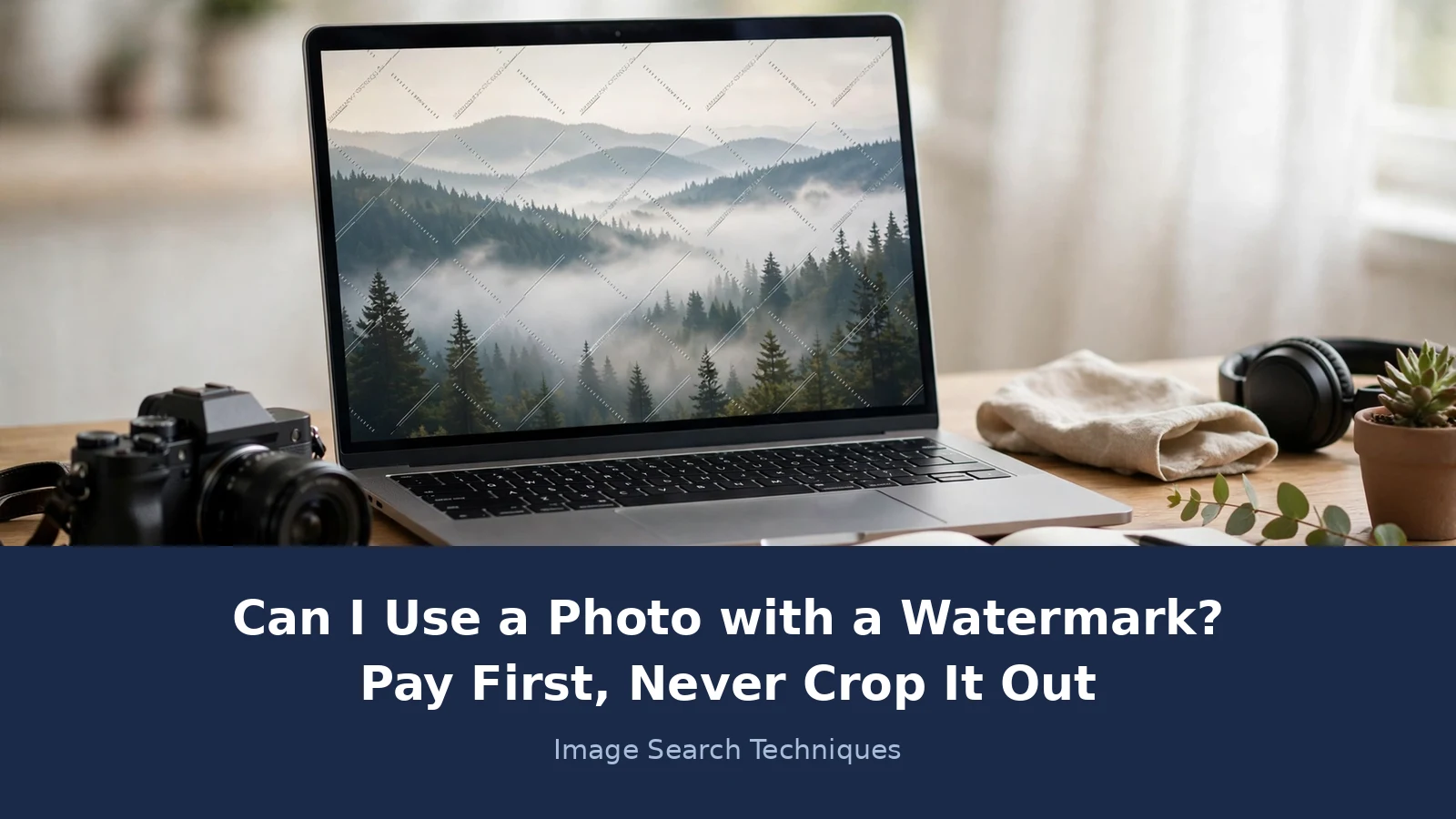
You found the perfect photo for your blog post. The light is right, the subject fits, and it would sit neatly at the top of the page. There is only one problem: a watermark runs across the middle of it. So can I use a photo with a watermark, or do I need to pay first? The short answer is that you need to pay, get permission, or find a different photo. This guide explains what the watermark means, why cropping it out makes things worse, and how to get the photo legally.
Short answer: No. A watermark means the photo belongs to someone else and the preview is not licensed for use. You can use it only if it is your own photo, you buy the licence from the stock site or photographer, or you have the owner’s permission. Cropping the watermark out does not make it legal, and credit alone is not permission.
This is general information about how copyright works, not legal advice. If you have received a demand letter or you are unsure about a specific use, speak to a solicitor or an intellectual property adviser. The rules below come from the official sources linked in this article, and every figure was checked at the time of writing.
What does a watermark on a photo actually mean?
A watermark is a faint mark laid over a photo, usually the name or logo of the stock agency or photographer, repeated diagonally across the image. You see it on preview images on sites such as Shutterstock, Getty Images, Dreamstime and Adobe Stock. The preview exists so you can judge whether the photo suits your page before you pay. The watermark is there to stop the preview being used as a free photo.
That is the first thing to understand. A watermarked photo is not a free photo with an ugly mark on it. It is an unlicensed photo. The watermark is the visible sign that nobody has paid for it yet. The moment you download the preview and put it on your blog, your shop listing or your social media, you are using a photo you have no licence for.
It helps to think of it like a shop window. You can look at the goods, you can pick them up and check them over, but you cannot walk out with them. The watermark is the shop’s way of letting you look without letting you take. Stock agencies earn their money by selling licences, and the watermark is what makes the preview safe for them to show you.
There is a second point that surprises many bloggers. A photo does not need a watermark to be protected. In the UK, copyright protection is automatic. GOV.UK says it plainly: protection applies as soon as an original work is created, with no application, no fee and no register, and adding a copyright symbol does not change the level of protection. The US Copyright Office says the same thing in its own way: protection applies automatically to original works, and registration or a notice is not required for the protection to exist. So a watermark is a warning sign, not the thing that creates the copyright. Removing the sign does not remove the right.
Answer capsule: A watermark marks a preview that has not been paid for, and it is a warning, not the source of the copyright.
Can I use a photo with a watermark if I give credit?
No. Credit is not permission. This is the most common misunderstanding in this whole area, and it is worth stating plainly. Adding a line under the photo that says “Photo: Dreamstime” or linking back to the photographer’s page does not give you the right to use the photo. Credit tells the reader who made the image. It does not transfer any rights from the owner to you.
Stock agencies and photographers say this in their own guidance. The University of Texas Copyright Crash Course, which many universities point their staff to, puts it in simple terms: do not download and use a watermarked stock image, pay the licence fee first, and prefer your own images or images under a proper licence. The Western North Carolina Conference copyright FAQs, written for churches and charities that often borrow photos for newsletters, say the same: almost everything found online is automatically protected, and credit alone does not replace permission.
Think about it from the photographer’s side. The photo is their work and their income. A credit line might bring them a little attention, but it does not pay the rent. If credit were enough, nobody would ever buy a licence, and the whole stock photo business would collapse. That is why the law treats credit and permission as two different things. Permission is a licence, in writing, with terms. Credit is a courtesy.
There is one narrow exception worth knowing about, and it is not a loophole. If the photographer or the agency has said, in writing, that you may use the photo with credit and no payment, then you may. Some photographers do offer this. But the permission has to come from the owner, in words you can point to. A credit line you added yourself is not that. If you cannot show the owner’s permission, you do not have it.
Answer capsule: Credit names the owner, it does not replace a licence, so a credited watermarked photo is still an unlicensed photo.
What happens if I crop the watermark out?
Cropping, cloning or blurring a watermark out is the worst option of all. It does not make the photo legal. It makes your position worse in three ways, and each one matters.
First, the photo is still copyrighted. Nothing about cropping changes who owns it. You have taken a protected photo, altered it to hide the mark of ownership, and published it. The infringement is the same as using the watermarked version, except now you have also removed the one thing that told everyone where the photo came from.
Second, removing the watermark can be treated as evidence that you knew what you were doing. The University of Texas guidance warns that stripping a watermark or a copyright notice can be counted as evidence of wilful infringement. That matters because wilful infringement is treated more seriously than an honest mistake. An honest mistake looks like using a photo you genuinely believed was free. Cropping a watermark out looks like using a photo you knew was not free and trying to hide it.
Copyright management information means the details attached to a work that identify its owner, such as a watermark, a credit line or embedded metadata. Both UK and US law treat removing it as a separate wrong from the copying itself, when it is done to help an infringement or to hide one.
Third, the law has specific rules about this. In the UK, section 296ZG of the Copyright, Designs and Patents Act 1988 makes it unlawful to remove or alter electronic rights management information when you know, or have reason to believe, that doing so will help an infringement or hide one. In the US, section 1202 of the Digital Millennium Copyright Act bans intentionally removing or altering copyright management information. These are separate from the basic rule against copying. You can be in trouble for the removal even though the copying alone would already have been enough.
There is also a practical problem. Once you crop the watermark out, you have destroyed your own route back to the owner. If you later decide to buy the licence, you may not be able to find the photo again, or you may buy the wrong one. And stock agencies do look for this. The law firm Burness Paull notes that rights holders monitor the web around the clock with crawling and digital fingerprinting, so a cropped photo can still be found and matched to the original.
Answer capsule: Cropping a watermark out does not remove the copyright, and it can count as evidence of wilful infringement and a breach of the rules on rights management information.
Is the rule different in the UK and the US?
The basic rule is the same in both countries: you need permission to use someone else’s photo. What differs is the detail, and the detail matters if you are deciding whether your use might be excused. The two systems use different doctrines, and they are not interchangeable.
In the UK, the relevant law is the Copyright, Designs and Patents Act 1988. Copyright arises automatically when an original photograph is created, and no watermark or copyright symbol is needed. The main exception that bloggers reach for is fair dealing, and it is narrow. Fair dealing covers things such as research and private study, criticism and review, and reporting current events. But it does not give a blogger a free pass to illustrate a post, and Burness Paull makes the specific point that the fair dealing exception for reporting current events does not cover photographs at all. Using a photo to illustrate your article is not reporting a current event, even if the article is about something in the news.
The UK also has a limited rule for people who genuinely did not know they were infringing. Section 97(1) of the Act says that where a person did not know, and had no reason to believe, that copyright existed in a work, the court cannot award damages against them. Burness Paull warns that this is very limited: it concerns damages only, not liability, and it is unlikely to help for ordinary commercial photographs. You can still be liable, and you can still be ordered to stop using the photo. And a watermarked preview is the worst case for this argument, because the watermark itself is a clear sign that the photo is owned and unlicensed.
In the US, the relevant law is the Copyright Act, and the main exception is fair use. Fair use is a four-factor test that a court weighs case by case: the purpose of the use, the nature of the work, the amount used, and the effect on the market for the original. The University of Texas guidance describes it as a narrow, fact-specific defence, not a safe blanket rule. Using a stock photo to illustrate a blog post, especially a commercial one, will usually fail that test, because it takes the whole photo and it harms the market for the licence. Fair use is not a label you can stick on your use and feel safe. It is a defence you argue in court after you have been sued.
The US also has a registration system that the UK does not. The US Copyright Office explains that registration is not needed for protection to exist, but it is needed before you can bring an infringement suit in a US court, and it brings other benefits. That is why US photographers register their work. It also explains the figures you will see quoted for US infringement. The Western North Carolina Conference FAQs put statutory damages at 750 to 30,000 US dollars per work, plus attorney’s fees, for cases that reach court. Those are US figures, and they do not apply in the UK, but they show why stock agencies take this seriously.
Answer capsule: The UK uses narrow fair dealing and the US uses a case-by-case fair use test, and neither one makes it safe to use a watermarked stock photo to illustrate a blog post.
Worked example: tracing a watermarked photo back to its owner
To show how this works in practice, I took one real watermarked stock photo and tried to trace it back to its licensed source with a reverse image search. The photo is a Dreamstime preview, image 484294976, showing crispy fried boneless chicken breast with bread crumb and egg yolk on a white plate, with a fresh mixed vegetable salad and a small dish of ketchup dipping sauce on a grey wooden table. A faint “dreamstime” watermark runs across the centre of the preview. It is exactly the kind of photo a food blogger might want for a recipe post.
I searched the preview image on Google Lens first, by uploading the image address. Lens listed 10 exact matches, though Google shows no numeric total for this search. Nine of the ten were Dreamstime category or search pages, and one was a Shutterstock page. The top result was a Dreamstime search page for fried chicken images. Every result showed the same photo thumbnail. But not one of the ten was the exact Dreamstime asset page for image 484294976. Lens found the photo, but it did not find the page where you buy the licence.
Then I searched the same preview image on TinEye. TinEye said it had searched 86.9 billion images and had first indexed this image on 3 November 2026. It returned just 1 result. The single match was on Adobe Stock, a listing for the same chicken breast photo dated 3 November 2026. The licensed Dreamstime source page was not found. The same photo is listed on two agencies, which is common: photographers often sell the same image through more than one stock site. TinEye found the Adobe Stock copy and missed the Dreamstime one.
Two honest lessons come out of this. First, a reverse search can show you where else a photo appears, but it does not hand you the licence page. I ran two engines on a real watermarked preview and neither one returned the exact Dreamstime asset page. If you wanted to buy this photo, the watermark and the agency name on it are a better guide than the search results, because they tell you where to look. Second, a match on another agency does not tell you which licence to buy. Finding the photo on Adobe Stock does not mean you can use the Dreamstime preview. You buy the licence from the agency you buy from, and you download the clean file from them after payment.
Answer capsule: A reverse search can find where else a photo appears, but it does not find the licence page for you, so the watermark itself is the best clue to where to buy it.
The watermark decision table
Every watermarked photo you meet falls into one of four options. The table below is the decision to make before you use the photo, not after. Only two of the four options are safe.
| Option | What it means | The rule | What can happen |
|---|---|---|---|
| Use the watermarked preview as it is | Publish the preview with the watermark still on it | No, the watermark shows it is unlicensed | Takedown, a licence demand, or a claim for the use |
| Buy the licence | Pay the agency or photographer and download the clean file | Yes, this is the safe route | You can use the photo within the licence terms |
| Find a free alternative | Use a genuinely free photo and check its licence | Yes, if the licence really is free | No claim, as long as you follow the licence terms |
| Crop, clone or blur the watermark out | Remove the mark and publish the photo as if it were yours | Never, this is the worst option | Wilful infringement, a claim, and a separate breach of the rules on rights management information |
If you are short of time, the table gives you the answer in one line: pay for the photo, or use a different one. There is no third route that makes a watermarked preview safe to publish.
How to buy the licence properly
Buying the licence is straightforward, and it is cheaper than dealing with a claim later. Follow this checklist before you publish the photo.
- Buy from the agency that owns the listing. The watermark tells you which agency it is. Do not buy from a random repost or a site that offers the same photo for less.
- Pick the licence that covers your use. A standard licence usually covers a blog or a shop listing. Check whether it covers print runs, advertising or resale, and buy the extended licence if your use needs it.
- Read the limits. Some licences cap the number of copies, exclude use on goods for sale, or forbid using the photo in a trademark. The limits are part of the price, so read them before you pay.
- Download the clean file from the agency after payment. Do not keep using the watermarked preview. The clean file is the licensed copy.
- Keep the receipt, the licence terms and the asset page. Save them with the photo. If anyone asks where the photo came from, you can show the licence in seconds.
- Credit the photographer only if the licence asks for it. Credit is a term of some licences and a courtesy in others. It is never a substitute for the licence itself.
One more point from Burness Paull is worth remembering here. Buying a licence later does not erase liability for earlier unauthorised use. If you already published the watermarked preview, buying the licence now covers your use from today. It does not undo the weeks the photo was already live. That is why the order matters: licence first, publish second.
Where to find a free photo instead
If the licence costs more than the photo is worth to you, use a free photo instead. There are good ones, and the rules for them are much simpler. Our guide to using Unsplash photos commercially explains what that licence allows, and our guide to using Pexels photos commercially does the same for Pexels. Both are free to use for most purposes, but each licence still has terms, so read them.
Pixabay is a third option, but its licence has changed over the years, so check which licence applies to the photo you want. Our guide to using a photo from Pixabay sets out the three licence eras and what each one allows. Adobe Stock is the other side of the same question: it is a paid library, and our guide to using a photo from Adobe Stock explains its three licence tiers and what each tier covers.
Whatever free source you use, the same checks apply. Read the licence line on the asset page. Check whether the photo shows an identifiable person or a trademark, because a free licence does not always cover commercial use of those. And keep a record of where the photo came from. A free photo with no record is almost as hard to defend as a paid photo with no receipt. For a wider view of how to keep your photos safe, see our complete guide to protecting your photos online.
What to do if you already used a watermarked photo
If you are reading this because the photo is already on your site, do not panic, and do not try to fix it by cropping the watermark out now. That would only add a second problem to the first. Take the photo down, or replace it with a licensed or free alternative, and do it now. Every day it stays live is another day of use without a licence.
Then buy the licence if you still want the photo, or find a free replacement and publish that instead. Keep a note of when you took the photo down and what you replaced it with. If the agency or photographer contacts you, answer them, and get advice before you reply to a demand for payment. Ignoring a demand letter does not make it go away, and replying to it without advice can make things worse. A solicitor or an intellectual property adviser can tell you whether the demand is fair and what your options are.
Finally, learn the lesson for next time. The two official sources linked in this article are worth bookmarking: the US Copyright Office page on what copyright is, and the GOV.UK page on how copyright protects your work. Both say the same thing in different words. Copyright is automatic, it covers photos, and it does not need a watermark, a symbol or a registration to exist. A watermark is just the visible sign that someone owns the photo and has not been paid yet. Pay first, or use a different photo. That is the whole rule.
Can I use a photo with a watermark if I credit the photographer?
No. Credit names the owner, it does not replace a licence. A watermarked photo is an unlicensed preview, and adding a credit line or a link back does not give you the right to publish it. You need the owner’s permission or a paid licence. Credit is a courtesy, not a transfer of rights.
Is it illegal to crop a watermark out of a photo?
Cropping a watermark out does not make the photo legal. The photo is still copyrighted, and removing the mark can be treated as evidence of wilful infringement. UK and US law also have separate rules against removing copyright management information. Never crop, clone or blur a watermark out.
Does a photo without a watermark mean it is free to use?
No. Copyright protection is automatic in the UK and the US, and a photo does not need a watermark or a copyright symbol to be protected. A photo with no watermark may still belong to someone. Check the licence on the page where you found it, or find a photo with a clear free licence instead.
Can I use a watermarked photo on a non-commercial blog?
A non-commercial blog is not automatically safe. Fair dealing in the UK and fair use in the US are both narrow, and using a whole stock photo to illustrate a post usually fails them. The watermark shows the photo is unlicensed. Buy the licence or use a free photo with a clear licence.
What should I do if I already published a watermarked photo?
Take the photo down or replace it with a licensed or free alternative straight away. Do not crop the watermark out, as that adds a second problem. Keep a note of when you removed it. If the owner contacts you, get advice before replying to any demand for payment.
How can I check who owns a watermarked photo?
Start with the watermark itself, which usually names the stock agency. Then reverse image search the photo on Google Lens and TinEye to see where else it appears. A match may show the agency listing, but it does not always find the exact asset page, so use the watermark and the agency name as your guide.