


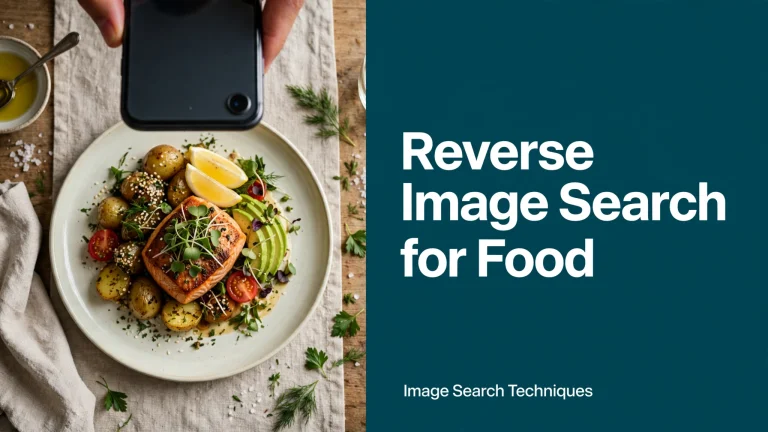
Quick Answer: Save or screenshot the food photo, upload it to Google Lens, and Lens will identify the dish and…
How to search by image: Google Lens, TinEye, Yandex, Bing and other engines, tools and apps, platform guides, techniques, and shopping by photo.
Quick Answer: Save or screenshot the food photo, upload it to Google Lens, and Lens will identify the dish and…
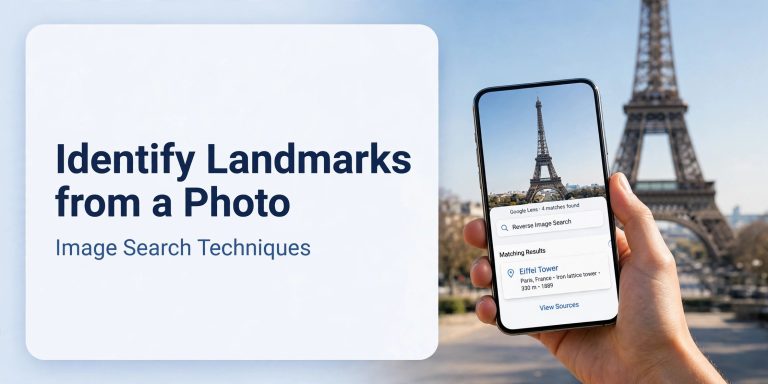
Quick Answer: To use reverse image search for landmarks, upload a clear photo of the building or place to Google…
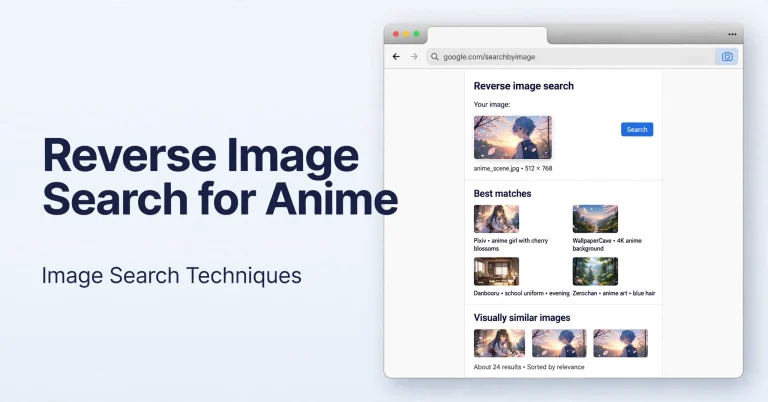
Reverse image search for anime is the fastest way to identify a scene, character, or artist from a single screenshot.…
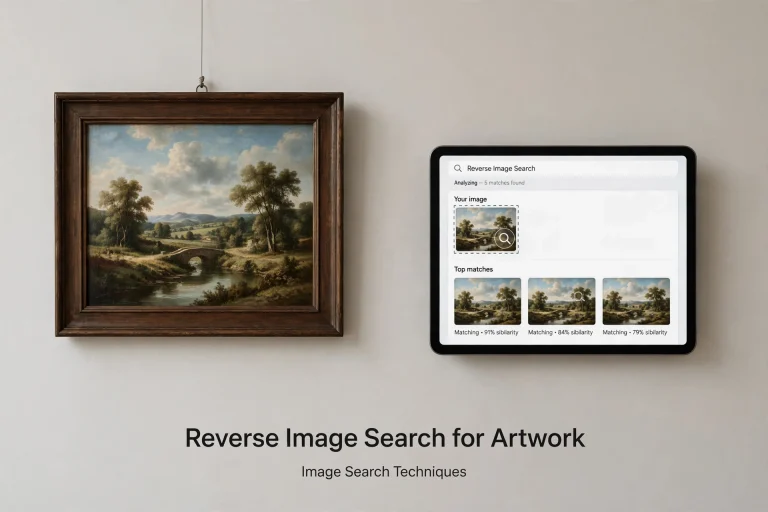
Quick Answer: To reverse image search for artwork, save a clear photo of the painting or illustration, then upload it…
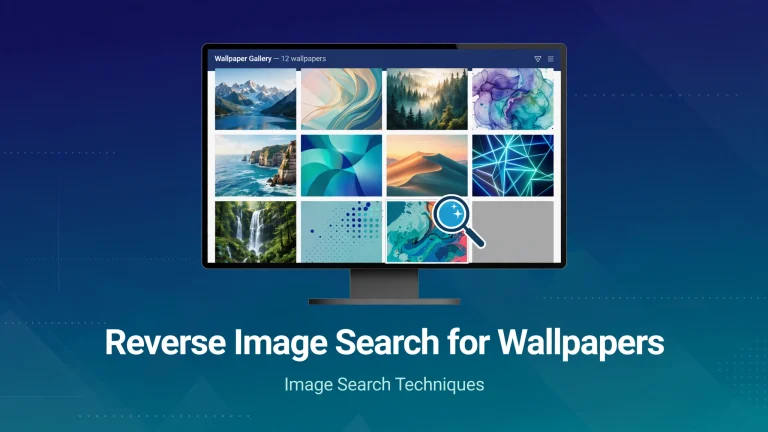
Quick Answer: To reverse image search a wallpaper, upload the image, or paste its web address, into Google Lens, TinEye,…
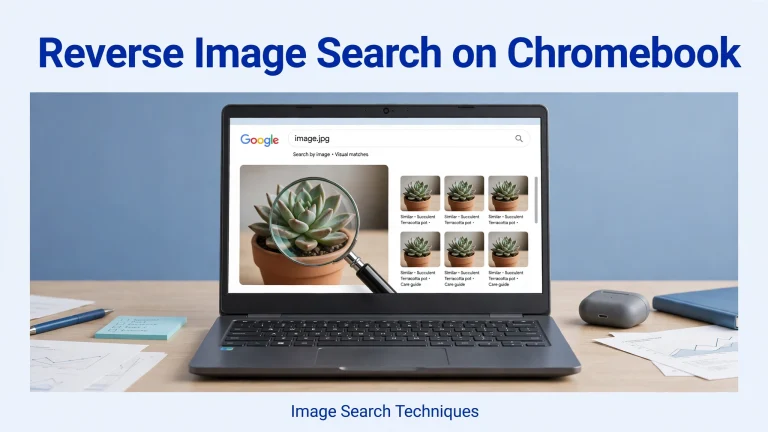
Quick Answer: Yes, a reverse image search on Chromebook is possible without installing an app. Right-click any image in Chrome…
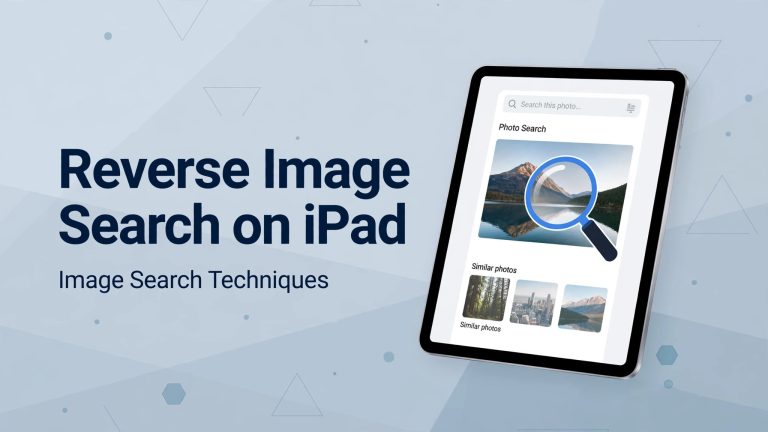
Quick Answer: Yes, you can reverse image search on an iPad. Open Safari, go to lens.google.com, tap the camera icon,…
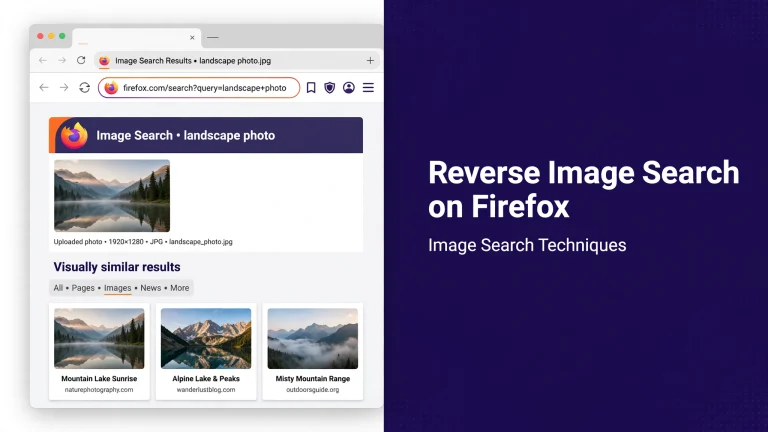
Quick Answer To reverse image search on Firefox, right-click any image and choose “Search Image with Google Lens” if your…
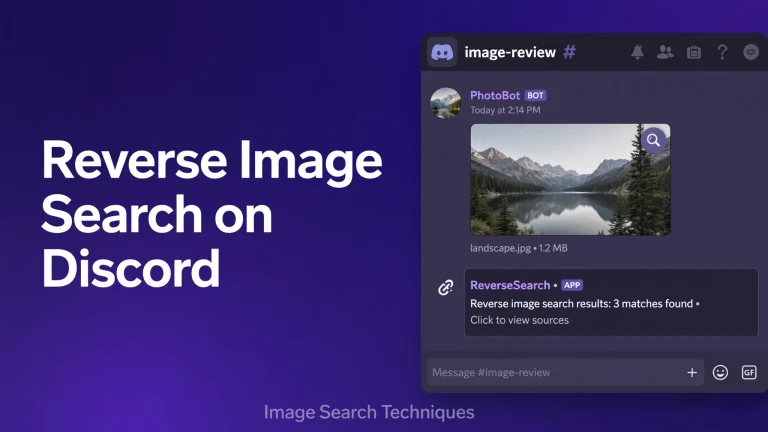
Quick Answer: To reverse image search on Discord, save the image to your device first, then upload it to Google…
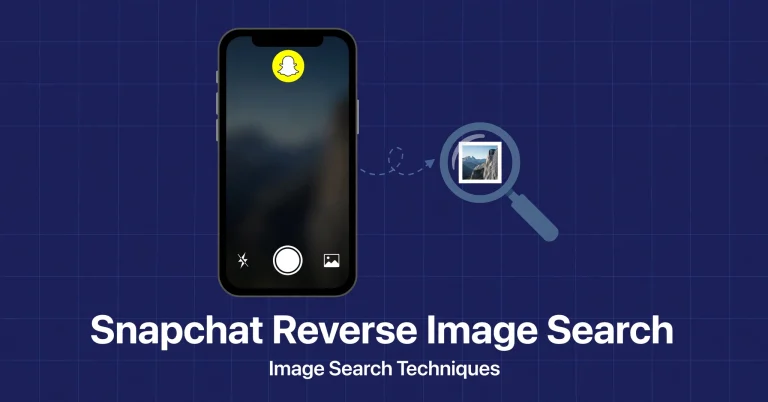
Quick Answer Snapchat has no built-in reverse image search. To reverse image search on Snapchat, save the photo first, take…