


🔎 Reverse Image Search
Image search techniques made simple: upload a photo or paste a URL and search 6 engines at once. 100% free, nothing stored.
🔒 Your image is never stored on our servers longer than 24 hours and is never shared.
Quick answer: Face search tools compare the geometry of a face — the distances between eyes, nose, and jawline — against faces in their index and return visual lookalikes. Legitimate uses include checking whether your own photos are being misused and verifying a profile photo with the person’s consent. A visual match is never proof of identity: lookalikes, relatives, and AI-generated faces all cause false positives — and privacy law around face search varies by country.
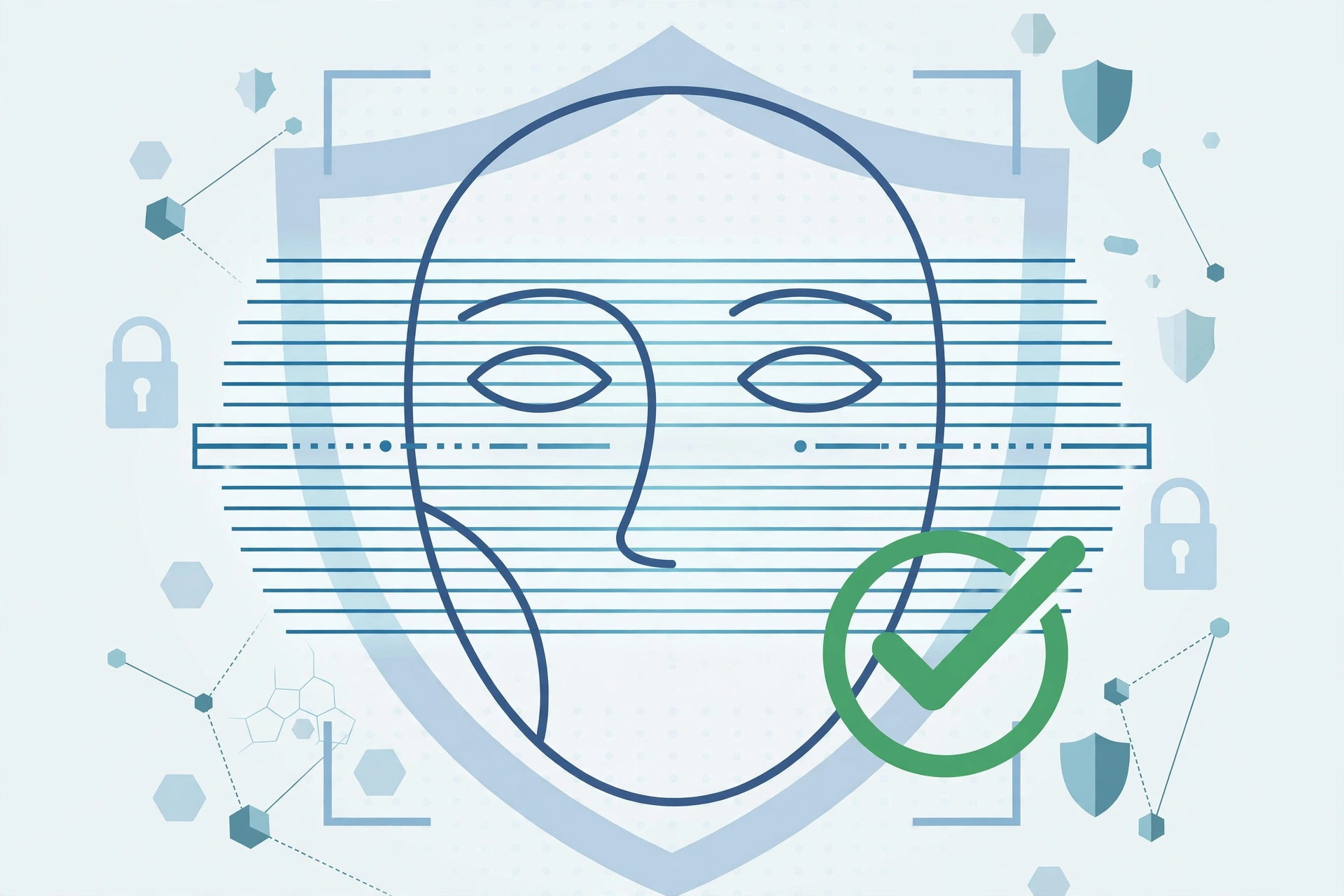
What face search actually does
When you upload a photo to a face-search-capable engine, roughly this happens: the software detects the face, maps dozens of landmarks (the corners of the eyes, the tip of the nose, the jawline), converts those measurements into a numerical template, and compares that template against the faces in its index. Results are ranked by similarity — “this face resembles the template,” not “this is the same person.”
General reverse image engines already do this: Google Lens, Yandex Images, and Pinterest visual search all return facial lookalikes to varying degrees. Dedicated face-search apps also exist, but many are unregulated, keep your uploads, and monetize the data — avoid uploading your face to obscure apps you’ve never heard of.
For a paid option that also checks public records, Social Catfish reverse image search combines face matching with dating-site and social-profile results.
Face check tools are sometimes marketed with big promises — “find anyone, anywhere.” In practice, a tool is only as good as its index, and most consumer tools search the same public web that Google and Yandex index. Understanding that limitation is the difference between using face search responsibly and being misled by it.
PimEyes has its own separate removal process, explained in our guide to the PimEyes opt out.
Legitimate uses for face search
- Checking misuse of your own photos. The most legitimate use: finding out whether your pictures are being reposted without permission. See our guide on checking whether someone is using your photos online.
- Catfish checks — with consent. If someone you’ve met online agrees, you can verify that their profile photos are really them — alongside the warning signs in our how to spot a catfish guide.
- Journalism and research. Verifying an image’s provenance: who published it first, and in what context.
What you should never do
- Never use face search to stalk, harass, dox, or embarrass anyone.
- Never upload someone else’s photo without their clear consent.
- Never treat a visual match as proof of identity — not for hiring decisions, not for accusations, not for “exposing” someone online. False positives are common, and the consequences of being wrong are severe.
How to run a safe face check, step by step
- Use the right photo. Only your own photo, or one you have explicit permission to check. Pick a clear, front-facing, well-lit image and crop tightly to the face.
- Search with Google Lens. Upload the crop to Google Lens and review both exact matches and visually similar faces. Google’s guide to searching with an image covers the upload options on desktop and mobile.
- Search with Yandex Images. Yandex is notably strong at facial similarity — upload the same crop to Yandex Images and compare the lookalikes it returns.
- Investigate, don’t assume. Open matching pages in new tabs. Check dates, context, and captions before drawing any conclusion — a lookalike is not an identification.
- Document misuse. If you find your own photo being misused, save screenshots and URLs. You’ll need evidence for takedown requests.
Limits of face search — and the law
Accuracy limits. False positives are routine: lookalikes, family members, and AI-generated faces all match real people. Accuracy also varies with camera angle, aging, image quality, and demographics — no consumer tool is equally reliable for everyone.
If your own face is showing up in results you did not expect, learn how to remove your face from FaceCheck.ID.
Index limits. These tools only see publicly indexed images. Private profiles, messaging apps, and unindexed sites won’t appear, so “no results” doesn’t mean “not misused.”
Legal limits. Privacy law around face search varies by place: some jurisdictions treat face geometry as protected biometric data with strict consent rules (for example, Illinois’ biometric privacy law in the US, and data-protection rules in the UK and EU). Some services also restrict or disable face matching in certain regions. This isn’t legal advice — check the rules where you live before uploading anyone’s face, including your own.
FAQ
Can face search identify anyone from a photo?
No. Consumer tools return lookalikes from public web indexes — they don’t establish identity, and they can’t see private individuals.
Is it legal to face-search someone?
It depends on your country and your purpose. Identifying a private individual without consent can violate privacy or biometric-data laws in many places. When in doubt, don’t.
What’s the safest free face check?
A reverse image search of your own photo on Google Lens or Yandex Images — no shady third-party app required. You can also start from the free reverse image search tool on our homepage, or read our complete image search techniques guide for the full method.
Someone is using my photo — what should I do?
Document everything (screenshots, URLs, dates), then follow the takedown process in our guide to checking whether someone is using your photos online.
Related guides
- Complete image search techniques guide
- Free reverse image search tool
- How to spot a catfish
- Check if someone is using your photos online
Using Face Search Responsibly
Face search is powerful, so use it within the law and with respect for privacy. It is appropriate for checking your own online presence, verifying someone you are talking to, or spotting an impersonation account that uses your photos. It should never be used to stalk, harass, or expose a private individual, and many regions have strict rules on processing biometric data. When in doubt, stick to verifying your own images or a profile you are directly dealing with.
Tips for More Accurate Face Matches
- Use a clear, front-facing photo. Good lighting and a straight-on angle match far better than a side profile.
- Crop tightly to the face. Remove the background so the tool focuses on the facial features.
- Try more than one service. Different face-search tools index different sources, so results vary.
- Use the highest resolution you have. Blurry or tiny images produce weak matches.
Face Search FAQ
Is face search free?
Some face-search tools offer limited free searches, while advanced features or bulk lookups are usually paid. General reverse image search on Google, Yandex, and Bing is free and can also surface pages that contain a face.
Is it legal to search for someone by their face?
It depends on your country and how you use it. Verifying your own photos or an account dealing with you is generally fine, but using face search to stalk, harass, or expose a private person can be illegal. Always follow local privacy laws.
What is the most accurate face search tool?
Accuracy varies by source coverage. Using a clear, front-facing, high-resolution photo and trying more than one tool gives the best results, since each service indexes different parts of the web.
Related guides
If the photo belongs to a LinkedIn profile, see how to check if a LinkedIn profile photo is fake before you trust the account.
If a face search shows your own photos being used without your permission, learn how to find leaked content and remove stolen photos with a DMCA notice and search-engine removal.
