🔎 Reverse Image Search
Image search techniques made simple: upload a photo or paste a URL and search 6 engines at once. 100% free, nothing stored.
🔒 Your image is never stored on our servers longer than 24 hours and is never shared.
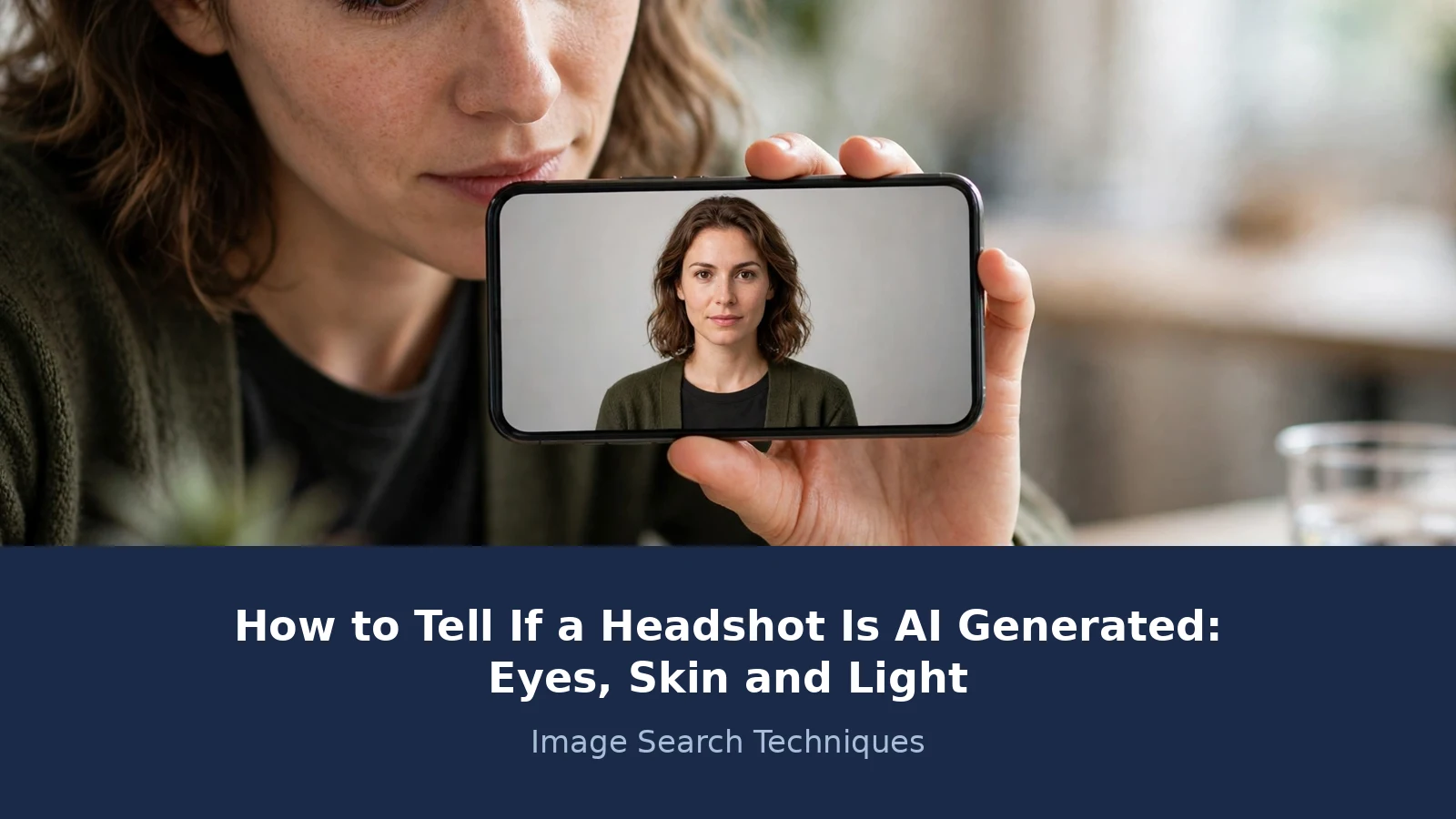
A headshot lands in your inbox. It looks polished, professional, and perfectly lit, and something about it feels slightly off. Is it a real photo, or did a generator make it? The honest answer is that you cannot always tell by looking. EyeSift cites a 2025 study published in Science in which people telling AI photos from real ones scored 38 percent, worse than guessing. That is why this guide shows you how to tell if a headshot is AI generated without starting with your eyes. It starts with the checks that leave a trace: the file data, a detector score, and a reverse image search. We ran all three on two headshots, one generated and one real, and the results are below.
Short answer: you can tell if a headshot is AI generated by checking the file data first, then running it through an AI detector and a reverse image search, and only then looking closely at the eyes, skin and light. No single check proves it. A high detector score, missing camera data and zero exact matches together make a strong case, but they never amount to proof.
The honest truth first: your eyes are the weakest check
Most guides on this topic start with a list of visual tells. That order is backwards in 2026. The old tells are fading fast. Headshot generators now produce clean skin, straight teeth, matching earrings and believable hair most of the time. One guide we read put it plainly: the tells that used to give generators away, misaligned eyes, melted backgrounds and a single earring, are largely gone in current diffusion models.
That does not mean looking is useless. It means looking should come last, after the checks that produce evidence you can record. The method used in this guide follows the order recommended by EyeSift, a free detection guide we read in full before writing: check the file data first, run a detector second, reverse search third, and apply visual checks last. Each step below follows that order, and each one was tested on two real files.
The test: one AI headshot against one real photo
For this article we prepared two headshots. The first is an AI generated headshot made by the writer with an image generator and disclosed as such: a woman with wavy brown hair, wearing a navy blazer, against a plain grey studio background. The second is a real photograph, a portrait from Unsplash of a woman with long brown hair in a black and white striped shirt, taken outdoors at sunset. We then ran both files through the same four checks and wrote down exactly what each check returned.
| Check | Generated headshot | Real headshot |
|---|---|---|
| File data | No data at all | No data at all |
| Hive detector score | 99.9% likely AI generated | 0% likely AI generated |
| Google Lens exact matches | 0 on the first search, 1 on the full image (a recolour variant) | 412 exact matches |
| TinEye results | 4 results, none the same image | 357 results, first indexed 6 Dec 2018 |
| Visual check (eyes, skin, light) | Clean skin, even light, nothing obviously wrong | Natural skin texture, sunset light, visible pores |
Three lessons fall out of that table. First, the detector was decisive where the eye was not. Second, reverse search was decisive for the real photo and nearly empty for the generated one, which is exactly the pattern you would expect. Third, the file data told us nothing at all for either image, and that is a result in itself. Read on for what each check is worth.
Step 1: Check the file data before you look at the face
Every photo taken with a camera or a phone carries data about how it was taken: the camera make and model, the lens, the aperture, the shutter speed, the ISO, and usually a timestamp. This data is called EXIF. An AI image has no camera behind it, so it carries no genuine camera data.
On Windows, right click the file, open Properties, and read the Details tab. On a Mac, open the file in Preview, then choose Tools, Show Inspector, and the information tab. Free tools such as Jeffrey’s Exif Viewer and ExifTool read the same data for files your operating system will not open properly.
What you are looking for is simple. Real camera data, a known camera model with plausible settings, points towards a real photo. No data at all is a warning sign, but it proves nothing on its own. In our test, both files had no EXIF data whatsoever. The real Unsplash photo had its data stripped when it was downloaded, and the generated image never had any. Social platforms and messaging apps strip this data too, so a headshot sent through WhatsApp or downloaded from LinkedIn will usually arrive with nothing attached. Treat missing file data as one point on the board, never as the verdict.
One more caution. File data can be faked. A person can add camera details to a generated image with a free tool, so the presence of plausible data does not guarantee a real photo either. Absence is the more useful signal, and even that is only a signal.
Step 2: Run it through a headshot AI detector
A detector is a program trained to spot the statistical fingerprints generators leave behind. You upload the headshot, and it returns a score. For this test we used Hive, through its free Detect page, which needed no sign in. The AI headshot scored 99.9 percent likely AI generated. The real photo scored 0 percent likely AI generated. Hive classified both images correctly, with maximum confidence in both directions.
That sounds like the end of the story, and it is not. Detectors are the strongest single check we have, but they have limits you should know before you trust one.
First, scores in the middle mean nothing. Detector guidance generally reads like this: above 85 percent AI is a strong signal, below 20 percent is probably authentic, and anything between 40 and 75 percent is genuinely inconclusive. A score of 60 percent does not mean the photo is 60 percent fake. It means the detector cannot tell.
Second, a detector can be fooled by ordinary handling. Social media compression cuts accuracy by 10 to 15 points, according to research cited by EyeSift, so always test the highest resolution original you can get, not a thumbnail saved from a profile page. Light edits such as resizing, adding noise or changing contrast can push a high score well down.
Third, no single detector is the final word. Published comparisons put Hive at around 94 percent accuracy on its own test data, and other free detectors lower. The professional standard is to run two independent detectors and see whether they agree. If they disagree, that disagreement is itself the answer: the file is genuinely ambiguous, and you should say so rather than pick the score you prefer.
Fourth, think before you upload. A headshot is a biometric photo of a real person. Some detector services keep uploaded images, use them for training, or store them longer than you expect. Check the privacy policy first, and never upload someone else’s photo to a detector without a good reason.
Step 3: Reverse image search the headshot
A reverse image search asks the internet whether this exact photo already exists somewhere else. That is useful in two directions. If the headshot appears on stock sites, other profiles, or pages under different names, the person in it may not be who the profile claims. If it appears nowhere at all, that fits a freshly generated image, though a genuinely new photo also appears nowhere.
We ran both test files through Google Lens and TinEye. The contrast was stark. The real Unsplash portrait returned 412 exact matches on Lens and 357 results on TinEye, with the earliest copy indexed on 6 December 2018, and the file names on the result pages confirmed they were copies of the same photo. The generated image returned no exact matches on the first Lens search and one on the full image, a page using the same face with a grey blazer instead of navy, which is a variant rather than a copy. TinEye returned 4 results for the generated file, none of them the same image or even the same person, just similar professional portraits.
There was one surprise worth reporting honestly. On the full image search, the top Lens visual match was a business website whose thumbnail looked identical to our generated headshot, same woman, same navy blazer, same grey background. That shows the limit of this check: visual matches are similarity matches, not identity matches, and a generated face can look close enough to a real stock style that search results blur together. Exact matches are the evidence. Visual matches are only a lead.
To run this check yourself, upload the headshot to Google Lens or TinEye and read the exact matches tab, not the visual matches. Make sure Lens is searching the whole image, not a cropped part of it: in our test it first searched only the blazer, and we had to drag the search area to the full frame. If the headshot returns dozens of exact matches across unrelated sites, treat the profile with suspicion. If it returns nothing, note that and move on to the next check.
Step 4: Check Content Credentials and watermarks
Some newer images carry provenance data, a signed record of where the file came from and what tool made it. Adobe’s provenance system is the best known version, and Google’s SynthID is an invisible watermark used in its own generated images. You can check a file free at Adobe’s Content Credentials Verify page.
In our test, Hive reported provenance data on the generated file showing it was created with Meta AI, while the real photo had none. That is a useful confirmation when it appears. But most headshots you meet in the wild will have no credentials at all, because the record is stripped when a file is screenshotted, re-saved, or uploaded to a platform that does not preserve it. A missing credential proves nothing. A present one that says AI generated is about as close to a settled answer as you will get from any single check.
Step 5: Now look at the eyes, skin and light
With the technical checks done, the visual check adds context. Work through the headshot slowly, zoomed in, one feature at a time. The table below is the check we used on both test files.
| What to check | Signs a headshot is AI generated | What the real photo showed |
|---|---|---|
| Eyes | Flat or glassy look, mismatched colours, catchlights that do not match the room light | Natural reflections, slight asymmetry, visible detail in the iris |
| Skin | Waxy or airbrushed texture, no pores, no freckles, over smooth cheeks | Visible pores and fine lines, uneven tone in sunlight |
| Hair and edges | A faint halo where hair meets the background, melting strands, cartoonish texture | Individual strands visible, clean edge against the sky |
| Ears and jewellery | Strange ear shape, earrings that do not match each other | Both ears natural, no jewellery to compare |
| Light and shadow | Light direction on the face disagreeing with the background, a glow that does not match the room | Warm sunset light from one side, shadows consistent across face and shirt |
| Background | Fake studio blur, warped lines, a cut out feel, no depth | Real depth, soft natural blur, horizon line visible |
On the generated headshot, none of these checks produced a clear fail. The skin was smooth but not obviously waxy, the eyes looked normal, and the grey background gave the light nothing to disagree with. That is the point of doing the visual check last: a clean visual pass means nothing when the detector says 99.9 percent. The visual check catches the bad generations. The good ones pass it.
Two details deserve a closer look than the rest. Ears are still a weak spot for generators, because they sit at the edge of the face where the model pays less attention. Teeth are the other one: zoom in and look for merged shapes or uneven edges. But both details are improving with every new model, so treat them as supporting evidence, never as proof.
The tells that have stopped working
A lot of advice about spotting generated headshots is now out of date. Extra fingers and melted hands were the classic giveaway, but a headshot rarely shows hands at all. Garbled text in the background used to be reliable, but current generators handle short text far better than they did two years ago. And the famous uncanny valley feeling, the sense that something is slightly wrong, fades as the images get better. In our test the generated headshot produced no uncanny feeling at all on first look.
That is also why small thumbnails are the hardest case. At profile picture size, the skin texture, the catchlights and the hair edges all disappear, and you are left judging a 100 pixel square. If the only copy you have is a small thumbnail, say so and do not pretend the visual check settled anything. Get the full size file first.
What to do with your answer
A check that points towards AI is not an accusation. Never tell someone, or their employer, that their headshot is fake on the strength of one visual impression or one detector score. If you are hiring, ask for a short video call instead. A live call settles in a minute what a photo cannot settle at all. If you are checking a profile that contacted you first, a generated headshot plus a request for money, a job that asks for fees, or a romance that moves fast is a pattern worth reporting, not a single photo worth arguing about.
If the headshot is yours and you are deciding whether to use an AI version, be honest about it where it matters. A generated headshot is fine for a blog avatar. It is a poor choice for a job application or a professional profile where the reader expects to meet the same face. Some platforms and employers are starting to ask directly, and a photo that passes a detector at 99.9 percent will not survive that question.
Finally, remember the boundary this guide keeps throughout. A photo can only suggest AI generation. It can never prove it, and no public test can prove it from one photo alone. What you can do is stack the checks, write down what each one returned, and act on the weight of the evidence. In our test that weight was clear: a 99.9 percent detector score, no camera data, and almost no trace of the image anywhere online, against a real photo with the opposite result on every check. That is as close to a settled answer as this kind of check gets.
How the checks rank, in short
If you only have a minute, and you want to know how to tell if a headshot is AI generated quickly, run the headshot through a detector and a reverse image search. Those two checks produced the clearest answers in our test. If you have five minutes, add the file data and the provenance check. The visual check of eyes, skin and light comes last, and it is most useful for catching the weaker generations. For a fuller method on spotting generated images in general, see our guide to telling if an image is AI generated, and for the provenance check in detail, our provenance guide. If the headshot belongs to a dating profile, the dating profile photo check covers the no match case. If it came from a job applicant, the job applicant photo check covers the hiring context, and if you want to know how the same question plays out for ChatGPT images, see how to tell if an image was made with ChatGPT.
Can you tell if a headshot is AI generated just by looking at it?
A 2025 Science study found people scored 38 percent telling AI photos from real ones, worse than guessing. Modern generators handle skin, teeth, ears and hair well enough that a good headshot passes a visual check. Look closely, but treat what you see as a hint, and confirm it with a detector and a reverse image search.
What is the most reliable way to check a headshot?
Run two checks together: an AI detector and a reverse image search. Our test: the detector scored the generated headshot 99.9 percent and the real photo 0 percent, while reverse search found 412 exact matches for the real photo and almost none for the generated one. Check file data first, and treat any single result as a signal, not proof.
What does a 99 percent AI detector score mean?
It means the detector is confident the image was generated. Hive scored a generated headshot 99.9 percent and a real photo 0 percent. A score is a probability, not proof. Run a second detector, check file data, and reverse search before you act on it. A middle score, between 40 and 75 percent, means the detector cannot tell.
Can a real photo be flagged as AI generated?
Yes. Detectors are not perfect, and compression, filters, or AI assisted edits such as background removal can push a real photo’s score up. So a single score should never be treated as proof. If a detector flags a photo you know is real, run a second detector, reverse search it, and check the file data before you draw any conclusion.
Does a headshot with no EXIF data mean it is AI generated?
No. In our test, both the generated headshot and the real photo had no EXIF data at all, because the real photo’s data was stripped when it was downloaded. Social platforms, messaging apps and screenshots strip this data too. Missing file data is a warning sign worth one point, but on its own it proves nothing either way.
Should I confront someone about an AI headshot?
No, not on the photo alone. A detector score or a visual impression is not proof, and a real person can be wrongly accused. If you are hiring, ask for a short video call, which settles it in a minute. If the profile also asks for money or moves unusually fast, report the pattern to the platform.