


🔎 Reverse Image Search
Image search techniques made simple: upload a photo or paste a URL and search 6 engines at once. 100% free, nothing stored.
🔒 Your image is never stored on our servers longer than 24 hours and is never shared.
Tinder Face Check is the video-selfie check that now stands between a new Tinder account and the first swipe. If you are signing up in the UK, you cannot skip it, and if you are already chatting to someone, the blue badge on their profile is the visible result of the same system. This guide explains what Face Check actually does, what Tinder keeps from it, and how to pass it first time.
Tinder Face Check is a mandatory video-selfie check for new Tinder users in the UK, the US and several other countries. You record a short video of your face inside the app; Tinder checks that you are a real, live person, that your face matches your profile photos, and that the same face is not already running another account.
What is Tinder Face Check?
Face Check is a facial verification feature built directly into Tinder’s sign-up flow. It is not a photo upload and it is not a document check. During onboarding, the app asks you to record a short video selfie, a few seconds of your face, turning your head slightly, and its system builds a three-dimensional scan of your face from that video. The technology is supplied by FaceTec, a company that specialises in face-based liveness detection, and Tinder describes the feature as the first time a major dating app has made facial liveness verification a mandatory part of joining.
The rollout has been gradual, which is why the rules depend on where and when you signed up. Tinder first made Face Check mandatory for new users in California on 30 June 2025, then extended it across the United States. It became mandatory for all new users in the UK on 26 March 2026, joining markets including Canada, Australia, India, Colombia, countries across Southeast Asia, Latin America and the Middle East. Tinder’s parent company, Match Group, says it plans to bring Face Check to its other dating apps during 2026, and Hinge has already begun introducing it. If you created your account before Face Check reached your country, you may not have been asked for it yet, but Tinder says existing users can expect verification prompts and re-checks tied to new profile photos.
Tinder launched the UK version with research of its own: 63% of 18- to 24-year-olds say scams are now harder to spot than ever, according to a Censuswide survey of 2,000 UK singles aged 18 to 24 carried out for Tinder in August 2025. In India, where Face Check arrived earlier, Match Group reported in October 2026 that the checks had cut the number of bad actors on Tinder and Hinge by 40%. Those figures are Tinder’s and Match Group’s own claims, not independent measurements, but they explain why the company is betting so heavily on the feature.
What does Face Check actually prove, and what does it not prove?
Face Check answers three questions about the person holding the phone. First, liveness: is this a real person, physically present, right now, rather than a still photo, a pre-recorded video or a deepfake played at the camera? Second, likeness: does the face in the video match the face in the profile photos the account is about to publish? Third, duplication: has this same face already been used to open another Tinder account? Each of those is a genuine check, and together they make the cheapest kind of fake profile, a stolen photo set behind a bot, much harder to run.
What Face Check does not prove matters just as much. It does not prove that the person is who they claim to be by name, age or job, it checks a face against photos, not against an identity document. It does not prove that the person is honest, safe or well-intentioned; a real person can still be a scammer. It does not prove that the profile photos are unedited, recent or representative, only that the face in them belongs to the person who recorded the video. And it does not verify age: Tinder’s own help centre states that it does not verify the age of its users, so a video selfie is not an age check.
That boundary is the key to reading the blue badge correctly. A Photo Verified badge means one real person passed a liveness and likeness check at some point. It is a useful signal, and it is much stronger than no check at all. It is not a character reference, and it is not a reason to send money, share personal details or move off the app to a private chat. If a match’s story does not add up, the badge does not rescue it, and our guide to spotting a fake dating profile covers the behaviour checks that still matter after verification.
Face Check vs Photo Verification vs ID Check: which check is which?
Tinder runs three related checks with confusingly similar names, and mixing them up is the most common source of confusion about Face Check. Photo Verification is the older, optional flow: you record a short video selfie to earn the blue Photo Verified badge. Photo Check is the flow Tinder can require when its safety systems or a moderator spot unusual activity on an account. Face Check is the mandatory version of the same idea, built into sign-up in the countries where Tinder requires it. ID Check is different again: it verifies your age and identity against a government-issued ID, and it is available to new members in the UK, the US, Brazil, Mexico, Australia and New Zealand.
| Check | What it compares | When it happens | What Tinder keeps, and for how long | What the badge does, and does not, prove |
|---|---|---|---|---|
| Face Check | Live video selfie against your profile photos, plus a search for the same face on other accounts | Mandatory at sign-up in the UK, California and other rollout countries; re-checks can follow new photos | Video deleted after review; encrypted FaceMap and FaceVector kept for the lifetime of the account, deleted within 30 days of account closure | Proves a real person passed a liveness and likeness check; does not prove name, age, honesty or safety |
| Photo Verification | Video selfie against your profile photos, liveness and likeness only | Optional, at any time, to earn the badge | Facial geometry data kept for the lifetime of the account, deleted within 30 days of closure, per Tinder’s privacy policy | Earns the Photo Verified badge; the same badge Face Check produces; proves nothing about identity documents |
| ID Check | Your face against a government-issued ID, plus the ID itself | Optional, where offered, for new members in the UK, US, Brazil, Mexico, Australia and New Zealand | Face data under the same retention rule; ID document handling follows the ID Check notice | Proves the account holder matches an ID document; still not a guarantee about behaviour |
Two details in that table deserve emphasis. First, Face Check and Photo Verification produce the same blue badge, so a badge alone does not tell you which flow the person went through, and in a country where Face Check is mandatory, every new account has effectively done the stronger one. Second, all three checks keep a mathematical representation of your face for as long as your account exists. That is the part of Face Check that worries people most, and it is covered in full in the next section.
What happens to your video selfie and your FaceMap?
When you complete Face Check, Tinder’s system does two different things with two different kinds of data, and keeping them apart is the only way the privacy story makes sense. The video selfie itself, the actual moving image of your face, is deleted after the verification review. What Tinder keeps is not a photo or a video of you. It is a FaceMap and a FaceVector: encrypted, mathematical representations of the shape of your face that cannot be turned back into a picture of you. Tinder uses that template for two jobs: checking future photos you upload against the face it already knows, and spotting the same face trying to open a second account.
How long does that template stay on file? Tinder’s privacy policy, which applies from 31 March 2026, states that face data is deleted within 30 days of an account closing, unless Tinder needs to keep it longer to meet a legal obligation or to keep the service and its members safe, as the law allows. In practice that means the FaceMap lives for the lifetime of your account and for up to 30 days after you close it. Tinder’s Face Check notice adds one more detail: two still images taken from your video selfie may be kept for longer than the video itself, for audit and safety purposes. The video is gone; a pair of audit frames and the encrypted template may not be.
That retention is the honest trade-off at the heart of Face Check, and it is worth stating plainly. The same template that stops a banned scammer from rejoining with the same face is also a biometric record held by a private company for as long as you use the app. Under UK data protection law, face geometry is biometric data, and you have rights over it, including the right to ask what is held and to object, but closing your account is the reliable way to start the 30-day deletion clock. You can read the exact wording in Tinder’s privacy policy, which links to the separate Face Check notice. Do not expect the app to offer a “verify me, then delete everything immediately” option: the duplicate-account check only works if the template is still there to compare against.
One more thing the template does not do: Tinder does not use Face Check to identify you to other users, and the FaceMap is not shared with the people you match with. What your matches see is the badge, not the data behind it.
How do you pass Face Check first time?
Passing Face Check is mostly a matter of giving the camera a clean, honest view of your face. The check fails far more often on framing and lighting than on anything about who you are, and Tinder’s own help page lists five reasons a video selfie submission can be rejected. Fix those five things before you record, and most first attempts pass.
- Update your profile photos first. The system compares your live face with the face in your profile photos. If those photos are years old, heavily filtered, or show you with a beard, glasses or hairstyle you no longer have, the match score drops. Put a clear, recent, solo photo of yourself, face visible, no sunglasses, near the front of your profile before you start.
- Face a window, not a backlight. Record in bright, even light on your face. Sit facing a window in daylight, or switch on a lamp in front of you. Never record with a bright window behind you, in a dark room, or in a car at night.
- Fill the frame with your face. Hold the phone at eye level, about an arm’s length away, so your whole head is visible and your face fills most of the frame. Keep the phone steady, prop it up rather than holding it if your hand shakes.
- Take off anything that covers your face. Remove sunglasses, hats, masks and anything else that hides part of your face, and tie back hair that crosses it. Keep a neutral expression while you record; Tinder’s help page lists “lack of neutral facial expression” as a rejection reason.
- Record the video the app asks for, in the app. Face Check must be recorded live inside Tinder. You cannot upload a saved video or a photo, and a still image will never pass, the whole point of the check is that the capture is live. Follow the on-screen prompts and turn your head slowly when asked.
- Retry once, then stop and diagnose. If the first attempt fails, change something real before trying again, the light, the photos, or the framing. Recording the identical video a second time usually produces the identical result. Tinder does not publish a retry limit, so do not burn attempts on the same setup.
The five official rejection reasons, as listed on Tinder’s Photo Verification help page, are: your face is not prominent in the frame; your face is blocked or obscured; you did not hold a neutral expression; the video was not bright or clear; and the person in the video did not match the person in your profile photos. That last one is the only reason that points at your photos rather than your recording, and it is the reason most people miss. If your video is well lit and well framed and still fails, the problem is almost certainly a stale or filtered profile photo set, not the camera.
Two practical notes. First, you may be asked to go through verification again if you delete one or more of your profile photos, and any new photo you upload after being verified is subject to continued checks, so keep your photo set current rather than swapping in old pictures later. Second, never pay anyone who offers to “pass Face Check for you”, and never send your video selfie or ID to a stranger who claims to be Tinder support. Tinder does not verify accounts through WhatsApp, Telegram or a payment, and anyone asking for that is running a scam.
Worked example: what a photo check can, and cannot, tell you about a Tinder match
Face Check verifies the person behind an account. It does not check where that person’s photos came from, and that is a different question, with a different tool. To show the difference, we ran a real portrait through the free reverse image search on imagesearchtechniques.co.uk on 12 November 2026, the same kind of check you would run on a match’s profile photo before meeting them.
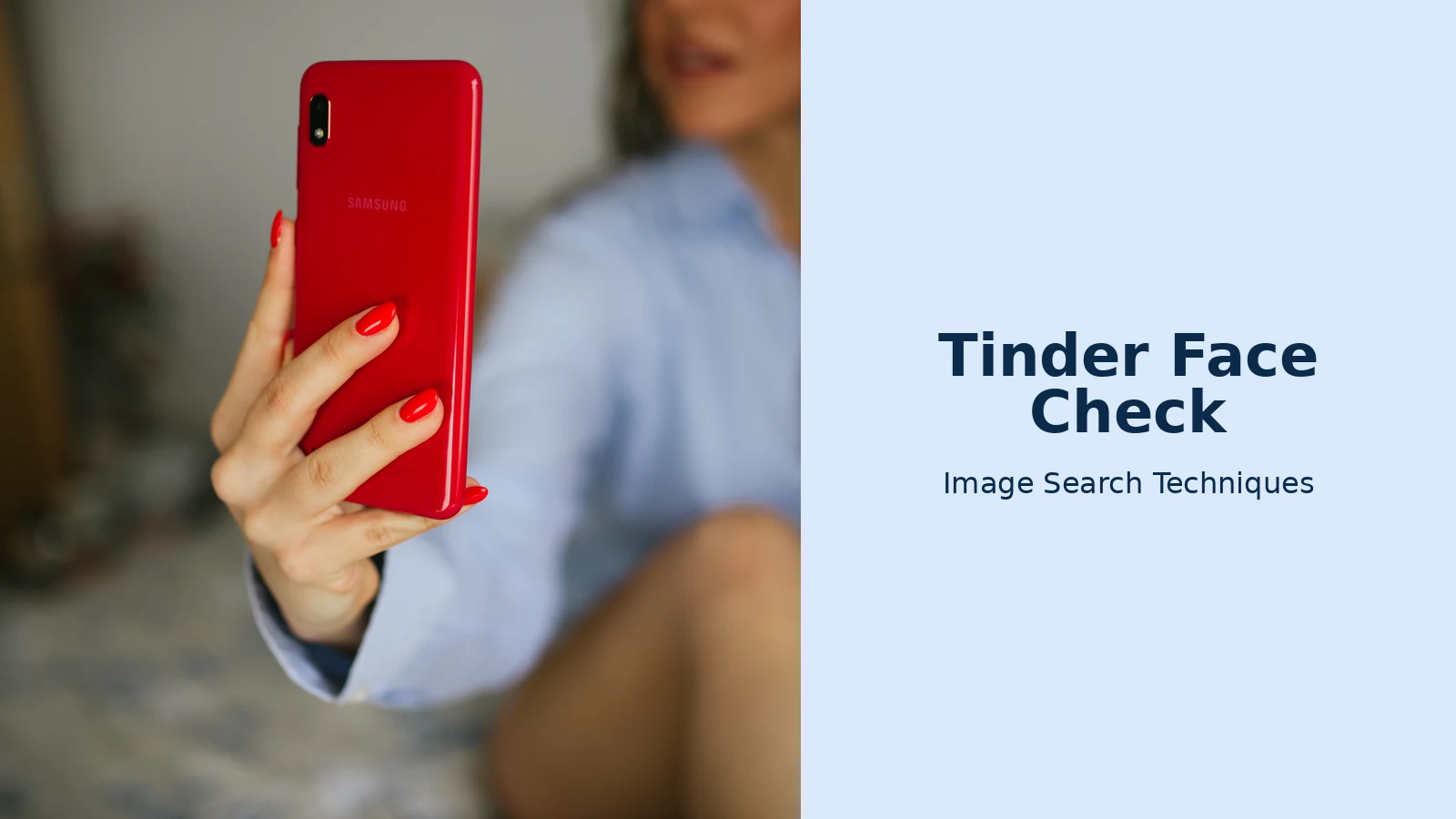
The photo we used is a real one: a woman holding a red Samsung smartphone up to take a selfie, photographed on 30 January 2021 and published on Wikimedia Commons (CC BY 2.0, by Nenad Stojković), but only uploaded there on 11 August 2026, which turns out to matter. We pasted its direct image address into the site’s tool on 12 November 2026 and ran every engine. Google Lens worked, but only after a reCAPTCHA check and only on a 1,024-pixel copy, Lens rejected the full-size address, and it found about 60 visual matches, all of them Samsung Galaxy A10 product listings: Lens identified the phone in the photo, not the photo itself, and reported zero exact matches. TinEye searched more than 86.7 billion images and found nothing at all. Bing returned 871 results and more than 30 visual matches of similar red-phone photos, but its “pages with this image” tab found nothing. Yandex identified the phone as a red Samsung Galaxy A10 and listed 18 similar images across 18 phone-review sites, none of them the Commons page. Pinterest’s button is not a visual search at all: it opened a keyword search for the image host and returned more than 30 unrelated Wikimedia pictures.
So not one of the five engines traced the photo back to where it actually lives. The honest explanation is timing: the file reached Commons only three months ago, and TinEye says so directly: it has “yet to crawl any pages where this image appears”. That is the point of the exercise. A photo check can only find a photo that search engines have already indexed. A scammer using a fresh, never-published photo will pass a reverse image search clean, which is exactly why Face Check exists alongside it. Face Check does not care whether the photo is indexed; it only asks whether the face in it belongs to a live person holding the phone.
The lesson of that test is the boundary between the two checks. A reverse image search tells you where a photo has already appeared online: a stock library, a social profile, a news article, a scam report. Face Check tells you that the person holding the phone is a live human whose face matches the photos on the account. Neither check replaces the other. A photo that appears nowhere online can still belong to a scammer who photographed themselves, and a match that passes Face Check can still lie about everything else. Use both checks together, and if you want the full routine, our Tinder fake profile photo check walks through the photo side step by step, while this article owns the Face Check side. We do not re-teach the fake-profile checks here.
What if Face Check fails, or the badge still leaves you unsure?
If Face Check fails, start with the cheapest explanation: your photos. Replace old or filtered pictures with clear, recent ones, fix the light, and try once more. If the app leaves your selfie “under review”, wait before doing anything else, Tinder does not publish how long a review takes, and repeated attempts or constant account changes can make a manual review take longer. If it is still stuck after a couple of days, contact support through the in-app Help Centre, and include your device, app version, the time you submitted, and a screenshot of what the app shows. Ask for a human review. There is no published bypass, and no support agent can promise you a badge.
There is one failure that deserves a special mention: being told your face is already on another account. That is Face Check’s duplicate detection doing its job, but it can also fire if someone else has used your photos, or if you previously opened an account and forgot about it. If you have never had a Tinder account and the app insists your face is taken, that is a sign your photos may be circulating without your knowledge. Check where your photos appear online, report the impersonation through the app, and read our face search and photo privacy guide for the removal routes. Do not create a second account to get around the block: duplicate accounts are exactly what the system is built to catch, and it will catch the new one too.
Finally, remember what the badge cannot do for you as the person doing the checking. A verified match can still be a romance scammer. Indeed, the City of London Police reported 8,792 romance fraud reports and £94.7 million lost in the year to June 2024, with 45% of approaches made through dating sites, and those figures predate Face Check’s UK rollout. The badge answers one question: is there a real person behind this profile? Everything else, who they are, what they want, whether their story holds together, still needs the ordinary checks: a reverse image search of their photos, a video call before meeting, a public first meeting, and never sending money to someone you have not met. Our guide to spotting a catfish covers those checks in full.
Face Check is a genuine improvement on the old optional badge, and the UK rollout makes it the default for every new Tinder user. Understand what it proves, know what Tinder keeps, and use it alongside, not instead of, a check of the photos themselves. That combination is the closest thing dating apps currently offer to knowing who you are actually talking to.
Is Tinder Face Check mandatory?
Yes, for new users in the countries where it has rolled out, including the UK from 26 March 2026, California from 30 June 2025, Canada, Australia, India and several more. If you sign up in one of those places, you must complete the video-selfie check before you can use the app. Existing accounts may be asked to verify later.
Does Tinder keep my video selfie after Face Check?
No. Tinder says the video itself is deleted after the verification review. What it keeps is an encrypted FaceMap and FaceVector, a mathematical template of your face, not a photo, for the lifetime of your account, deleted within 30 days of account closure. Two still audit images from the video may be kept longer for safety reasons.
Why did my Tinder Face Check fail?
Tinder lists five reasons a video selfie is rejected: your face was not prominent in the frame, something covered it, your expression was not neutral, the video was too dark or unclear, or the person did not match your profile photos. The last reason is the most common, update stale photos, fix the light, then retry once.
Does a blue Photo Verified badge mean a Tinder match is safe?
No. The badge means a real person passed a liveness and likeness check, their face matched their profile photos and was not already on another account. It does not prove their name, age, job or honesty, and it does not mean they are safe to send money to. Always check their photos and behaviour separately before meeting.






