


🔎 Reverse Image Search
Image search techniques made simple: upload a photo or paste a URL and search 6 engines at once. 100% free, nothing stored.
🔒 Your image is never stored on our servers longer than 24 hours and is never shared.
The Hive AI detector is a free, no-sign-in way to get a second opinion on whether a picture was made by AI, but the number it gives you is a probability, not a verdict. This guide shows you how to check an image with Hive Moderation’s free demo and its “Check Origin” browser extension, how to read the confidence score honestly, and where Hive’s answer can be wrong.
Direct answer: To check an image with the Hive AI detector, open Hive Moderation’s free demo, upload the image file, and read the “likely AI-generated” percentage. A high percentage means the image resembles AI-generated pictures; a low one means it resembles real photographs. Neither proves how the image was made, pair it with a provenance check and a reverse image search.
What is the Hive AI detector?
The Hive Moderation AI image detector, often searched for simply as the Hive AI image checker, is the image-classification tool from Hive Moderation, a trust-and-safety company whose detection APIs help platforms flag synthetic images, video and audio at scale. For individual users, Hive offers the same image detection free through a public demo on its website and through a browser extension, while the full API, the version that processes thousands of uploads inside a platform’s moderation pipeline, is a paid product.
It is important to be clear about what kind of tool Hive is. Hive is a statistical classifier: it looks at the pixels of an image, compares the patterns it finds with what it learned from real photographs and AI-generated pictures, and returns a confidence score. It does not read a watermark, a signature or any provenance record hidden inside the file. That distinction matters, because it decides what a Hive result can and cannot prove, a point this guide returns to several times.
Hive’s detector is the most-searched named AI image detector with a free public demo, which is why it gets its own guide here. Our best AI image detector tools round-up compares it with the other detectors in one place; this article goes deep on Hive alone.
The newest rival is Pangram, whose detector adds a heatmap that localises the AI part of a photo; our Pangram image detector guide walks through it, including the sign-up step the free checker now requires. AI or Not is the other name readers ask about most; our AI or Not image detector guide walks through its checker, including the account step its free check now asks for.
What does a Hive confidence score actually mean?
A Hive confidence score is a probability estimate, never a verdict. When Hive says an image is 92% likely to be AI-generated, it means the picture’s pixel patterns look like the AI-generated images Hive was trained on, and unlike the real photographs it was trained on, to that degree. It is not a measurement of anything inside the file, and it is not proof that a person used an AI generator.
That is why Hive itself presents its results as scores rather than as “real” or “fake” labels, and why the sensible way to use them is in bands rather than as a single cut-off:
- Very low score (near 0%): the image looks like an ordinary photograph to the classifier. Treat it as reassuring, not as proof, a lightly edited AI image can score low too.
- Middle score (roughly 30–70%): the classifier is uncertain. This is the most common result for edited real photos, screenshots and heavily compressed images. Do not decide anything on a middle score alone.
- Very high score (near 100%): the image strongly resembles AI output. Treat it as a reason to investigate, check provenance, reverse-search the image and ask for the original file, not as a conviction.
There is no official Hive threshold that turns a score into a fact, and you should not invent one. Newsrooms, marketplaces and teachers who use Hive set their own thresholds for their own workflows, and they pair the score with human review. The score changes the priority of a review; it should never be the whole decision.
How to check an image with Hive’s free demo
Hive’s free demo needs no account and no payment. You upload a file, Hive analyses it, and the result appears on the page. Here is the exact workflow:
- Keep the original file. Use the image exactly as you received it, not a screenshot of it, and not a version you have already cropped or re-saved. Compression and re-encoding strip away the fine pixel patterns the classifier reads, so the original gives the most meaningful result.
- Open Hive’s AI-generated content detection page. Go to Hive Moderation’s AI-generated content detection page and find the free demo, Hive calls this “Try Hive Detect”.
- Upload the image. Drag the file into the demo or use the upload button. The demo accepts common image formats such as JPG, PNG and WebP.
- Wait for the result. The check takes a few seconds. Hive returns a “likely AI-generated” percentage and, in the same result, a deepfake percentage.
- Read both numbers. The AI-generation score is the one this guide is about; the deepfake score is Hive’s separate judgement about face manipulation, and it is most relevant when the image is a portrait.
- Note the likely model, if Hive shows one. When Hive is confident enough, it also names the generator it thinks produced the image. That attribution is a clue for further checking, not a fact, a wrong model name does not make the whole result wrong, and a right one does not make it certain.
- Save the result before you act on it. Take a screenshot of the scores with the file name visible, so you have a record of exactly which file produced which score.
One practical warning: the demo checks the file you upload, not the picture on your screen. If you download an image from a social platform first, the platform has already re-compressed it, and the score reflects that re-compressed copy. That is still useful information, it is the version of the image the world actually sees, but say so when you report the result.
How does the Hive “Check Origin” browser extension work?
If you check images often, Hive’s browser extension is faster than uploading files one by one. Once installed, it adds a “Check Origin” option to the right-click menu in your browser. Right-click any image on a web page, choose “Check Origin”, and Hive returns its AI-generation assessment for that image without you downloading it first.
The extension is the same classifier as the demo, reached a different way, so the same rules apply: the result is a probability estimate, the image you check is the web-served copy rather than an original file, and a middle or high score is a reason to investigate, not a verdict. The extension is most useful for a quick spot-check, a suspicious profile picture, a product photo in a listing, an image in a news article, where opening the demo for every picture would be slow.
For anything consequential, do the demo check on the original file as well. The extension tells you what Hive thinks of the compressed web copy; the demo on the original file tells you what it thinks of the best available version. If the two disagree, trust neither on its own and move to provenance and reverse search, covered below.
Our test: three images through the Hive demo
Benchmarks quoted on marketing pages describe controlled test sets, not your image. So we ran our own small test on 10 November 2026, using Hive’s free demo exactly as a reader would: three images, uploaded one at a time, with the results recorded as Hive showed them.
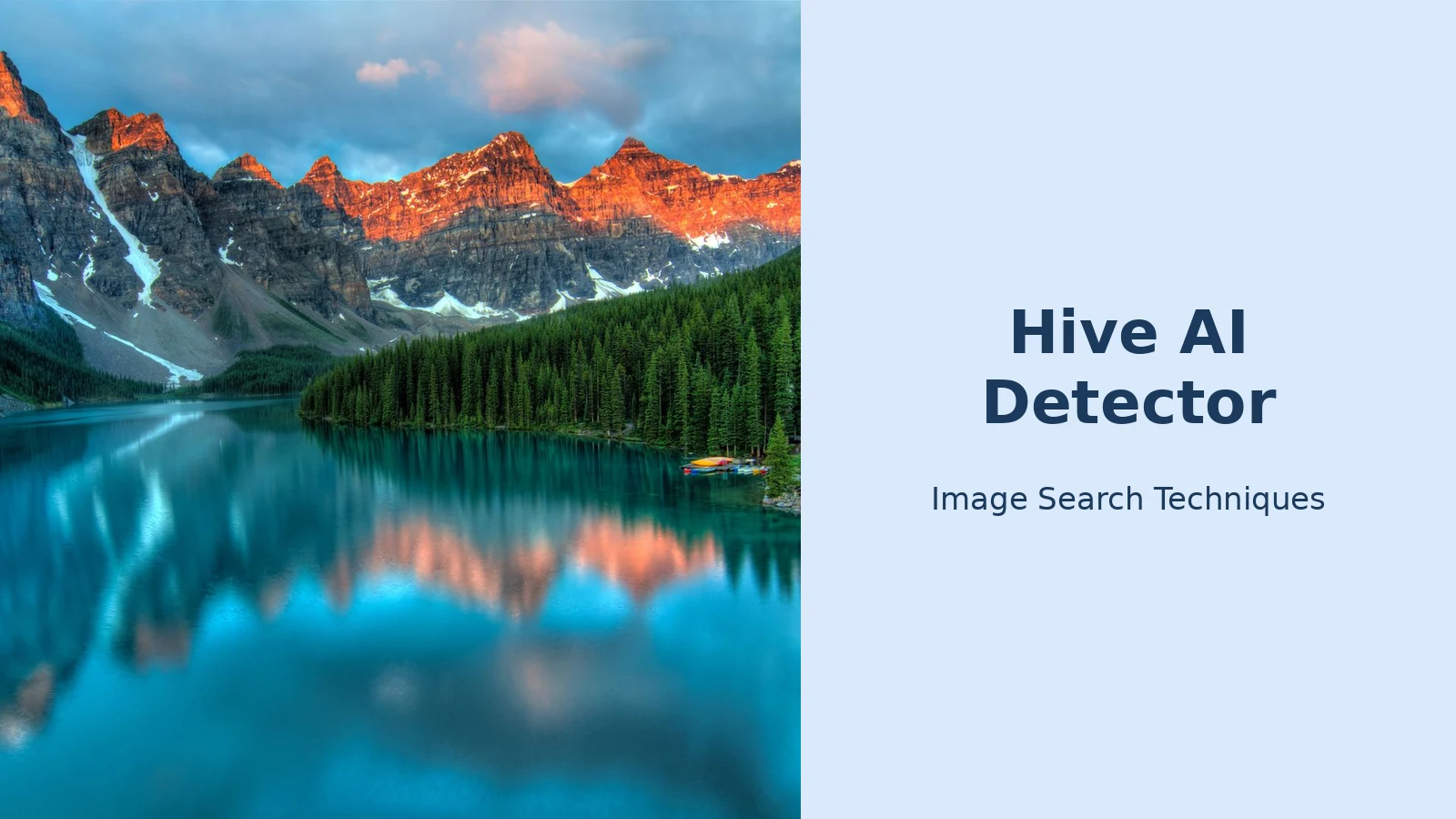
The three images were chosen to cover the cases readers actually meet. The first is a real photograph: a mountain lake scene from Pexels (photo 417074), downloaded at full size. The second is that same photograph after a genuine edit, a patch of sky cloned over part of the mountainside, saturation raised by 45%, contrast raised by 12% and sharpening doubled, the kind of heavy retouching a real photo often carries. The third is an AI-generated image of a mountain lake with a cabin at sunrise, generated for this test, so its origin is known with certainty.
Here are the results, exactly as the Hive demo reported them:
| Image | What it is | Hive AI-generated score | Hive deepfake score | Hive’s verdict |
|---|---|---|---|---|
| Real photo (Pexels mountain lake) | Unedited real photograph | 0% | 0% | “This input is not likely to contain AI-generated or deepfake content” |
| Edited real photo (same lake) | Real photo, clone patch + saturation +45% + sharpening | 0% | 0% | “This input is not likely to contain AI-generated or deepfake content” |
| AI image (lake with cabin) | AI-generated, known origin | 99.9% (likely model: Meta) | 0% | “This input is likely to contain AI-generated or deepfake content” |
Three images are a demonstration, not a benchmark, nobody should quote this table as Hive’s accuracy rate. Its value is narrower and more useful: it shows how the tool behaves on the exact kinds of files readers upload. The result that matters most is the middle row. A heavily edited real photograph, a cloned patch of sky, saturation up 45%, contrast up and sharpening doubled, still scored 0% (the demo’s detailed view showed the underlying score rising only from about 0.014% to 0.023%). Hive was not fooled by the edit in this test, which is reassuring, but it is one test on one image: other edits, other photos and other generators will behave differently, and the false-positive risk documented in the benchmarks above is real. All three images also returned “No Content Credentials found”, which is the normal state of an ordinary image and proves nothing on its own.
Is the Hive AI detector accurate?
Hive’s own summary of an independent benchmark by Ha and Passananti reports 98.03% overall accuracy, a 0.00% false-positive rate on human art and a 3.17% false-negative rate on AI images, measured on 280 human artworks and 350 AI images across seven styles and five generators. A separate independent 2026 benchmark reported 47 correct classifications out of 50 images, 94% accuracy, with zero false positives on real photos, across Midjourney v6, DALL-E 3 and Stable Diffusion XL. For Stable Diffusion images there is a stronger check than a detector score: the file itself may carry the model, sampler and seed in plain text, as our guide to how to tell if an image was made with Stable Diffusion explains. Those are the figures Hive’s supporters cite, and they describe clean, unperturbed test images.
Real-world performance is weaker than clean-test performance, and the gap is the part that matters for readers. Independent evaluations have found that Hive performs strongly on unperturbed images but less well when newer generators are involved or when images have been altered, the same pattern the HumanText guide to Hive summarises from an independent review. Compression, resizing and screenshots all degrade the signal, because they smooth or discard the fine pixel patterns the classifier reads. A classifier trained before a new generator existed has never seen that generator’s artefacts, so detection quality on the newest generators is usually the weakest part of any detector and the least advertised.
NewsGuard’s May 2026 audit of AI image detectors gives a useful independent data point on the false-positive side: across 15 real photographs checked with five tools, Hive and Sightengine were the only two tools that flagged none of them, while the worst tool flagged 6 of the 15. If you want to try the other half of that pair yourself, our guide to the Sightengine AI image detector runs it on a known AI portrait and a real photo, with the full per-generator breakdown. That is a small sample, but it is consistent with the picture from our own three-image test: Hive is cautious about calling real photographs AI-generated, and its errors are more likely to be missed AI images than false alarms, which is the safer direction for a tool that people use to judge others.
The threshold trade-off is the other half of the accuracy story. An independent Hive detector review summarised by HumanText describes strict settings that keep false positives near 1% identifying only about 36% to 45% of AI images in the hardest conditions, while a looser setting around a 5% false-positive cap identifies roughly 55% to 64%. There is no free lunch here: every detector trades false alarms against missed AI images, and Hive is no exception. A headline accuracy figure that does not say which trade-off it used is not telling you the whole story.
Our guide to AI detectors flagging real photos covers what to do when you are on the wrong end of that trade-off, including how to build an evidence pack, original file, RAW, burst shots and outtakes, that proves a photo is real far more convincingly than any detector score can.
When Hive disagrees with a provenance check
Provenance checks and Hive answer different questions, so they disagree often, and the disagreement itself is informative. A provenance check reads a signal deliberately attached to the file: Content Credentials (C2PA) metadata signed at creation, or Google’s SynthID watermark embedded in the pixels. Hive reads only pixel patterns and estimates odds. The right order is provenance first, Hive second, your own eyes third.
Run the image through Content Credentials Verify first, it is free, and a valid credential is strong evidence of origin. Our Content Credentials guide walks through that check step by step. If the image came from Canva, our guide to how to tell if an image was made with Canva AI runs the file check, the Info panel check and a reverse search on a real Canva file. If you suspect a Google model, check for a SynthID watermark too; our SynthID detector guide explains both routes, with the honest limits of each. Only then run Hive. Then compare:
- Provenance says AI-made, Hive scores low: trust the provenance. A valid credential beats a classifier’s guess, and a low Hive score on a genuinely AI-made image usually means the file was edited, cropped or re-compressed after generation.
- Provenance says nothing, Hive scores high: the commonest outcome, because most images online carry no credential at all. A blank provenance result proves nothing. Treat the high Hive score as a prompt to reverse-search the image and look for the earliest posting.
- Provenance says human-made, Hive scores high: this is the false-positive case. A signed credential from a camera is stronger evidence than a pixel guess, but check that the credential covers the whole file, an AI edit applied after the photo was taken can leave the original credential intact while changing the picture.
- Both say nothing useful: no credential, middle Hive score. That is not a dead end: reverse image search is often the check that settles it, because an AI image rarely has an earlier life online while a real photograph usually does. Our guide to telling whether an image is AI-generated walks through the visual signs, garbled text, hands, reflections, inconsistent lighting, that complement both tools.
The rule that ties all four cases together: a classifier score can start a conversation, and it can never end one. If the answer matters, a newsroom deciding whether to publish, a marketplace deciding whether to remove a listing, a teacher deciding whether to question a student, ask for the source files. A RAW file, a layered original or a version history settles in minutes what a detector only speculates about.
Hive vs other AI image detectors
Hive is one of two families of tools, and choosing between them is really choosing which question you are asking. Provenance tools ask what the file says about itself; statistical classifiers ask what the picture looks like. And if the check you need is finding where an image came from rather than judging how it was made, our guide to the best search engine for images explains which search tool fits each job.
| Tool | What it reads | What it returns | Free option | Main weakness |
|---|---|---|---|---|
| Hive Moderation | Pixel patterns | Confidence score, sometimes likely model | Yes, demo and extension | False positives on edited real photos; weak on newest generators |
| Content Credentials Verify | Signed C2PA metadata | Origin record, or nothing | Yes | Most images carry no credential; metadata can be stripped |
| SynthID Detector | Invisible watermark in pixels | Watermark present or absent | Portal access limited; Gemini route is the practical path | Only covers Google-model content |
| AI or Not | Pixel patterns | Confidence score | Yes, free checks | Vendor accuracy claims are self-measured |
| Sightengine | Pixel patterns | Confidence score | Demo available | Built for developers and pipelines, less friendly for one-off checks |
That table is the reason this guide recommends provenance first. A present, valid credential is strong evidence; an absent one is the normal state of an ordinary image and carries no meaning at all. Hive earns its place as the second opinion for the large majority of images that carry no credential, and only as a second opinion, never as the sole basis for accusing someone of using AI.
FAQs
Is the Hive AI detector free?
Yes, for individual checks. Hive’s public demo on its website and its “Check Origin” browser extension are both free and need no account. The paid product is Hive’s API, which platforms use to check thousands of uploads automatically inside their moderation systems. If someone asks you to pay for a Hive check, you are not on Hive’s own free demo.
Is the Hive AI detector accurate?
On clean test images, independent benchmarks report accuracy around 94% to 98%, with very few false positives on real photographs, Hive’s summary of the Ha and Passananti benchmark reports 98.03% accuracy and a 0.00% false-positive rate on human art. On edited, compressed or screenshotted images accuracy drops. Treat every figure as describing one test set, not your image.
Can Hive detect an edited real photo as AI-generated?
Yes, this is its best-known failure mode. Denoising, HDR stacking, AI upscaling, heavy retouching and re-compression all smooth a real photograph in ways that resemble generated output, which can push its score up. In our test the edited photo still scored 0%. Never judge a student, freelancer or seller on a Hive score alone; ask for the original file.
What should I do if Hive flags my real photo as AI?
Gather proof the photo is real: the original file with EXIF data, the RAW file, burst shots or outtakes from the same shoot, and any Content Credentials it carries. Present that pack to whoever flagged the image and use the platform’s appeal route. A detector score is a probability estimate; your original files are evidence.






