🔎 Reverse Image Search
Image search techniques made simple: upload a photo or paste a URL and search 6 engines at once. 100% free, nothing stored.
🔒 Your image is never stored on our servers longer than 24 hours and is never shared.
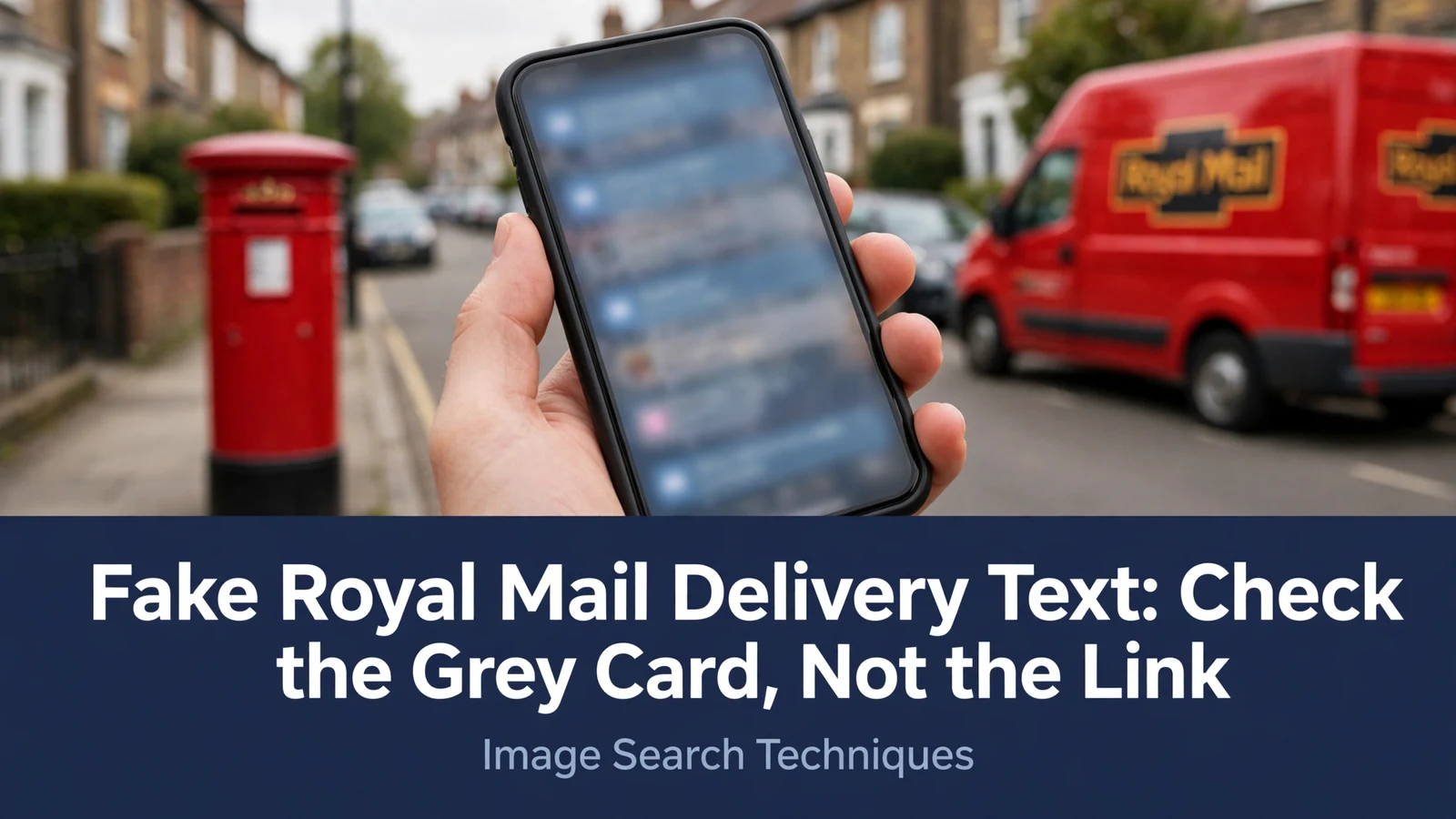
You are waiting for a parcel when your phone buzzes. Royal Mail could not deliver it, the text says, and you need to pay £1.99 today or it goes back. The name is right, the tone is official, and the deadline feels urgent. Most people tap the link. That tap is the scam. This guide shows you how to check any Royal Mail delivery text in 60 seconds, using the grey card and the tracking number, and it explains the one real exception that catches even careful readers out. The same check works for every delivery scam in our complete photo scams guide.
The short answer: A fake Royal Mail delivery text asks you to pay a small fee, £1.99 or £2.99, through a link in the message. Royal Mail never asks for payment for an underpaid item by text or email. It leaves a grey Fee to Pay card instead. Check the tracking number on royalmail.com, typed yourself, and forward the text to 7726.
What a fake Royal Mail delivery text looks like
A fake Royal Mail delivery text is a short message that pretends a parcel needs your attention. This Royal Mail scam text usually follows one of three scripts. The first is the missed delivery: Royal Mail tried to deliver your parcel and could not, so you must rearrange delivery. The second is the redelivery fee: your parcel is held at a depot because of an unpaid shipping fee, usually £1.99 or £2.99, and you must pay within 24 hours or it will be returned. The third is the parcel returned: your item was due tomorrow and has now gone back to a local facility, and only the link in the message can fix it.
Royal Mail publishes its own examples of the wording scammers use, and the phrases are plain: “We couldn’t deliver your package, please pay a fee.” and “Your parcel is waiting for collection, click this link.” Real scam texts seen in the wild add a deadline and a fee. One widely reported version reads: “Royal Mail: Your parcel is held at our depot due to an unpaid £1.99 shipping fee. Please confirm your address and pay within 24 hours to avoid return.” The link at the end is the trap. We never print a live scam link, and you should never tap one to “check” it.
The sender name is no help on its own. The name on your screen can say Royal Mail because sender names in text messages can be faked, and scammers copy the real branding. Four smaller signs help. First, the fee: Royal Mail does not charge a £1.99 redelivery fee, and a small fee demanded by text is the most common tell. Second, the deadline: a 24-hour or same-day threat is pressure, not process. Third, the parcel itself: the text may describe a parcel you are not expecting, arrive at an odd hour, or carry spelling and grammar mistakes. Fourth, the tracking number: a genuine Royal Mail text about a tracked parcel includes a tracking number, and many fake ones do not. A missing tracking number is a red flag, though a present one is not proof, because scammers can copy a real number from a public post.
The delivery-text read table
Read the text field by field before you do anything with it. Each row of this table is one check, and two failed rows are enough to call it fake.
| Field | What the text says | What it means |
|---|---|---|
| Sender | Shows as Royal Mail | Proves nothing. Sender names can be faked. |
| First line | Missed delivery, parcel held, item returned | All three are standard scam hooks. |
| Fee ask | £1.99 or £2.99 to release or redeliver | Fake for an underpaid item. See the customs split below. |
| Link | Short link or unfamiliar domain | Never tap it. Royal Mail links go to royalmail.com. |
| Deadline | Pay within 24 hours or it goes back | Pressure, not process. Real fees do not expire in hours. |
| Tracking number | Missing, or a number that does not match | Check it on royalmail.com yourself. A mismatch settles it. |
| Grey card | No card mentioned or left | No card, no fee. A real fee always comes with a grey card. |
The rule most guides get wrong: underpaid is not customs
Here is the point where many scam guides, and some well-meaning advice pages, get the answer wrong. They say Royal Mail never asks for money by text, full stop. That is true for one kind of fee and not true for another, and the difference matters, because a reader who knows about the exception can be talked into paying a fake fee.
An underpaid item is a parcel or letter that did not have enough postage. For this, Royal Mail’s own scam protection page is absolute: Royal Mail will not ask for your bank details, passwords, or personal data, and it will not ask for payment for an underpaid item by email or text. Instead, it always leaves a grey “Fee to Pay” card at your address. If the text asks you to pay for an underpaid item, it is fake, whatever the link looks like.
A Royal Mail customs fee is different. This is the charge on a parcel arriving from outside the UK, and Royal Mail says it may send an SMS or email notification for customs fee charges where the sender provided your contact details, as well as leaving a grey Fee to Pay card. So a text about a customs fee can be genuine. What the current Royal Mail page does not say is that the message provides a link to pay. It says only that a notification may arrive and that a grey card is also left. So the settler is not the link, and it is not the fee alone. It is the grey card plus the tracking number, checked on royalmail.com, typed yourself. If a customs fee is real, the card will be at your door and the tracking page will show the same charge. If there is no card and the tracking page shows nothing, the text is fake even if it talks about customs.
There is one more condition worth knowing. Royal Mail says it will only contact you by email or text if tracking updates were requested by the sender when the item was posted. If nobody asked for tracking updates, Royal Mail has no reason to text you at all, and a message about a parcel you never tracked is fake on that fact alone. You can check the full official wording on Royal Mail’s own scam protection page.
The 60-second check
Use these five steps in order. The whole check takes about a minute, and step two or three settles most texts on its own.
Step 1. Do not tap the link, and do not reply. Do not tap to “check” the link, and do not reply STOP or ask who it is. A reply tells the scammer your number is live. Leave the text where it is until you have finished the check.
Step 2. Look for the grey card. Check the doormat and ask anyone else in the house. A real fee for an underpaid item or a customs charge always comes with a grey Fee to Pay card. The card tells you the amount and how to pay through Royal Mail’s own channels. No card means no fee is due, and a text demanding one is fake.
Step 3. Check the tracking number yourself. Open royalmail.com in your browser, typed by you, and enter the tracking number from the text on Royal Mail’s own tracking page. A genuine parcel shows its real status and any real charge. If the number is not recognised, or it shows a different item, the text is fake. If the text has no tracking number at all, treat it as fake and move to step five.
Step 4. Ask whether you are expecting a parcel. Check your orders and ask the seller whether they sent anything by Royal Mail. A text about a parcel you never ordered, or from a seller who used a different courier, is fake. Remember that Royal Mail only texts when the sender requested tracking updates, so a message about an untracked parcel fails this step too.
Step 5. If it still looks real, wait. A real parcel does not vanish in 24 hours because of an unpaid fee. The grey card gives you days, not hours, and the tracking page will still show the same charge tomorrow. Waiting costs you nothing. Paying a fake fee costs you the money and hands your card details to a scammer.
Worked example: we reverse-searched a real fake text
Most guides about this scam describe the text and stop there. We wanted to test what a reverse image search actually shows for one, so we took a real published image of a fake Royal Mail delivery text from Royal Mail’s own scam-examples page. The image shows a phone screenshot reading: “Your item intended to arrive tomorrow is now returned to our local facility. Visit [link] by Tuesday, 1st September, 2026.” We searched that image on Google Lens and on TinEye and recorded exactly what each one returned.
Google Lens returned 1 exact match, and it was Royal Mail’s own “Typical online scams to look out for” page, the page the image came from. It also loaded 60 visual matches, a long list of scam warnings from news sites and consumer pages, including the BBC, Mashable, Plymouth Live, This is Money, Hackread, Tower Hamlets and Tech Advisor, with several sites appearing twice. The list also held one irrelevant result, a wallet card on eBay, which shows that visual matches are similar pictures, not confirmed copies. The Lens “All” view even generated its own short AI summary about the image.
TinEye searched over 86.9 billion images and found 0 matches. It has not crawled any page carrying this image, so there is no first-indexed date to report. A zero on TinEye does not mean the image is new or the text is real. It means TinEye’s index does not hold a copy. The honest reading of the two results together is this: the image exists only on Royal Mail’s own warning page, and the wording travels while the links change. Scammers reuse the same sentences with new domains, so reverse-searching the picture proves the pattern, not the sender. The grey card and the tracking number are still the checks that decide it.
If you already tapped the link or paid
Act quickly, and do not feel embarrassed about it. These texts are built to work on people who are expecting a parcel, and the fee is kept small precisely so that paying feels easier than checking.
Call your bank at once, on the number on the back of your card, or dial 159 to reach most UK banks. Tell them you may have given card details to a scam site. They can block the card, watch for further charges, and in some cases reverse a payment. Then change the password on any account that shares the password you entered, and turn on two-factor authentication where it is offered. Check your bank statements for the next few weeks, and check your credit report for accounts you did not open.
Then report it. Forward the text to 7726, free of charge, so your mobile provider can block the sender. Take a screenshot of the message and send it to reportascam@royalmail.com, so Royal Mail can warn others about the same wording. If money was taken, report the fraud to Report Fraud on 0300 123 2040. Some older guides still name Action Fraud for this step. That service was replaced on 4 December 2025, and Report Fraud is the current route. The same reporting steps apply to the courier collection scam, where a fake driver asks to collect a parcel or a payment, which we cover in our fake courier collection scam guide.
How to report a fake Royal Mail text
Reporting takes two minutes and it is the step most people skip. It matters because the same wording is sent to thousands of phones, and each report helps providers block the sender sooner.
Forward the text to 7726. That is the free spam-reporting number run by the UK mobile networks, and it works for any suspicious text, not just Royal Mail ones. Then screenshot the message and email it to reportascam@royalmail.com. Royal Mail uses these reports to update its own scam examples, which is how the wording in our worked example reached its warning page. If a scam letter or card came through the letterbox instead of a text, use Royal Mail’s online scam mail form, or call Citizens Advice on 0808 223 1133. Scam calls pretending to be Royal Mail can be reported by calling 020 7239 6658 and selecting option 3.
The same habits protect you against the other scam texts doing the rounds. A fake utility bill message uses the same pressure and the same fake payment link, as our fake utility bill photo check shows. A fake EE account text asks you to fix a failed bill through a link instead of the My EE app, which we cover in our fake EE account text guide. And a fake WhatsApp verification code message asks you to forward six digits you should never share, as our fake WhatsApp verification code guide explains.
Why these texts spike at Christmas
Royal Mail delivery scam texts rise sharply in the run-up to Christmas and around Black Friday, when more people are ordering parcels and more parcels are genuinely in transit. Ofcom has found that scam texts surge around those dates, and Royal Mail has reported a rise in delivery scams. A text about a parcel feels plausible in December in a way it does not in February, and that plausibility is what the scammer is counting on. The check does not change with the season. Grey card, tracking number on royalmail.com typed yourself, and 7726 if it fails either test.
Frequently asked questions
Is the £1.99 Royal Mail text real?
No, in almost every case. Royal Mail does not charge a £1.99 redelivery fee, and it never asks for payment for an underpaid item by text or email. A genuine fee always comes with a grey Fee to Pay card. If the text demands £1.99 through a link and no card has arrived, it is fake. Forward it to 7726.
Does Royal Mail ever text about a customs fee?
Yes, it can. Royal Mail may send an SMS or email about a customs fee where the sender provided your contact details, and it also leaves a grey Fee to Pay card. A customs text can still be fake, so check the tracking number on royalmail.com, typed yourself. No card and no matching tracking entry means fake.
What is the grey Fee to Pay card, and what do I do with it?
It is the physical grey card Royal Mail leaves at your address when a fee is due on an underpaid item or a customs charge. It states the amount and how to pay through Royal Mail’s own channels. Pay only through the route printed on the card or on royalmail.com. Never pay a fee from a link in a text.
I tapped the link in a Royal Mail text. What should I do now?
Do not enter any details. Call your bank at once on the number on the back of your card, or dial 159, and tell them you may have shared card details with a scam site. Change any password you entered, turn on two-factor authentication, and report the fraud to Report Fraud on 0300 123 2040.
How do I report a fake Royal Mail delivery text?
Forward the text to 7726, free of charge, then screenshot it and email the screenshot to reportascam@royalmail.com. If money was taken, also report it to Report Fraud on 0300 123 2040. If a scam letter arrived through the letterbox, use Royal Mail’s online scam mail form or call Citizens Advice on 0808 223 1133.
Can I check a Royal Mail tracking number from the text message?
Yes, but do it yourself. Open royalmail.com in your browser, typed by you, and enter the number on Royal Mail’s own tracking page. A genuine parcel shows its real status and any real charge. If the number is not recognised or shows a different item, the text is fake. Never check it through the link in the message.